Top 5 Viral Instagram Photo Editing Styles for 2026
Introduction
Let’s be real: Instagram in 2026 isn't just about "posting a photo" anymore. It’s about storytelling through a specific visual vibe. Whether you are a brand or an influencer, your aesthetic is your digital handshake. But with the rise of AI and high-speed content consumption, the styles that worked last year are already gathering digital dust.
One of the biggest shifts we've seen is the move toward seamless integration. It's no longer enough to just slap on a filter; creators are now focusing on precision, from the perfect lighting to clean backgrounds. In fact, many viral looks today start with a clean slate, often requiring you to
Ready to level up your feed? Here are the top 5 styles breaking the internet right now.
1. The "Hyper-Real" AI Surrealism
This style blends high-definition reality with impossible elements. Think of a portrait where the subject is sharp, but the background consists of floating liquid chrome or neon flora.
Why it works: It stops the "doom-scroll" by presenting something the human eye knows isn't "real" but looks physically tangible.
How to achieve it: Use
image-to-image AI
2. Low-Fi "Retro-Futurism"
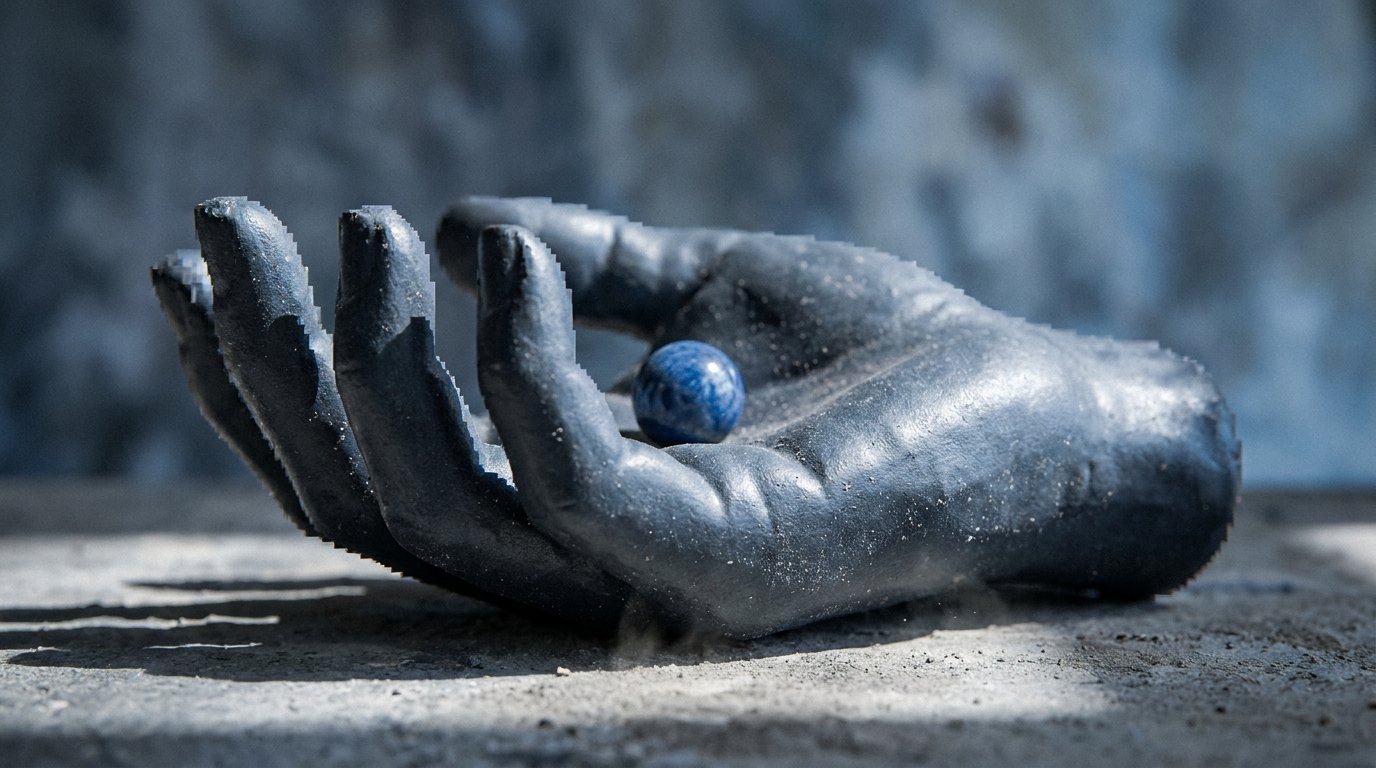
2026 has seen a massive comeback of 90s camcorder vibes mixed with 2026 digital crispness. It’s grainy, it has light leaks, but the subjects are framed with modern precision.
The Trick: It’s all about the "messy but intentional" look.
Pro Tip: To keep this from looking amateur, ensure your main subject is perfectly sized. Check out our
ultimate guide on Instagram image sizes
3. The "Invisible Edit" (Clean Aesthetic)
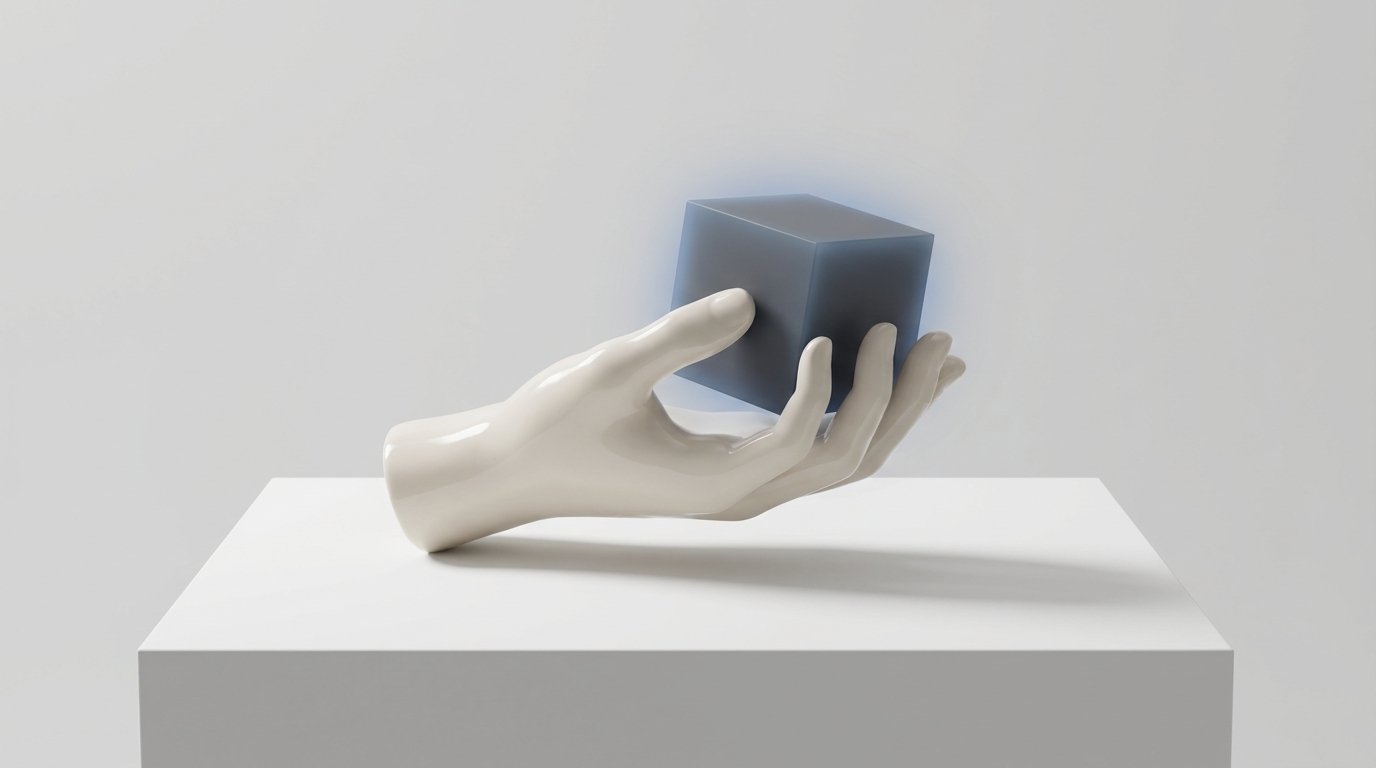
This is the "no-makeup" look of photo editing. It looks like a raw photo, but in reality, every distraction has been surgically removed.
The Focus: Minimalist backgrounds and soft, natural shadows.
Use Case: Perfect for lifestyle influencers and high-end fashion brands.
Key Step: You’ll often need to
remove unwanted people from your vacation photos
4. Neo-Glow & Edge Lighting
Lighting is everything in 2026. This style uses "rim lighting" or "edge glows" to make the subject pop out of the screen. It creates a 3D effect that feels like the person is stepping out of the phone.
How to fix it: If your photo feels flat, adding a
realistic shadow edge refiner tool
5. Maximalist Collage (The Digital Scrapbook)
Why post one photo when you can post ten in one frame? The digital scrapbook style uses layered cutouts, textures, and mixed media.
The Essential Tool: You'll need a solid
background remover
Step-by-Step: How to Master the 2026 Look
Creating a viral edit doesn't require a degree in Photoshop. Follow these simple steps to ensure your visuals are top-tier:
Choose the Right Base: Start with a high-resolution image. If it’s for a professional profile, even a
home-made passport photo Clean the Canvas: Use an
AI background remover Refine the Edges: Avoid the "sticker look" by using an
edge refiner Balance the Format: Before exporting, ensure you are using the right file type. Check our
JPEG vs PNG vs WebP guide Export & Optimize: Use a
size optimizer
Do’s vs. Don’ts for 2026 Instagram Edits
| Feature | Do This ✅ | Don't Do This ❌ |
|---|---|---|
| Backgrounds | Use | Leave messy room clutter in the shot. |
| Lighting | Match your subject to the background glow. | Use "Auto-Brightness" which washes out color. |
| AI Usage | Use AI to enhance reality and textures. | Make skin look like plastic (keep it |
| Formatting | Resize specifically for 4:5 aspect ratio. | Post 16:9 photos that get cropped awkwardly. |
Pro Insight: "In 2026, the most viral photos aren't the ones that look the most edited—they are the ones where the editing feels like part of the atmosphere." — MakeMyVisuals Design Team
Common Mistakes to Avoid
Over-Sharpening: This creates "noise" that Instagram’s algorithm hates.
Bad Background Removal: Jagged edges around hair are a dead giveaway of a rush job. Always use a tool with
for consistency. batch processing Ignoring Shadows: If you remove a background but don't add a
, your subject will look like it's floating. realistic shadow
Conclusion
The visual landscape of Instagram is moving faster than ever. By embracing styles like AI Surrealism or the Clean Aesthetic, you position yourself at the forefront of the creator economy. Remember, the best edits start with the best tools. Whether you need to resize, remove backgrounds, or optimize for speed, we’ve got you covered.
Ready to transform your feed? Explore the full suite of professional editing tools at
FAQs
1. Which photo format is best for Instagram in 2026?
While JPEG is standard, WebP and high-quality PNG are becoming more popular for maintaining detail. However, for the best balance of quality and load speed, a compressed JPEG is usually the winner.
2. How can I make my AI-generated photos look more real?
The key is in the details—adding natural grain, preserving skin texture, and ensuring the lighting matches the environment. You can
3. Does background removal affect photo quality?
Not if you use the right tools! Using a high-quality
4. What is the best aspect ratio for Instagram posts now?
The 4:5 ratio (1080x1350px) remains the king for engagement as it takes up the most screen real estate in the feed.
5. Can I edit multiple photos at once for a consistent theme?
Yes! To save time and keep your aesthetic consistent, use
Related Guides & Articles
- GTA 6 Launch Guide Reveals the Settings PS5 and Xbox Players Should Change First
- 10 Free Online Puzzle Games You Can Play Directly in Your Browser
- Best Free Brain Games to Play Online Without Downloading
- Photo Editing Quiz: Test Your Knowledge of Image Editing Basics
- Why Some Small Brands Are Getting More Attention Than Big Companies
- AI Agents Are Getting Smarter: What Can They Actually Do in 2026?
