Best Image Sizes for Instagram, YouTube, and LinkedIn in 2026: The Ultimate Guide
Let’s be honest: there is nothing more frustrating than spending hours designing a killer graphic, only to have Instagram crop out your text or LinkedIn turn your headshot into a pixelated mess.
In 2026, social media algorithms are more visual-centric than ever. High-resolution imagery isn't just a "nice-to-have"; it’s a ranking factor. If your images are blurry, users scroll past, and the platform stops showing your content.
Whether you are building a brand on
1. Instagram Image Sizes: It’s All About the Vertical Real Estate
In 2026, Instagram has moved almost entirely away from the classic square. To capture the most "thumb-stop" attention, you need to occupy as much vertical screen space as possible.
Instagram Feed Posts
Portrait (Recommended): 1080 x 1350 pixels (4:5 ratio)
Square: 1080 x 1080 pixels (1:1 ratio)
Landscape: 1080 x 566 pixels (1.91:1 ratio)
Pro Tip: Always aim for the 4:5 Portrait ratio. It gives you roughly 20% more screen real estate than a square post, making your content harder to ignore.
Instagram Reels & Stories
Dimensions: 1080 x 1920 pixels (9:16 ratio)
Safe Zone: Keep text and logos at least 250 pixels away from the top and bottom to avoid being covered by the UI (user interface) elements like your profile name or the caption.
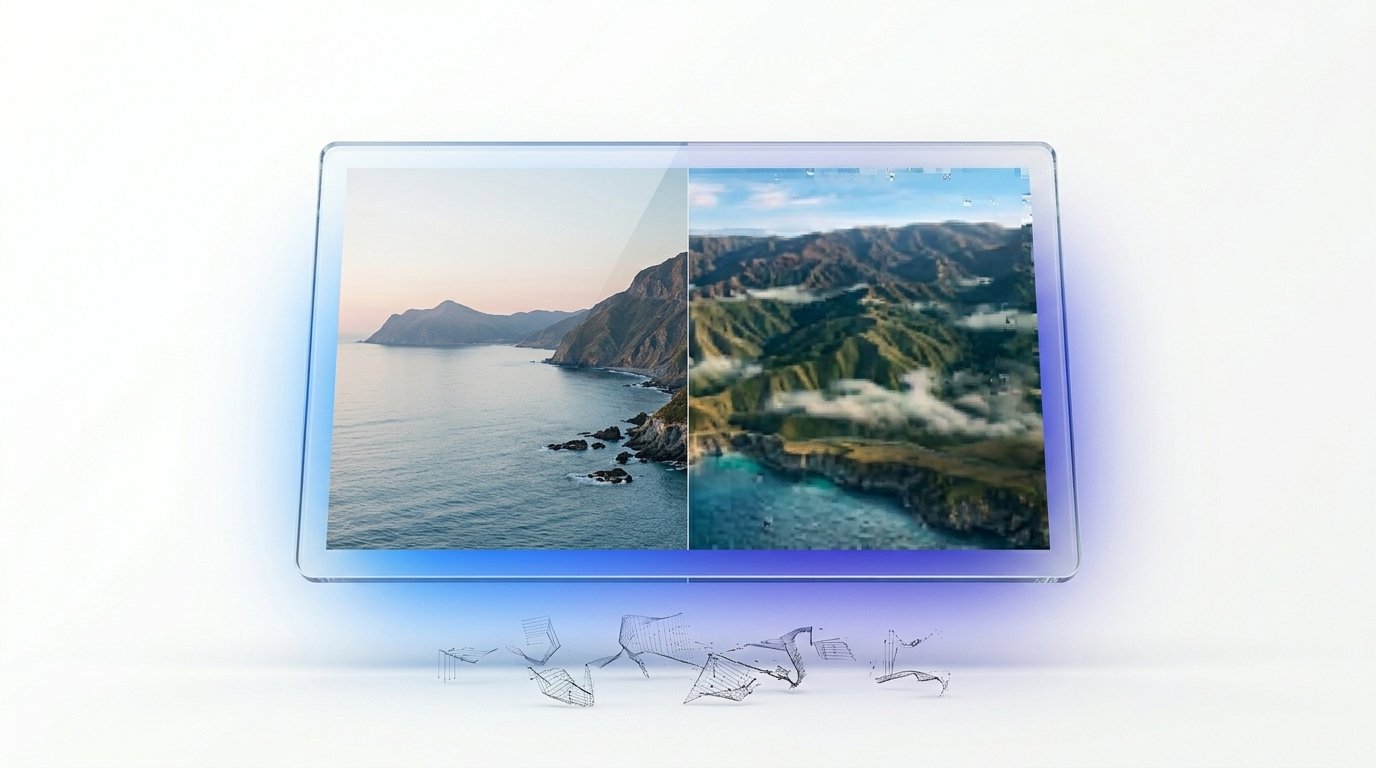
Expert Insight: Before uploading, ensure your file format is optimized. To understand the best file types for fast loading, check out our guide on
. JPEG vs PNG vs WebP
2. YouTube Image Sizes: Building a Cinematic Channel
YouTube is no longer just for 16:9 video; it’s a community hub with Shorts, Community Posts, and high-res Channel Art.
YouTube Channel Header (Banner)
Recommended Size: 2560 x 1440 pixels
Minimum Safe Area: 1546 x 423 pixels (This ensures your text is visible on both mobile and desktop).
YouTube Thumbnails
Dimensions: 1280 x 720 pixels (16:9 ratio)
Maximum File Size: 2MB
Format: .JPG or .PNG
YouTube Shorts
Dimensions: 1080 x 1920 pixels (9:16 ratio)
3. LinkedIn Image Sizes: The Professional Standard
LinkedIn has become much more visual lately. Posts with images receive 2x higher engagement than text-only posts.
LinkedIn Profile & Company Pages
Personal Profile Photo: 400 x 400 pixels
Company Logo: 300 x 300 pixels
Cover Image: 1584 x 396 pixels
LinkedIn Feed Posts
Image Posts: 1200 x 627 pixels (Landscape) or 1080 x 1350 (Portrait)
Article Cover Images: 1200 x 600 pixels
How to Prepare Your Visuals for 2026
Knowing the sizes is only half the battle. Here is a quick <u>step-by-step guide</u> to ensuring your images look flawless:
Choose the Right Tool: Don't guess. Use dedicated design software or check out these
10 free online tools every content creator should use in 2026 Start with High Res: Always design at 2x the required size and scale down. If you need a 1080px image, start with 2160px.
Check the Background: For profile photos or product shots, a messy background ruins the vibe. Make sure to
remove image backgrounds Mind the Compression: Social media platforms compress files. Exporting in WebP or high-quality PNG often yields better results than standard JPEGs in 2026.
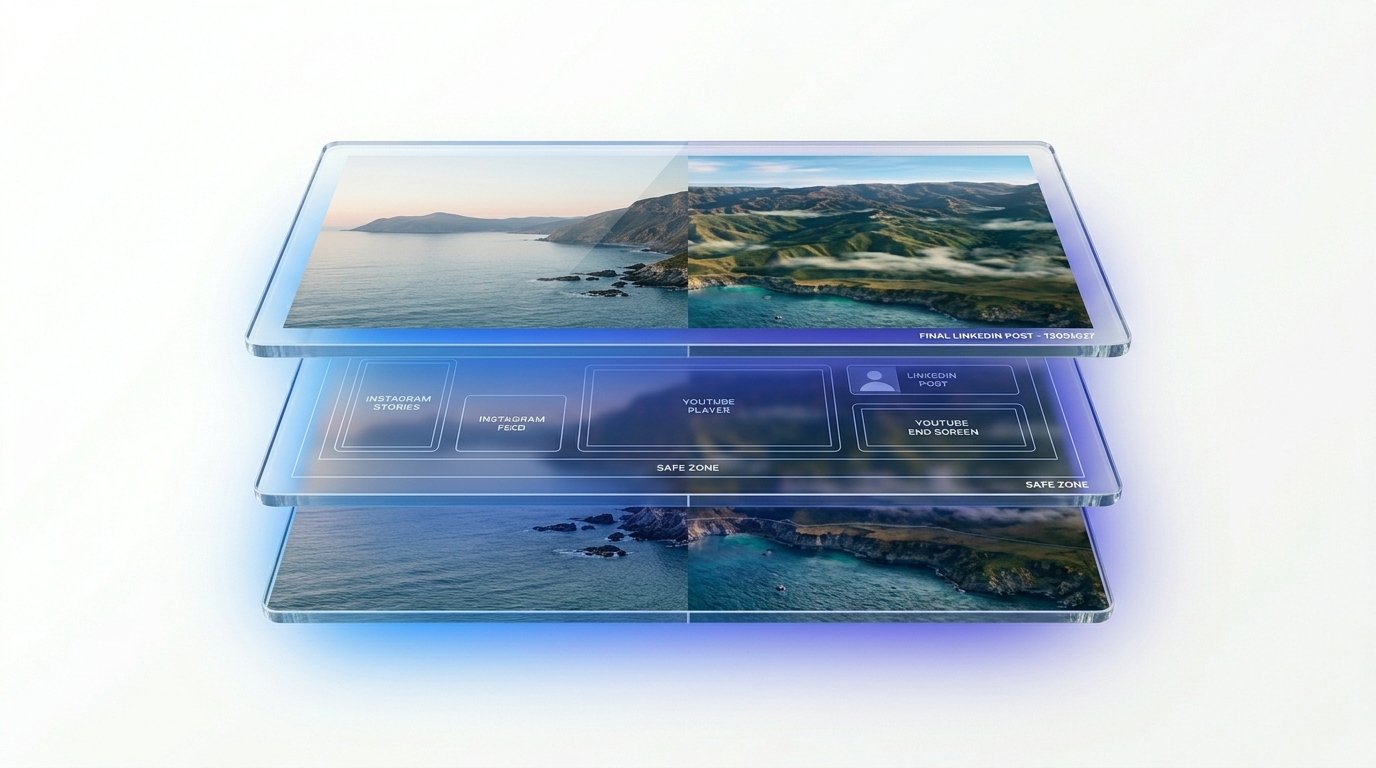
Summary: Quick Dimensions Table
| Platform | Feature | Best Size (Pixels) | Aspect Ratio |
| Portrait Post | 1080 x 1350 | 4:5 | |
| Reel/Story | 1080 x 1920 | 9:16 | |
| YouTube | Thumbnail | 1280 x 720 | 16:9 |
| YouTube | Banner | 2560 x 1440 | 16:9 |
| Post | 1200 x 1200 | 1:1 | |
| Cover Photo | 1584 x 396 | 4:1 |
Common Mistakes to Avoid
Using the wrong ratio: Don't force a landscape photo into a 9:16 Story; it will look amateur.
Ignoring "Safe Zones": Keep your text centered so it doesn't get cut off by phone notches or app buttons.
Loss of Quality: If you need to fix a small image,
before posting. learn how to resize images without losing quality
Conclusion
Visuals are the heartbeat of your digital presence. In 2026, users have zero patience for low-quality content. By sticking to these updated dimensions, you ensure that your brand looks professional, trustworthy, and ready for the algorithm's spotlight.
Ready to take your visuals to the next level? Visit
FAQs
1. Why does Instagram change image sizes so often?
Instagram updates its UI to match new smartphone screen resolutions. In 2026, the focus is on "full-screen immersion," which is why vertical formats are prioritized.
2. Can I use the same image for Instagram and LinkedIn?
Yes, but you should crop them differently. A 4:5 portrait works great on Instagram, but a 1:1 square or 1200px landscape is often better for the professional layout of LinkedIn.
3. What is the best file format for social media in 2026?
PNG-24 is excellent for logos and graphics with text. For photos, WebP is the 2026 standard for high quality at low file sizes, though JPEG is still widely accepted.
4. Does image size affect SEO?
Absolutely. On platforms like YouTube, the right thumbnail size and resolution improve your Click-Through Rate (CTR), which is a massive signal to the search algorithm.
5. How do I make sure my YouTube banner looks good on a TV?
When designing your banner (2560 x 1440), keep your main content in the "Safe Area" of 1546 x 423 pixels. The rest of the image will only be visible to users watching on a Smart TV.
Related Guides & Articles
- GTA 6 Launch Guide Reveals the Settings PS5 and Xbox Players Should Change First
- 10 Free Online Puzzle Games You Can Play Directly in Your Browser
- Best Free Brain Games to Play Online Without Downloading
- Photo Editing Quiz: Test Your Knowledge of Image Editing Basics
- Why Some Small Brands Are Getting More Attention Than Big Companies
- AI Agents Are Getting Smarter: What Can They Actually Do in 2026?
