What is Claude AI? Everything You Need to Know About the "Human-Like" AI
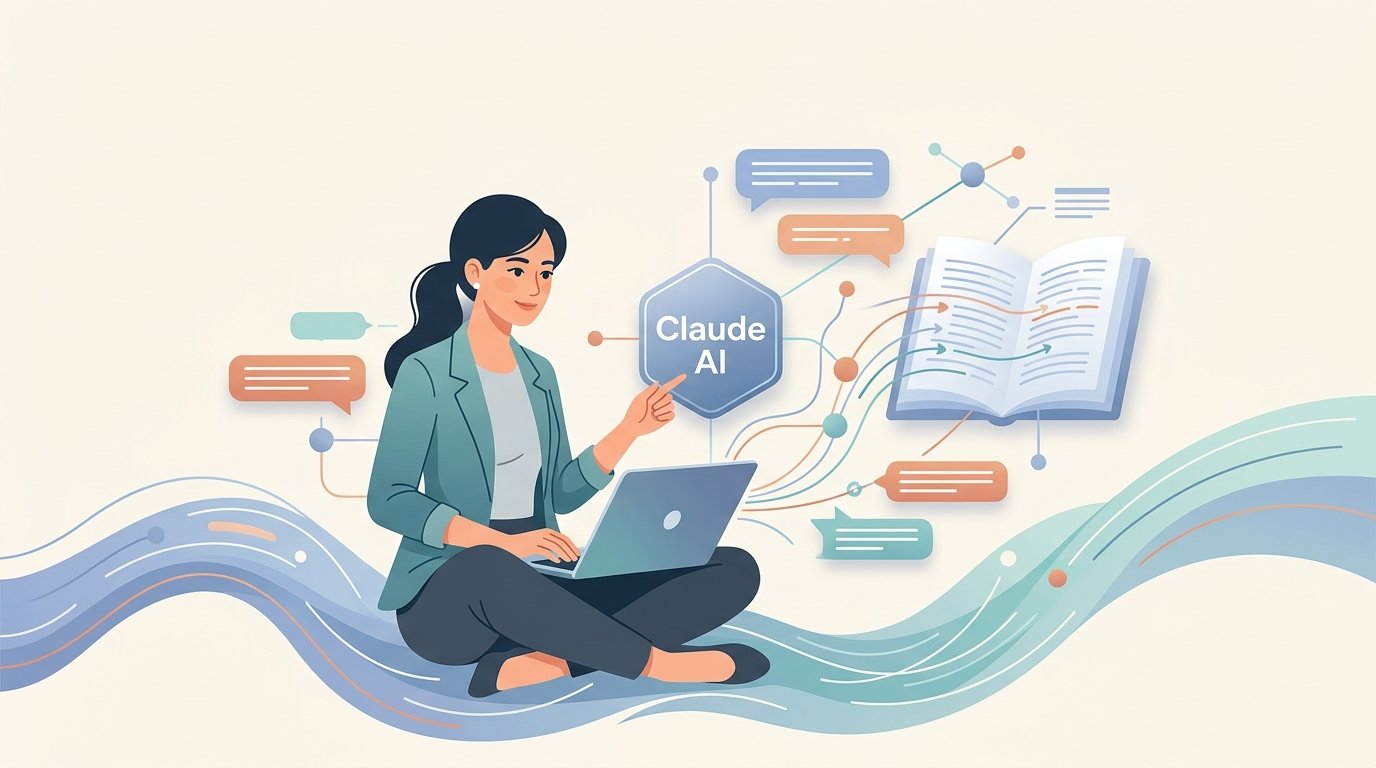
If you’ve spent any time in the digital world lately, you know that AI isn't just a buzzword anymore—it's a teammate. But among the sea of chatbots, one name keeps surfacing for its unique "personality" and incredible precision: Claude AI.
Developed by Anthropic, Claude has quickly become the go-to for writers, coders, and even visual designers who need a partner that actually gets context. Whether you are trying to brainstorm a brand refresh or looking for the
Let’s dive into what makes this AI tick and why it’s making waves at
What Exactly is Claude AI?
In simple terms, Claude is a family of Large Language Models (LLMs). It was built by Anthropic, a company founded by former OpenAI executives who wanted to create an AI that was not only powerful but also "constitutional"—meaning it follows a specific set of ethical principles to stay helpful and honest.
Unlike some AI that might give you a generic, "cookie-cutter" answer, Claude is known for:
Deep Context Windows: It can read and remember massive documents (like whole books!) in one go.
Human-Like Nuance: It excels at creative writing and complex reasoning.
Safety First: It is designed to be less likely to generate harmful or biased content.
The Claude Family Tree
Currently, Claude comes in three main "flavors" to suit different needs:
Claude Haiku: The speedster. Great for quick tasks and simple automation.
Claude Sonnet: The balanced middle ground (and the version most people use for free).
Claude Opus: The powerhouse. This is the model used for high-level analysis and deep coding.
Why Should Creators Care About Claude?
If you are a photographer, an e-commerce seller, or a social media manager, you might wonder: "Why do I need a text AI when I'm working with images?"
Here’s the trick: Claude is an incredible strategist. While you use tools like our
Real-World Use Cases
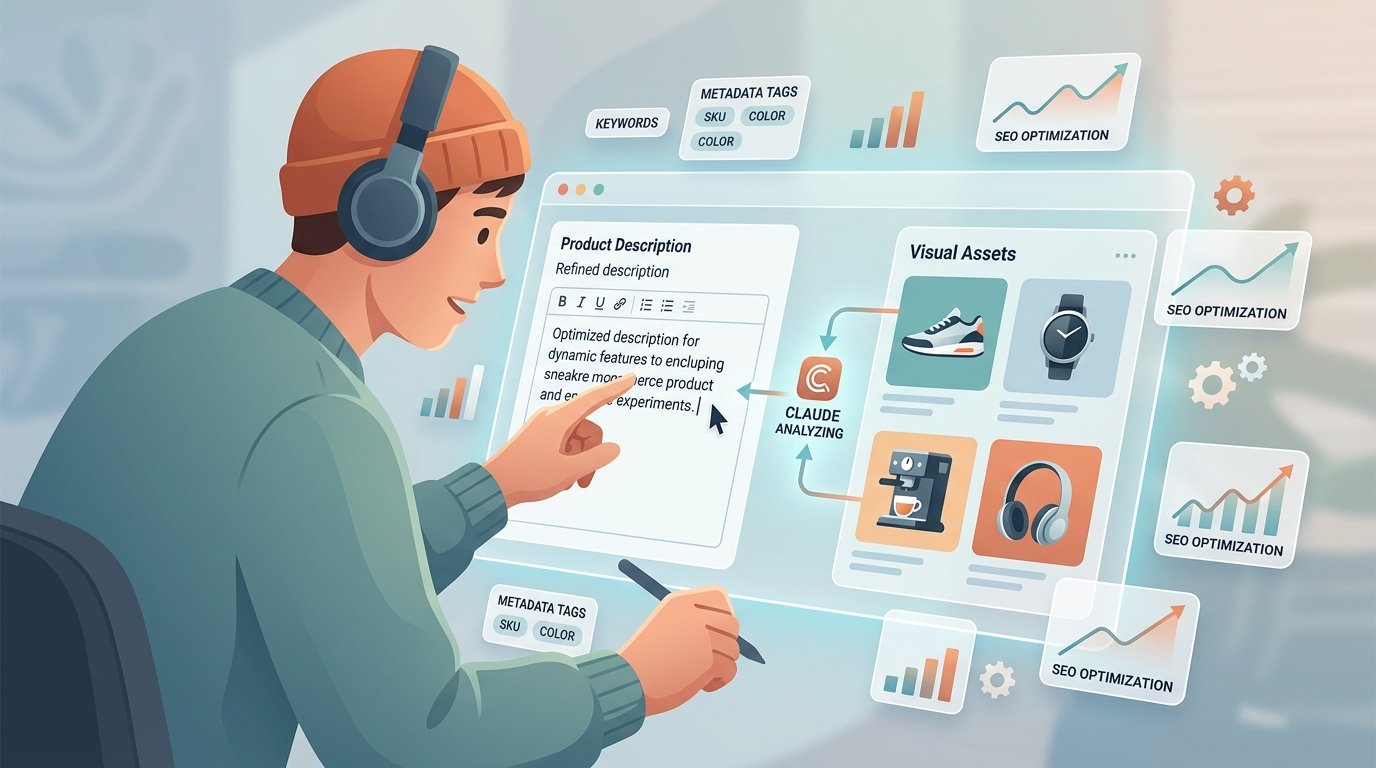
E-commerce Pros: Use Claude to write product descriptions while you learn
how to create professional product images for Amazon Brand Managers: Use Claude to brainstorm a visual identity, then use
image-to-image AI to redesign your assets Students: Upload a syllabus or a messy scan (check out our
doc scanner
How to Get Started with Claude AI: A Step-by-Step Guide
Getting the most out of Claude isn't just about typing a prompt; it's about how you frame the conversation.
1. Choose Your Interface
You can access Claude through the official website (Claude.ai) or via various API integrations. If you're a beginner, the web chat interface is the most friendly.
2. Provide Context
Don't just say, "Write a post." Instead, try:
"I am a small business owner selling handmade mugs. Write a friendly Instagram caption about my new summer collection."
3. Upload Supporting Files
One of Claude's best features is the "paperclip" icon. You can upload PDFs, text files, or even images. For example, you can upload a screenshot of your website and ask, "How can I improve the layout for better sales?"
4. Refine and Iterate
Claude loves feedback. If the tone is too formal, just say, "Make it punchier and add some humor."
Pro Tip: If you're using Claude to help with design ideas, remember that AI sometimes struggles with technical specs. Always double-check your output against our guide on
. best image sizes for Instagram, YouTube, and LinkedIn in 2026
Claude AI vs. The Competition
| Feature | Claude AI (Anthropic) | ChatGPT (OpenAI) |
| Writing Style | More natural and literary | Often more structured/bulleted |
| Context Window | Up to 200k tokens (Huge) | Varies (Generally smaller) |
| Coding | Excellent at logic | Excellent at variety |
| Image Gen | Not native (Text/Vision only) | Native (via DALL-E) |
Common Mistakes to Avoid When Using AI

⚠️ Watch Out For These!
Blind Trust: Always fact-check. Even the best AI can "hallucinate."
Over-Reliance: AI is a co-pilot, not the pilot. Keep your unique human voice.
Privacy: Never upload sensitive personal data or passwords to any AI tool.
Formatting Issues: If you're using AI to help with documents, ensure you use a
to keep your files professional after the AI is done with them. format converter
Expert Insights for 2026
As we move through 2026, the line between "AI work" and "Human work" is blurring. The most successful creators are those who use Claude for the logic and tools like
For instance, you might ask Claude to analyze a photo's lighting. It might tell you the shadows are too harsh. You can then immediately go to our
The Bottom Line
Claude AI is more than just a chatbot; it's a sophisticated reasoning engine that helps you think more clearly and work more efficiently. By pairing Claude's intellectual power with practical editing tools, you can transform your digital presence in minutes rather than hours.
Ready to take your visuals to the next level?
FAQs
1. Is Claude AI free to use?
Yes, Anthropic offers a free version (Claude Sonnet) on their website with daily usage limits. For higher limits and more power, there is a paid "Claude Pro" subscription.
2. Can Claude AI generate images?
No, Claude is primarily a text and vision-analysis model. It can "see" and describe images you upload, but it cannot create a new image from scratch. For image creation and editing, you should use specialized tools.
3. Is Claude better than ChatGPT?
"Better" is subjective! Claude is generally preferred for creative writing and long-document analysis, while ChatGPT is often praised for its versatility and integrated image generation.
4. How do I make my AI-generated content feel more real?
The best way is to add personal anecdotes and specific details. For more tips on this, check out our guide on
5. Can Claude help with SEO?
Absolutely. Claude is excellent at keyword placement and metadata generation. Just remember to use an
Related Guides & Articles
- GTA 6 Launch Guide Reveals the Settings PS5 and Xbox Players Should Change First
- 10 Free Online Puzzle Games You Can Play Directly in Your Browser
- Best Free Brain Games to Play Online Without Downloading
- Photo Editing Quiz: Test Your Knowledge of Image Editing Basics
- Why Some Small Brands Are Getting More Attention Than Big Companies
- AI Agents Are Getting Smarter: What Can They Actually Do in 2026?
