Shrink Without the Sacrifice: Why a 100KB Image Compressor is Your Secret SEO Weapon in 2026

The digital landscape of 2026 is unforgiving to slow websites. As mobile-first indexing reaches its peak, the difference between a 1MB hero image and one optimized to under 100KB can be the difference between the first page of search results and total digital invisibility. For creators and businesses alike, finding the right image compressor to 100kb is now a core part of the content strategy.
The 100KB Gold Standard: Why Size Matters
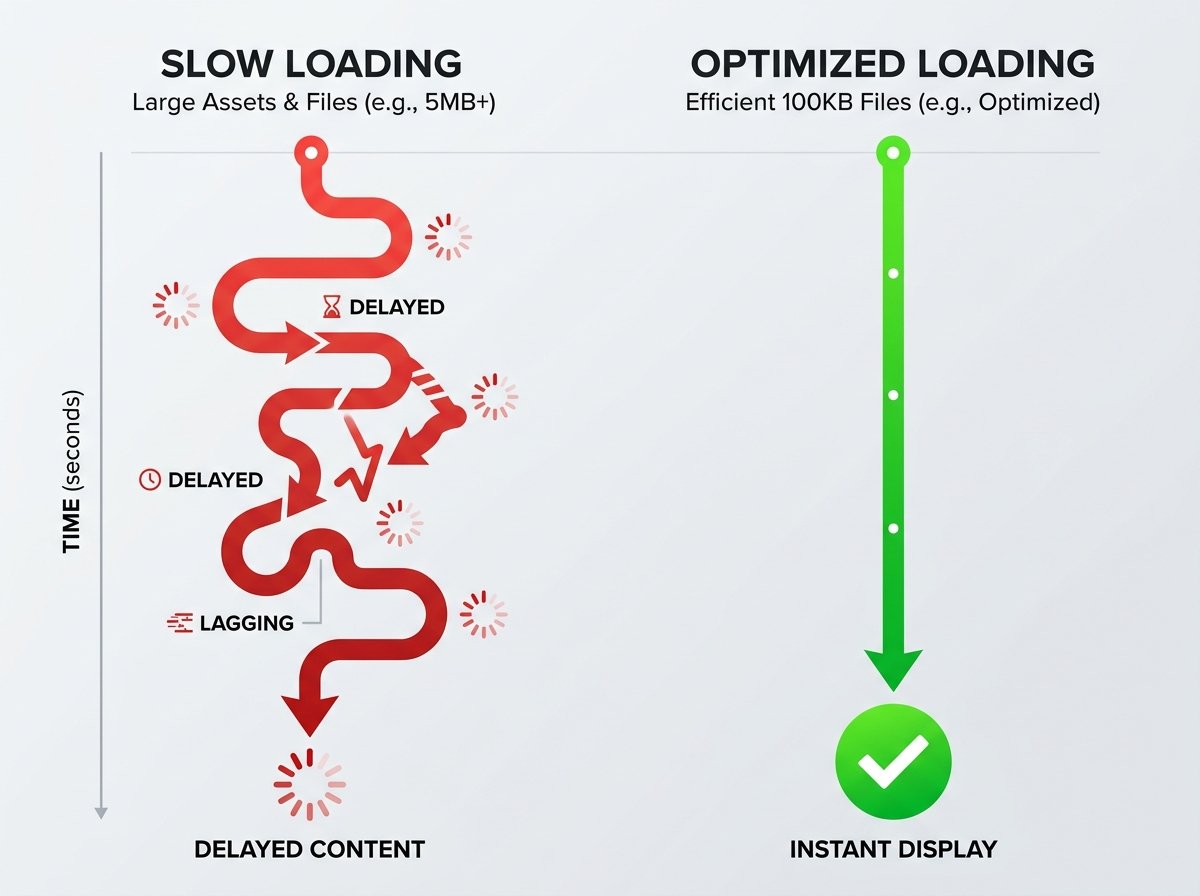
For years, "optimizing for web" was a vague suggestion. Today, it’s a precise science. Industry benchmarks for 2026 suggest that non-full-width images—such as blog graphics, headshots, and product photos—should ideally sit below the 100KB threshold. This ensures that even on slower 5G connections or restricted mobile data, your page remains interactive in under two seconds.
When you
Balancing Quality and Compression
The biggest fear for any professional is "pixelation." Traditional compression often left images looking muddy or "noisy." However, modern tools now use AI-driven lossy compression that identifies which data bits are invisible to the human eye.
By utilizing a high-quality
Choosing the Right Format for 100KB Goals
The format you choose significantly impacts how much you can compress without degradation:
WebP: The current industry favorite, offering 30% smaller files than JPEG.
AVIF: The emerging gold standard for 2026, providing even deeper compression.
JPEG: Still reliable for photographs if you use a
target compress
If you are unsure which to pick, a deep dive into
Beyond the Web: Government Forms and Professional Use
The need for a 100KB limit extends beyond SEO. Most government portals and job application systems in 2026 have strict file size caps for security and storage reasons. Whether it's for a passport application or a digital ID, knowing
Why This Matters
Visual content accounts for over 60% of total page weight on the modern internet. In 2026, Google’s AI crawlers don't just "see" your images; they evaluate the user experience they provide. An unoptimized image is a bounce-rate trigger. By mastering the use of an image compressor to 100kb, you are future-proofing your site against algorithm shifts, reducing bounce rates, and ensuring that your brand looks professional on every screen, from a 27-inch monitor to a budget smartphone.
Quick Tips for 100KB Success:
Resize before you compress: Never compress a 4000px image to 100KB; always
dimension resizer Use Next-Gen Formats: Convert older JPEGs to WebP using a
format converter Audit Regularly: Use a
marketplace checker
Related Guides & Articles
- GTA 6 Launch Guide Reveals the Settings PS5 and Xbox Players Should Change First
- 10 Free Online Puzzle Games You Can Play Directly in Your Browser
- Best Free Brain Games to Play Online Without Downloading
- Photo Editing Quiz: Test Your Knowledge of Image Editing Basics
- Why Some Small Brands Are Getting More Attention Than Big Companies
- AI Agents Are Getting Smarter: What Can They Actually Do in 2026?
