Secure Your Brand: The Ultimate Guide to Watermarking Your Social Media Posts

In an era where digital content is shared instantly, protecting your intellectual property is more critical than ever. Adding a watermark to your photos ensures your brand stays attached to your work, regardless of where it travels across the web.
Whether you are an influencer, a small business owner, or a hobbyist photographer, learning to apply a professional watermark is the first step toward securing your digital footprint and maintaining a cohesive visual identity.
Why Watermarking is Essential for Modern Content Creators
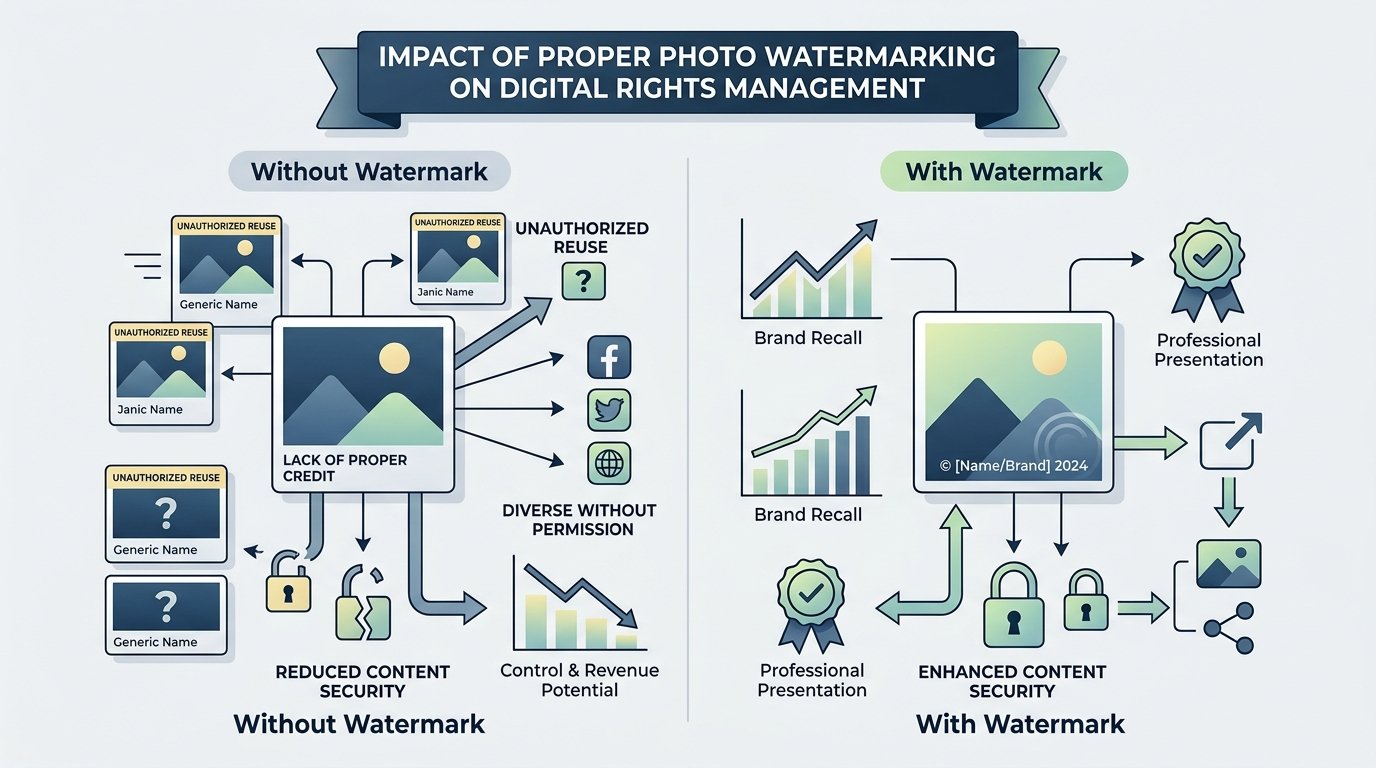
The internet makes it incredibly easy for others to "borrow" your high-quality visuals without permission. A watermark acts as a digital signature, discouraging unauthorized use and providing a direct link back to the original creator.
Beyond security, watermarking serves as a passive marketing tool. When your images go viral on platforms like Instagram or LinkedIn, your logo or handle remains visible, building brand recognition and trust with new audiences.
How to Add a Watermark to Your Photos
Adding a watermark doesn't require expensive software. Most creators now utilize streamlined online tools to achieve a professional look without the steep learning curve of traditional graphic design suites.
For those managing high volumes of content, using a
Choosing the Right Placement and Style
A common mistake is making a watermark so large it distracts from the subject. For a balanced look, place your logo in a corner or integrate it subtly into the background. If you are preparing content for e-commerce, ensure the watermark doesn't obscure the product details.
If you find that your logo has an unsightly white box around it, you may need to
Optimizing Your Images Before Posting
A watermark is only effective if the image itself looks great. Before applying your signature, ensure your photo is polished. You might want to
Additionally, remember that different platforms require specific dimensions. Before you finalize your watermarked post, consult a guide on the
Tools to Streamline Your Workflow
If you are looking for a quick and efficient way to protect your work, dedicated online utilities are your best bet. You can easily
Conversely, if you have received images that contain distracting or outdated marks that you have the rights to change, you can
Why This Matters
As AI-generated content and digital "scraping" become more prevalent in 2026, the distinction between original work and shared content is blurring. A watermark is no longer just an "extra step"—it is a necessity for anyone looking to build a professional reputation.
By integrating watermarking into your standard editing routine—alongside essential steps like
Related Guides & Articles
- GTA 6 Launch Guide Reveals the Settings PS5 and Xbox Players Should Change First
- 10 Free Online Puzzle Games You Can Play Directly in Your Browser
- Best Free Brain Games to Play Online Without Downloading
- Photo Editing Quiz: Test Your Knowledge of Image Editing Basics
- Why Some Small Brands Are Getting More Attention Than Big Companies
- AI Agents Are Getting Smarter: What Can They Actually Do in 2026?
