How to Optimize Product Images for Faster Sales Online
Introduction
We’ve all been there. You click on a promising link, wait five seconds for the product image to stutter into view, and... it’s a grainy, poorly lit photo with a distracting kitchen background. Most of us hit the "back" button before the price even loads.
In the world of e-commerce, your images are your sales pitch. Since customers can't touch or feel your products, they rely entirely on your visuals to build trust. But it’s not just about looking "pretty." It’s about technical performance, SEO, and psychological triggers.
Let's dive into how you can transform your catalog using
1. Speed is King: Compress Without Compromise
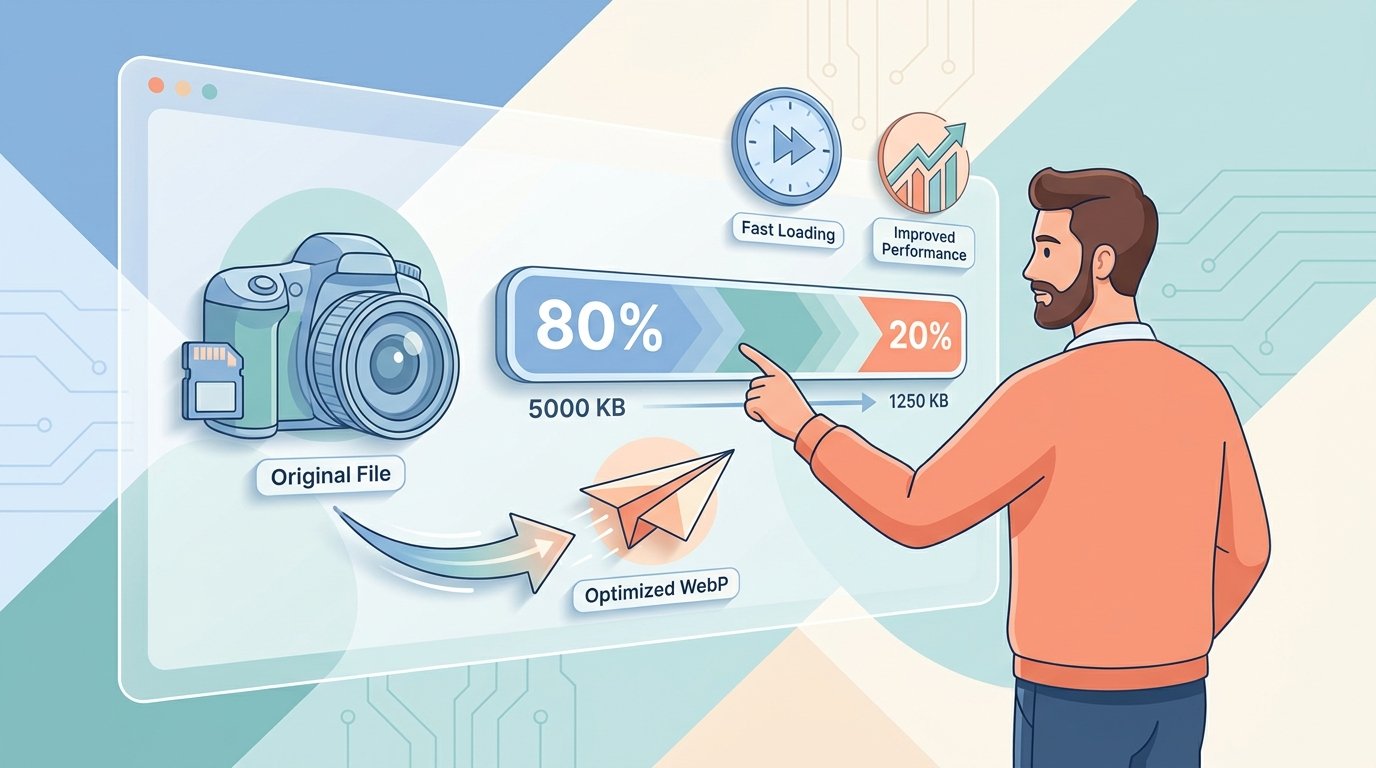
Nothing kills a sale faster than a slow website. Large, unoptimized image files are the #1 reason for high bounce rates. To rank on Google in 2026, your images must be lightweight.
The Golden Rule: Aim for file sizes under 100KB whenever possible.
The Trick: Use modern formats like WebP. If you aren't sure which to pick, check out our guide on
JPEG vs. PNG vs. WebP Action Step: Use a
Bulk Compress tool
2. Master the Art of Background Removal
A busy background distracts from the product. Top marketplaces like Amazon and Flipkart actually require a pure white background for primary images.
Why it matters: * It creates a "clean" look.
It makes the product colors pop.
It reduces file size (flat colors compress better than textures).
If you’re doing this manually, you might be making some
3. Add Depth with Realistic Shadows
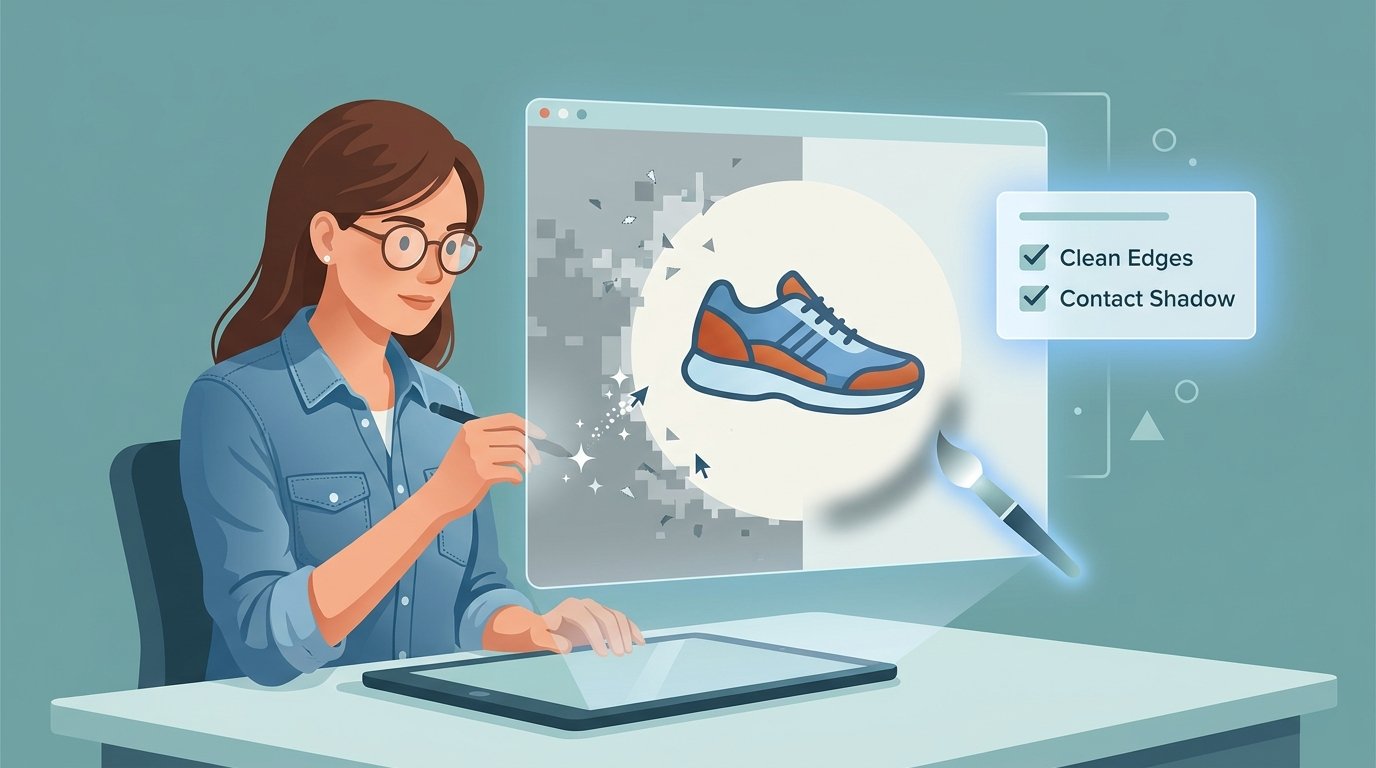
Once the background is gone, your product can look "flat" or "photoshopped." To make it look like it’s sitting on a real surface, you need shadows.
Pro Tip: Don't just use a generic drop shadow. Use a "contact shadow" where the product touches the ground to ground it in reality.
You can
Step-by-Step Guide: Preparing Your Images for Upload
Here is the workflow used by high-volume e-commerce brands:
Choose the Right Tool: Start with a platform that offers
Product Enhancement Upload & Remove Background: Ensure the edges are clean. If the edges look blurry, use an
Edge Refiner Resize for the Platform: Instagram, Amazon, and your personal Shopify store all have different requirements. You can
resize images without losing quality Optimize for SEO: Rename your file from
IMG_5432.jpgtoblue-leather-mens-wallet.jpg. This helps you show up in Google Image search.Export in the Right Format: Use a
WebP Converter
Common Mistakes to Avoid
Over-Filtering: Don't change the product's color so much that the customer feels cheated when the item arrives.
Inconsistent Aspect Ratios: Mixing square and rectangular images makes your storefront look messy.
Ignoring Mobile Users: Always check if your images look clear on a 6-inch phone screen.
Use Cases for Optimized Visuals
E-commerce Listings
Perfect for Amazon, eBay, or Etsy. High-resolution, white-background images are the standard that drives clicks.
Social Media Marketing
For Instagram or Pinterest, you need lifestyle shots. Use tools like
Digital Ads
Fast-loading images improve your "Quality Score" in Google Ads, which can actually lower your cost-per-click!
Conclusion
Optimizing your product images isn't just a design choice—it's a financial one. Faster loading speeds and professional visuals lead directly to higher trust and more sales. By combining the right aesthetics with technical SEO, you give your online store a competitive edge.
Ready to level up your brand? Visit
FAQs
1. Does image size really affect my SEO ranking? Yes! Google uses "Core Web Vitals" as a ranking factor. Large images slow down your Largest Contentful Paint (LCP), which can drop your position in search results.
2. What is the best file format for e-commerce?
WebP is currently the best for web performance. However, if you need transparency, PNG is the standard. You can learn more in our guide on
3. How many images should I have per product? Aim for 3–5 images: One hero shot (white background), one close-up of details, and one lifestyle shot showing the product in use.
4. Can I optimize my images for free?
Absolutely. Many
Related Guides & Articles
- GTA 6 Launch Guide Reveals the Settings PS5 and Xbox Players Should Change First
- 10 Free Online Puzzle Games You Can Play Directly in Your Browser
- Best Free Brain Games to Play Online Without Downloading
- Photo Editing Quiz: Test Your Knowledge of Image Editing Basics
- Why Some Small Brands Are Getting More Attention Than Big Companies
- AI Agents Are Getting Smarter: What Can They Actually Do in 2026?
