Best AI Background Remover Tools in 2026 (Compared & Reviewed)

In the fast-paced digital world of 2026, your visuals are your handshake. Whether you are selling a product on Amazon, building a personal brand on LinkedIn, or creating content for social media, a cluttered background is the fastest way to look unprofessional.
We’ve moved past the days of struggling with the "Lasso Tool" for twenty minutes. Today, AI does the heavy lifting. But with so many options available, which one actually delivers clean edges without making your subject look like a cardboard cutout?
In this guide, we’ll dive into the best AI background removers of the year, compare their strengths, and help you pick the right one for your specific needs. Let’s understand what makes a tool "the best" in 2026.
Why Quality Background Removal is Non-Negotiable
Before we jump into the tools, let’s talk about why this matters. A clean, transparent, or solid-colored background:
Boosts Trust: Professional shots increase conversion rates for e-commerce.
Eliminates Distractions: Keeps the focus entirely on your subject.
Versatility: Allows you to place your subject in any setting, from a 3D studio to a sunset beach.
If you’re just starting out, you might want to
The Top AI Background Removers of 2026
1. MakeMyVisuals AI (The Best All-Rounder)
Best For: E-commerce sellers and content creators.
The Edge: It handles "tricky" areas like flyaway hair and semi-transparent fabrics better than almost any other tool.
Pros: Lightning-fast, high-resolution exports, and built-in batch processing.
2. Adobe Express (The Pro Choice)
Adobe’s Firefly integration has made background removal a one-click wonder within their ecosystem.
Best For: Designers who already use the Creative Cloud.
The Edge: Seamless integration with Photoshop for further refinement.
3. Remove.bg (The Speed King)
The veteran in the space is still relevant in 2026 for its sheer simplicity.
Best For: Quick, one-off removals.
The Edge: Best API for developers who need to integrate removal into their own apps.
Quick Comparison: 2026 Leaderboard
| Tool | Best For | Precision Level | Free Option? |
| MakeMyVisuals | E-commerce & Socials | Ultra-High | Yes (Daily Credits) |
| Adobe Express | Professional Design | High | Limited |
| Remove.bg | Bulk API / Speed | Medium-High | Preview Only |
| Photoroom | Mobile Sellers | High | Yes |
How to Remove Backgrounds Like a Pro: A Step-by-Step Guide
Here is the trick: removing the background is only 80% of the job. The final 20% is what makes it look "real."
Choose the Right Tool: Use a tool that supports high-res exports so you don't lose quality. (Pro tip:
learn how to resize images without losing quality here Upload & Auto-Process: Let the AI do its first pass.
Refine the Edges: Use the "Restore/Erase" brush to fix any tiny errors around jewelry or glass.
Add Realistic Shadows: A floating product looks fake. Adding a subtle drop shadow makes it pop.
Export in the Right Format: Use PNG for transparency or WebP for website speed. Not sure which? Check out our guide on
JPEG vs PNG vs WebP
Expert Insight: "In 2026, lighting is the secret sauce. If your original photo has harsh shadows, the AI might struggle with the edges. Try to shoot in soft, diffused light for the best results."
Real-World Use Cases
E-commerce & Marketplaces
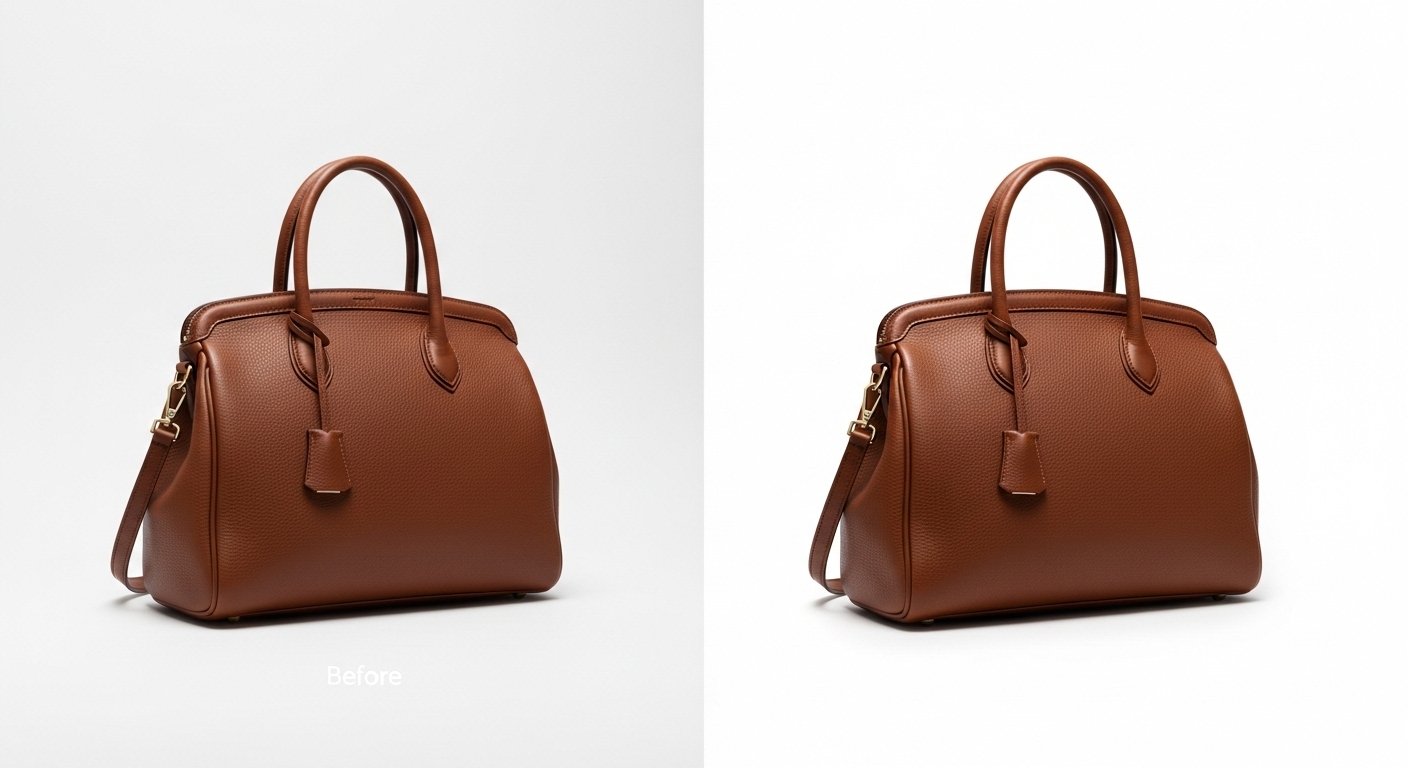
If you are selling on Amazon or Flipkart, a pure white background is mandatory. Using AI allows you to maintain a consistent look across your entire catalog. To take it a step further, you can
Social Media Marketing
Influencers use background removal to create "sticker" effects or to place themselves in high-end locations they haven't actually visited (don't worry, we won't tell!).
Common Mistakes to Avoid
🛑 Watch Out For These!
Low Contrast: Uploading a dark subject on a dark background confuses the AI.
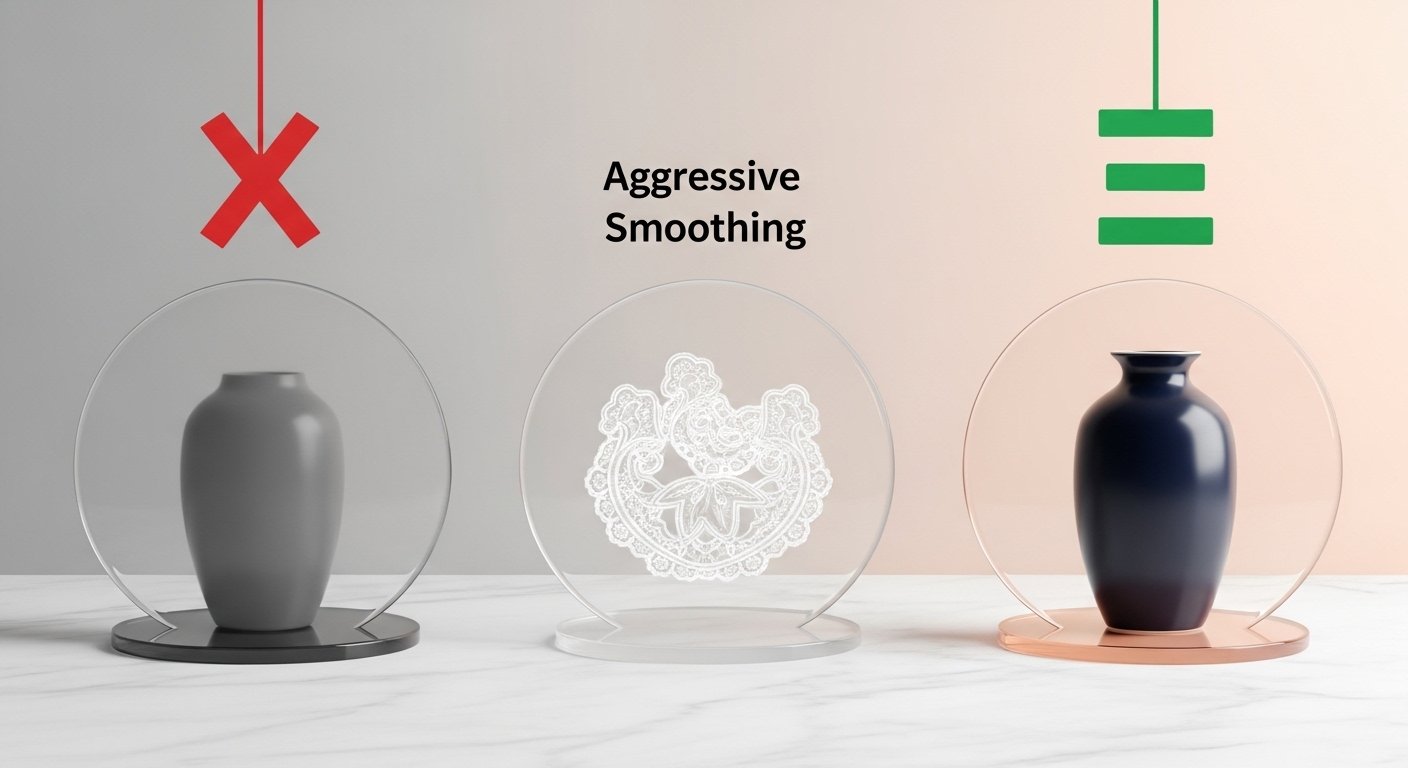
Aggressive Smoothing: Don't let the tool blur the edges too much, or it will look like a 2005 Photoshop fail.
Wrong Resolution: Always export at the highest possible setting to avoid pixelation.
For a deeper dive, read our post on the
. top 7 mistakes to avoid when removing backgrounds
Final Thoughts
The "best" tool ultimately depends on your workflow. If you need a reliable, high-quality, and user-friendly experience that handles everything from background removal to shadow <u>optimization</u>, MakeMyVisuals is the standout choice for 2026.
Ready to transform your images?
FAQs
Q1: Will AI background removers reduce my image quality?
In 2026, most top-tier tools offer HD exports. However, some free versions may compress your file. Always check the export settings.
Q2: Can I remove backgrounds from videos too?
Yes! Tools like Unscreen and even the advanced suite at
Q3: Is PNG the best format for transparent backgrounds?
Yes, PNG is the standard for transparency. However, for web use, transparent WebP is becoming more popular because it's much smaller in size.
Q4: How do I handle hair and fur?
Select an AI tool that specifically mentions "Fine Edge" or "Refine Hair" features. These use advanced neural networks to distinguish between hair strands and the background.
Related Guides & Articles
- GTA 6 Launch Guide Reveals the Settings PS5 and Xbox Players Should Change First
- 10 Free Online Puzzle Games You Can Play Directly in Your Browser
- Best Free Brain Games to Play Online Without Downloading
- Photo Editing Quiz: Test Your Knowledge of Image Editing Basics
- Why Some Small Brands Are Getting More Attention Than Big Companies
- AI Agents Are Getting Smarter: What Can They Actually Do in 2026?
