What is the Most Popular Background Remover for TikTok Videos?
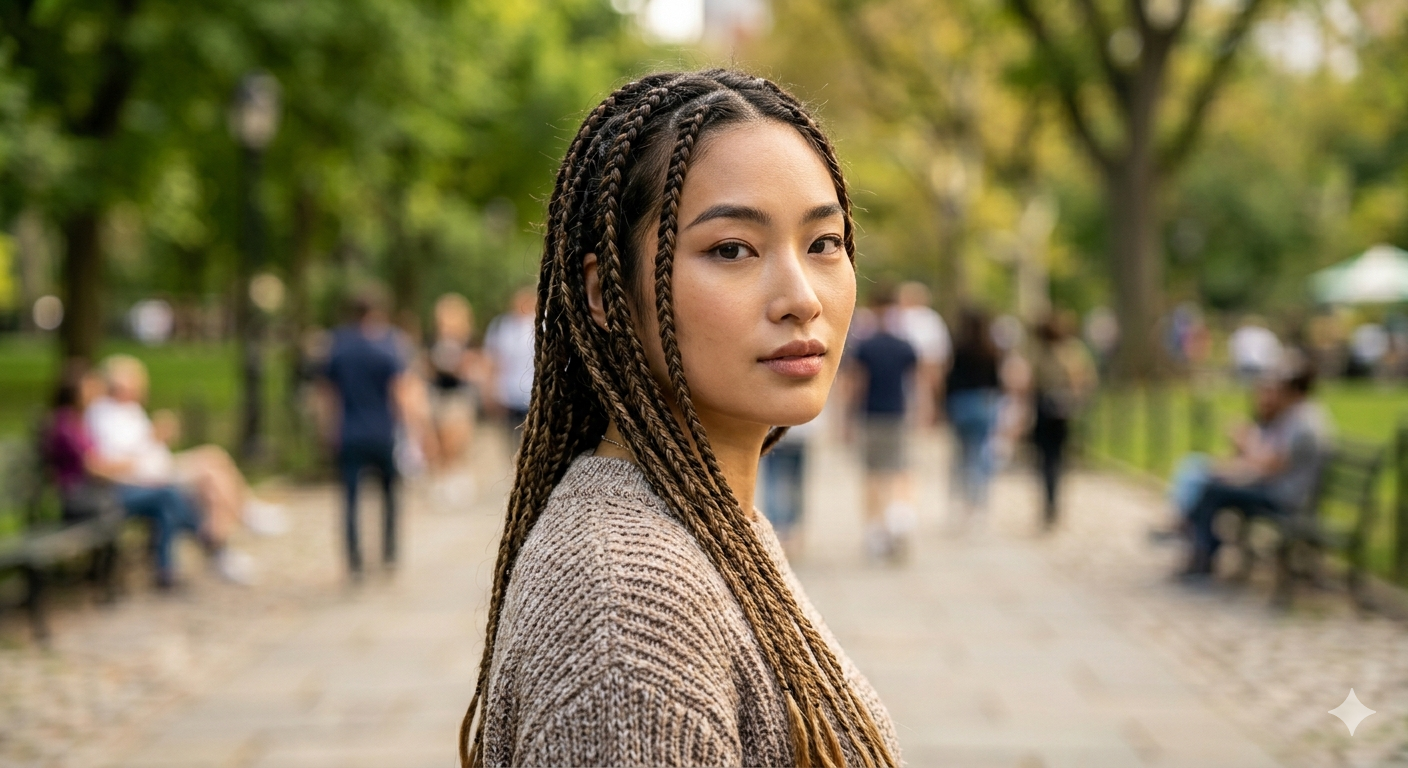
TikTok thrives on high-energy, visually stunning content. If you scroll through your feed, you will notice that the most popular creators rarely use boring, cluttered backdrops. Instead, they utilize clean graphics, custom stickers, and floating image overlays that pop on mobile screens. To achieve this look, you need a reliable tool to isolate your subject.
Finding the most popular background remover for TikTok videos comes down to speed and precision. While TikTok has built-in green screen effects, serious creators often need external tools to prepare high-quality graphic assets, profile pictures, and video thumbnails. An
Let us break down why this technique is changing the game for short-form video creators.
Why TikTok Creators Use an AI Background Remover
Good lighting is tough to maintain. Messy rooms destroy your branding. That is why digital creators rely on an online background eraser to clean up their visuals before hitting upload.
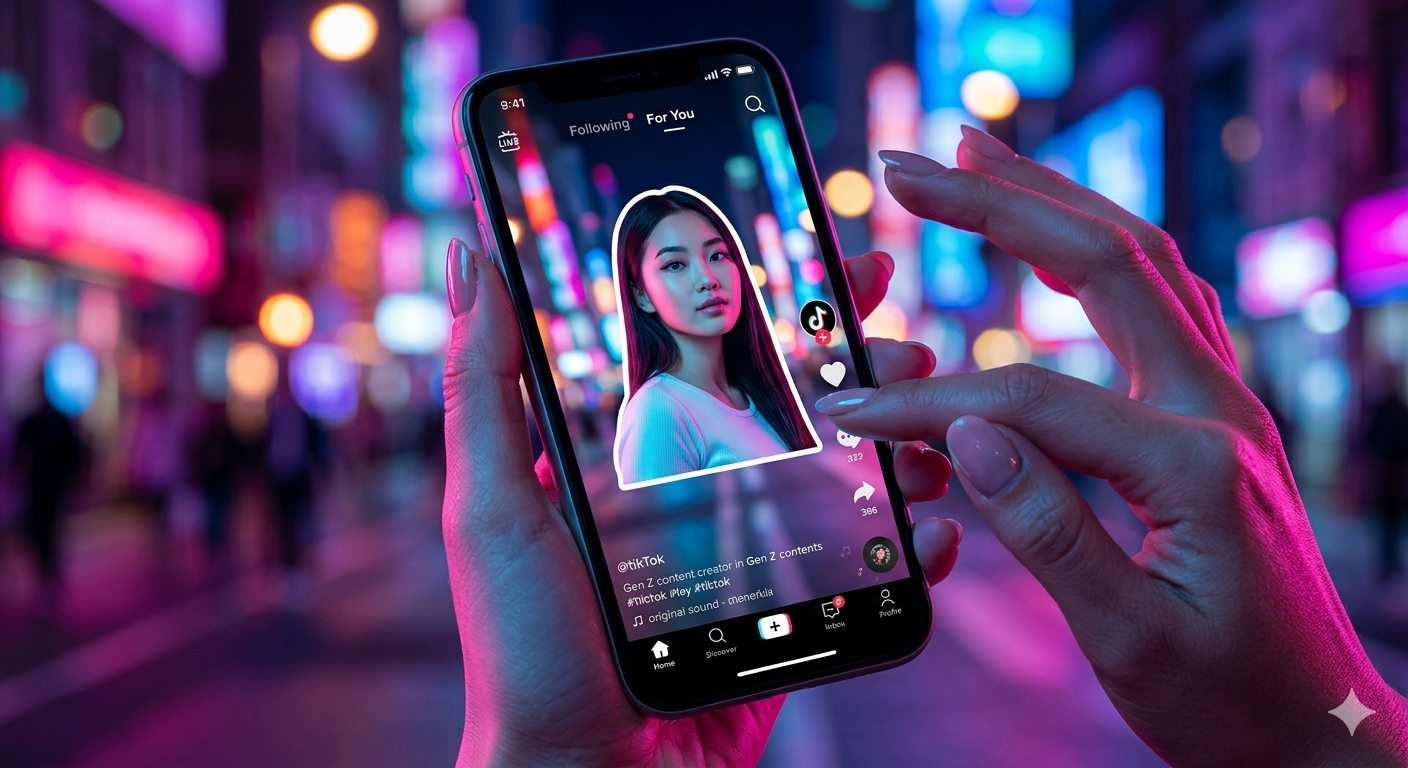
Using a dedicated
Flawless Overlays: Drop a clean cutout of yourself over gaming footage, reaction clips, or product reviews.
Professional Thumbnails: Text stands out much better when placed against a solid color backdrop rather than a chaotic real-world environment.
Speed: Doing this manually with lasso tools takes hours. An auto background remover finishes the job in one click.
When you remove photo background clutter, your viewer stays focused on you. It keeps engagement high.
Features to Look For in a TikTok Cutout Tool
Not all background removal tools handle the unique demands of video assets. If you want your TikToks to look polished, you need an image background remover that offers specific technical capabilities.
Hair Edge Refinement
This is the ultimate test for any software. Cheap tools leave a weird, blocky glow around stray hairs. Look for advanced edge refiner technology that intelligently separates complex textures from the background.
Batch Background Removal
If you are planning a multi-part series or creating a carousel post, processing images one by one slows you down. A tool that supports batch processing lets you clean up an entire folder of assets simultaneously.
High-Definition Outputs
TikTok compresses your video upon upload. If your starting graphics are blurry, the final video will look amateur. Always use an HD background remover to maintain crisp, sharp lines.
How to Create Perfect TikTok Overlays
Creating a transparent PNG creator asset for your next video takes just a few simple steps. Here is how to do it efficiently.
Capture Your Photo: Take a well-lit photo with a clear contrast between you and your environment.
Upload to the Tool: Open a free background remover online and drop your image into the workspace.
Let the AI Work: The software automatically detects the subject and runs a hair edge refinement pass.
Export as PNG: Save the file. Ensure it is a transparent PNG creator export so it blends into your editing timeline seamlessly.
Once you have your clean cutout, you might need to adjust the dimensions. TikTok uses a strict 9:16 aspect ratio. To ensure your graphics do not get cut off by the TikTok user interface elements, run your finished assets through an online
Common Mistakes to Avoid
Even with automated tools, minor errors can ruin the illusion of a clean overlay. Watch out for these frequent slip-ups.
Leaving Artifacts Around the Edges
Sometimes a tiny piece of the original backdrop sticks to your shoulder or ears. Use a tool with an edge refiner to scrub those remaining pixels away.
Overcompressing Your Files
Spamming compression can kill your image quality. If your transparent asset is too large for your mobile editing app, use an intelligent tool like
Forgetting the Lighting Match
If your cutout photo has bright yellow lighting, but your background video is dark blue, the asset will look unnatural. Try matching your lighting before uploading your image cutout tool assets.
Best Practices for TikTok Graphic Design
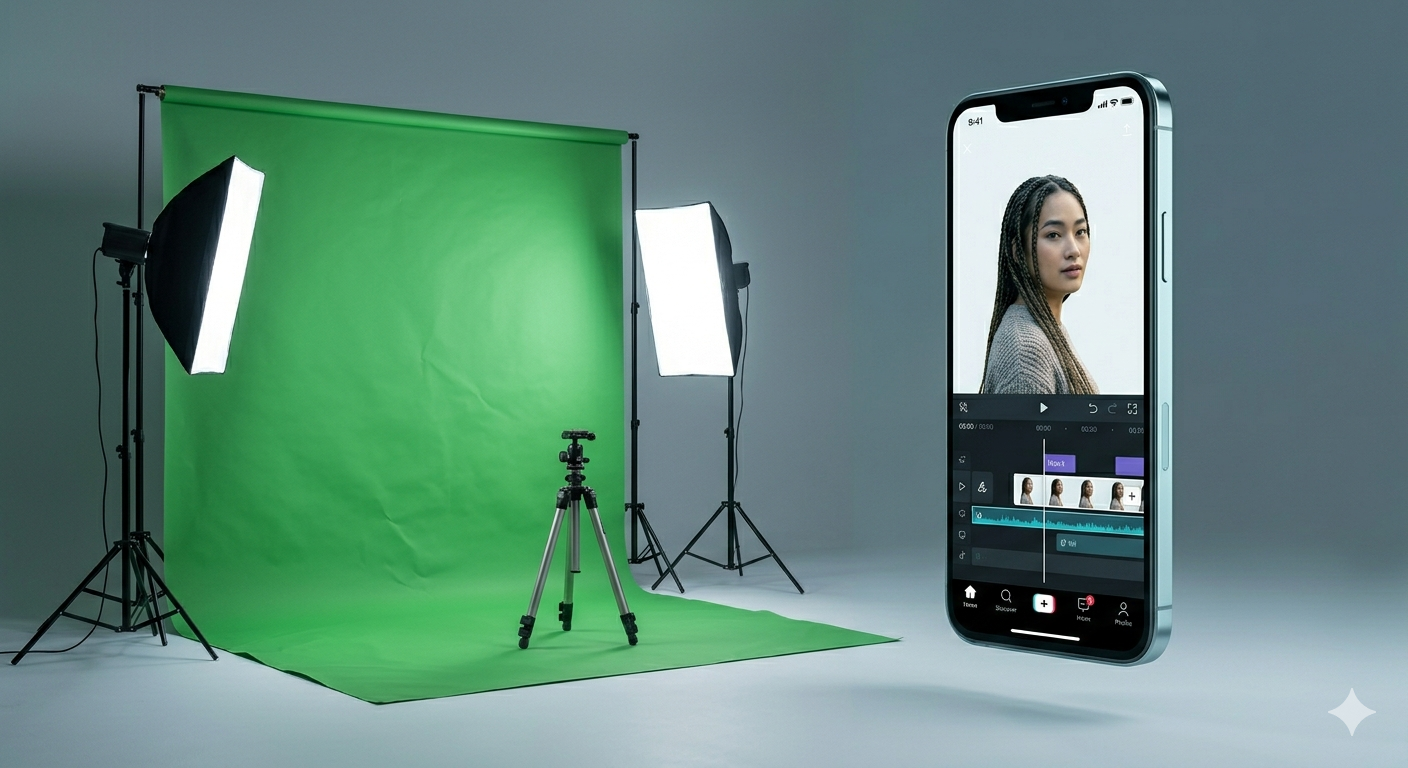
Keep your visuals punchy. Use a solid background maker to test how your cutout looks against high-contrast colors like neon green or bright pink before moving it to your video editor. If you run an e-commerce shop on TikTok, use a dedicated
Frequently Asked Questions
What is the best format for TikTok image overlays?
Always save your cutouts as a PNG. A PNG background remover ensures the transparency is preserved, allowing your video to show through underneath the image.
Can I remove a white background completely?
Yes. An online background eraser can remove white background spaces instantly, isolating your subject even if the original backdrop looks similar to your clothing.
How do I make my TikTok profile picture transparent?
Upload your headshot to an online tool, remove the background, and upload the transparent PNG directly to TikTok. Your profile will now blend perfectly into your video feed.
Streamline Your TikTok Workflow
Creating viral content requires consistency and the right tools. Instead of wrestling with complex desktop software, you can handle all your visual editing directly from your browser.
Ready to create flawless overlays for your next video? Use the
Related Guides & Articles
- GTA 6 Launch Guide Reveals the Settings PS5 and Xbox Players Should Change First
- 10 Free Online Puzzle Games You Can Play Directly in Your Browser
- Best Free Brain Games to Play Online Without Downloading
- Photo Editing Quiz: Test Your Knowledge of Image Editing Basics
- Why Some Small Brands Are Getting More Attention Than Big Companies
- AI Agents Are Getting Smarter: What Can They Actually Do in 2026?
