US Passport Photo Requirements: The Ultimate 2024 Guide
Understanding US Passport Photo Rules
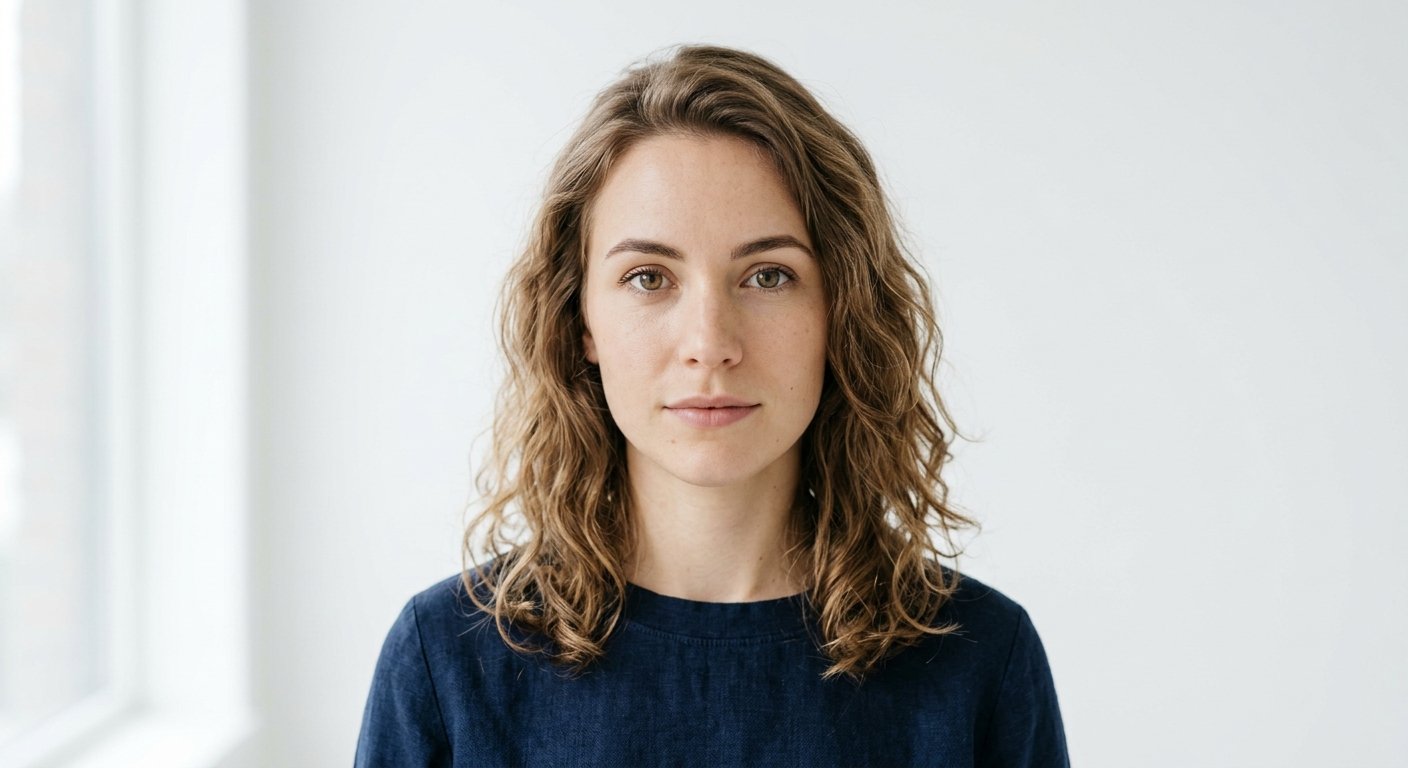
You have big travel plans, but a single photo error can stop you in your tracks. The State Department is incredibly strict regarding passport imagery. If your submission fails to meet their specific guidelines, you will face delays that can ruin your travel schedule. Fortunately, creating a compliant photo from home is easier than you think.
Your photo must be 2 x 2 inches exactly. The head must be between 1 and 1 3/8 inches from the bottom of the chin to the top of the head. This might sound like basic advice, but proportions are where most applicants fail. Use an image resizer to ensure your dimensions are perfect before you even think about printing.
Setting the Scene: Background and Lighting
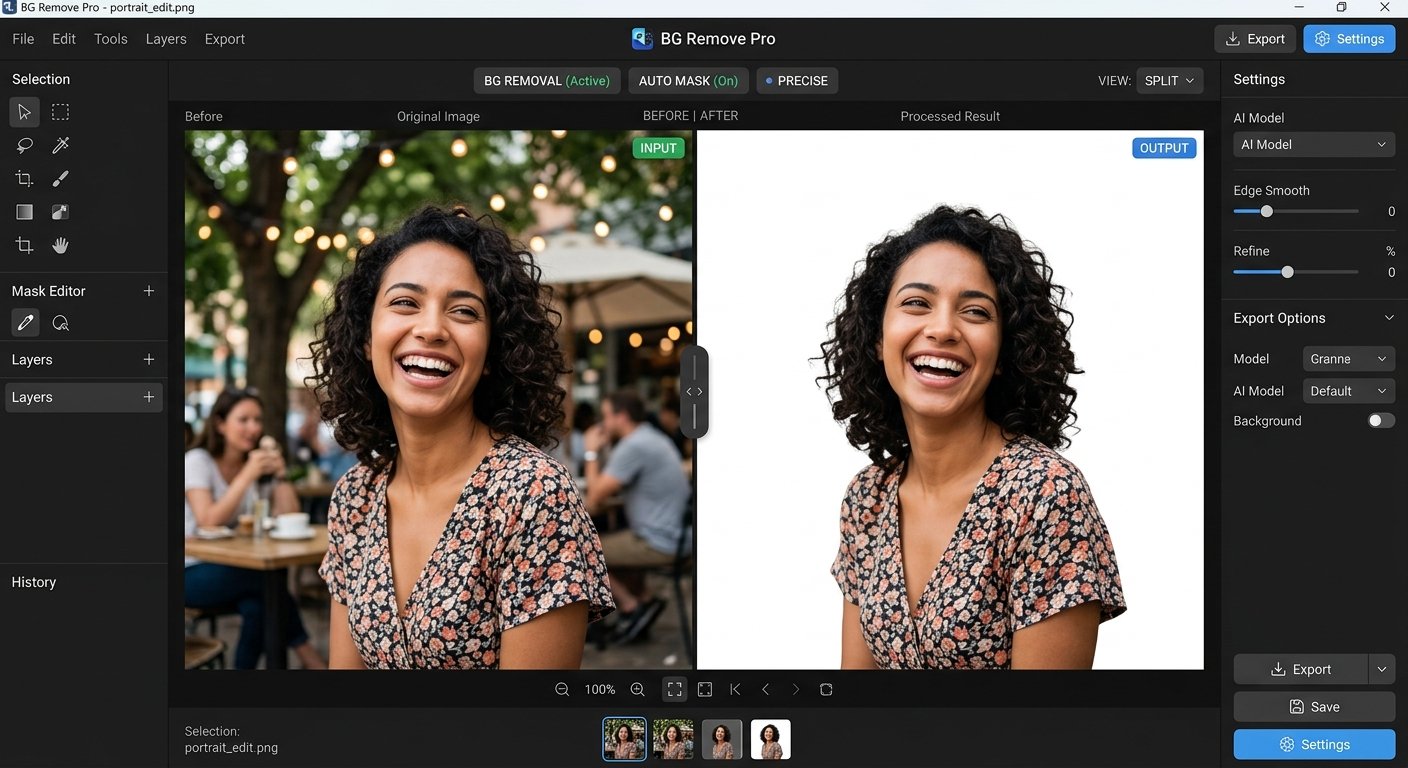
The background must be plain white or off-white. No shadows, no patterns, and no busy shelves behind you. If your original shot has a cluttered environment, use an AI background remover to swap it for a clean, professional backdrop. It makes the subject pop and ensures your application passes the digital check.
Lighting matters just as much. You need even lighting across your face. Avoid harsh glares on your skin or dark shadows hiding your features. If you look like you are standing in a dungeon, the software at the passport office will likely reject it. Use our smart doc assistant to double-check that your photo quality aligns with professional document standards.
Crucial Details to Get Right
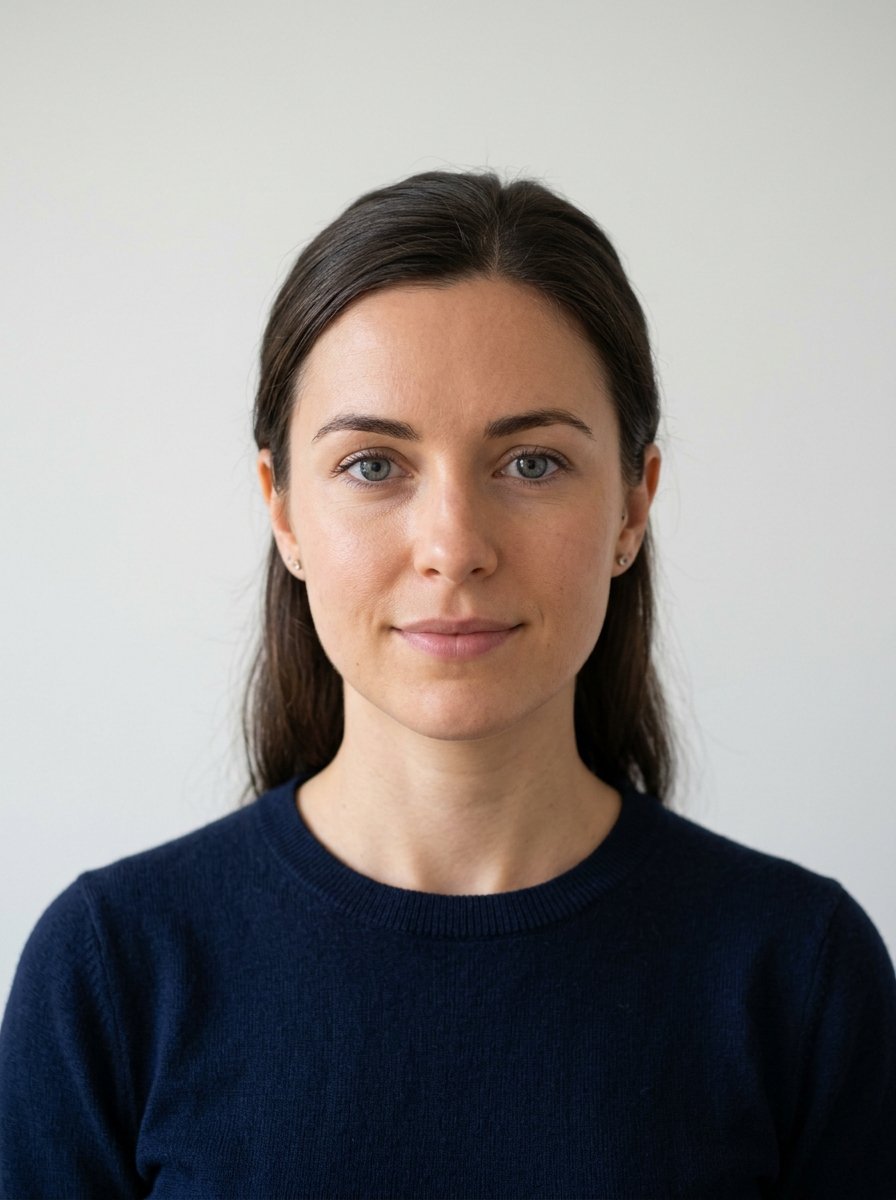
Neutral expressions are non-negotiable. Keep both eyes open, your mouth closed, and look directly into the camera. Do not smile broadly, and do not make a "duck face." If you wear glasses, take them off. The rules regarding eyewear changed years ago, and they are strictly enforced to prevent glare on the lenses.
Your attire should be your normal, daily street clothes. Uniforms, camouflage, or anything resembling military or law enforcement gear is strictly prohibited. If your clothes look slightly messy, a quick recolor tool can adjust the tone to keep things looking professional and balanced.
Common Mistakes to Avoid
- Wearing hats or head coverings (unless for religious or medical purposes with a signed statement).
- Using filters. Your skin must look natural, not like a social media post.
- Submitting a selfie that is too close or blurry.
- Uploading a file in the wrong format. You can easily fix this with our format converter to ensure you output a high-quality JPEG.
How to Prepare Your Photo for Submission
First, take the photo against a light wall using a high-resolution camera. Avoid using a wide-angle lens, as this can distort your facial features. Once you have the shot, transfer the raw file to your computer. Use a background eraser to ensure the background is perfectly white.
Next, crop the image to the 2 x 2-inch requirement. Once the composition looks right, perform a final check on the file size. High-resolution images are great, but sometimes they are too large for online application forms. Our auto-compress tool ensures your file stays within the required limit without losing the clarity of your features.
Frequently Asked Questions
Can I wear my glasses in my passport photo?
No, the State Department requires all applicants to remove their glasses for the photo to ensure there is no glare or reflection.
What if my printer at home is not professional grade?
You can use a standard home printer, but ensure you are printing on high-quality matte or glossy photo paper. Using plain copy paper will lead to an immediate rejection.
Is a digital photo enough for the passport application?
It depends on how you are applying. If you are submitting an online renewal, you need a high-quality digital file. If you are going in person, you need two physical copies.
Final Thoughts and Getting Started
Taking the perfect passport photo doesn't require a professional photography studio. With the right tools and attention to detail, you can handle the process yourself. Take your time, follow the steps, and ensure your photo meets every technical guideline.
Ready to start your application? Head over to MakeMyVisuals today. We have everything you need to resize, edit, and perfect your photos for any official document. Don't let a bad photo hold you back from your next adventure.
Related Guides & Articles
- GTA 6 Launch Guide Reveals the Settings PS5 and Xbox Players Should Change First
- 10 Free Online Puzzle Games You Can Play Directly in Your Browser
- Best Free Brain Games to Play Online Without Downloading
- Photo Editing Quiz: Test Your Knowledge of Image Editing Basics
- Why Some Small Brands Are Getting More Attention Than Big Companies
- AI Agents Are Getting Smarter: What Can They Actually Do in 2026?
