Transparent PNG vs White Background: Which Should You Choose?
The Great Background Debate
Every store owner eventually hits the wall: transparent PNGs or solid white backdrops. It's not just some shallow beauty contest. Your choice dictates whether your site drags like a turtle or snaps into focus.
Some people swear by transparency for its raw flexibility. Others crave the rigid discipline of a white background. Let’s rip both apart and see what’s actually worth using.

Why Choose a Transparent PNG?
Floating your subject on a blank canvas means no ugly boxes dragging behind your logos or product cutouts. Overlay them on any texture you want. It just works.
Using an AI background remover makes this process painless. You get the freedom to place a portrait anywhere without it looking like a mistake. It’s the secret sauce for banners where you want stuff to look like it’s actually sitting on the page.
The Case for Solid White Backgrounds
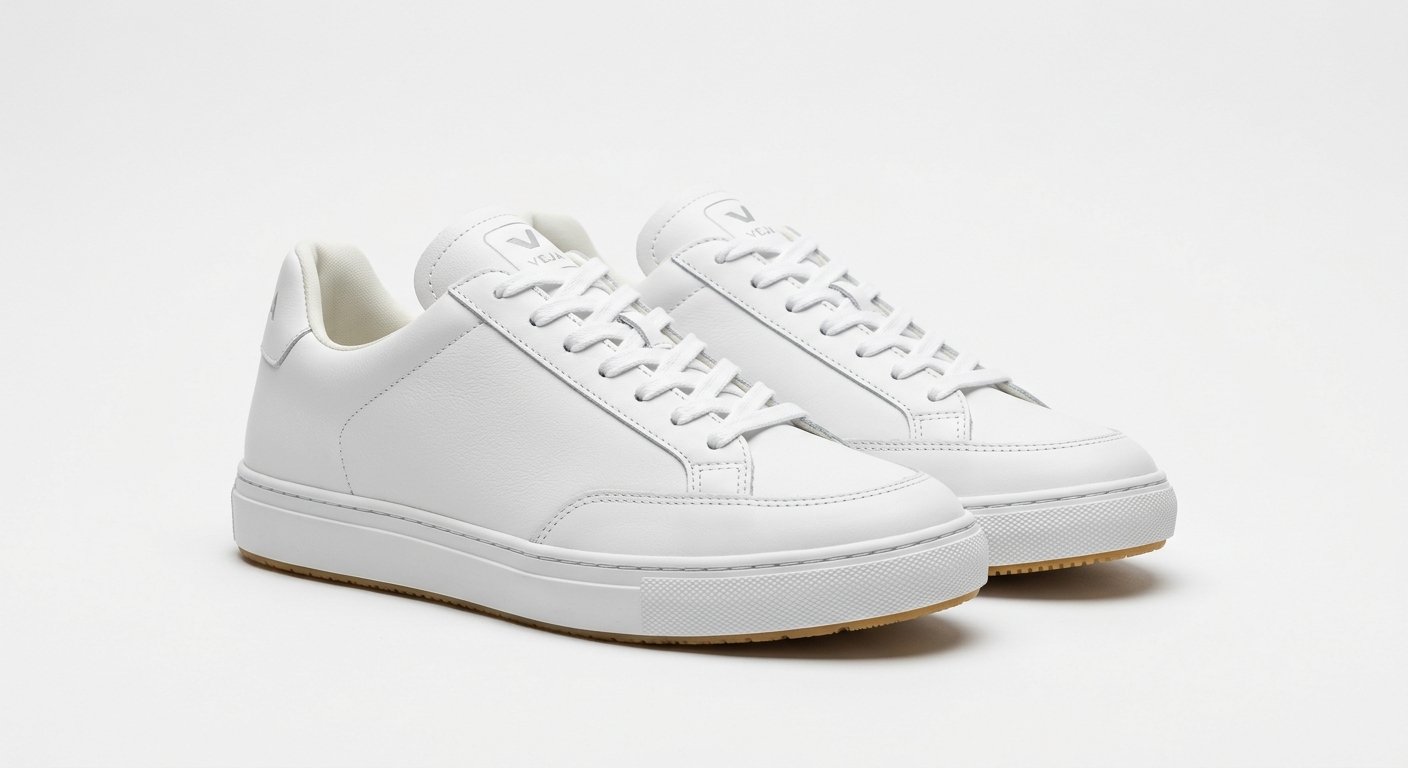
White backdrops are the heavyweight champ of e-commerce for a reason. They kill distractions. If you're running a shop, consistent white frames force the customer to stare directly at your product.
Handling these files is usually a breeze for your browser’s speed. Using an ecommerce image enhancement tool helps you unify a messy inventory. It looks polished. It leads to more sales.
Practical Tips for Choosing the Right Format
Think about where the image lives. Drop a transparent PNG into a dark hero section and watch it pop. If you're building a massive product grid, stick to white for the sake of your own sanity.
Sometimes your photos need extra heavy lifting. Use an image resizer so your aspect ratios aren't all over the place. Grab a format converter to swap PNGs for WebP when load times get heavy. Don't be lazy about it.
Common Mistakes to Avoid
Ignoring file size is a rookie move that bloats your site into a slug. Run those transparent PNGs through an auto compressor immediately. Low-quality tools leave jagged, amateur-looking edges, so stick with a high-end background remover to keep the subject sharp. Finally, watch out for mobile dark mode; a white background can turn into an ugly square box if you aren't careful.
Frequently Asked Questions
Which format is better for SEO?
Both are fine, but WebP is the clear winner for speed. Switch your files over with our format converter to keep things light.
Can I use a transparent PNG for product photography?
Sure, just watch the resolution. If the shot is messy, use an AI background remover to save the hair or fabric details.
Take Control of Your Visual Assets
Transparency or white backdrop—just stay consistent. At MakeMyVisuals, we build the tools to stop you from wasting time. Check out our background tools and stop settling for "good enough."
Related Guides & Articles
- 10 Free Online Puzzle Games You Can Play Directly in Your Browser
- Best Free Brain Games to Play Online Without Downloading
- Photo Editing Quiz: Test Your Knowledge of Image Editing Basics
- Why Some Small Brands Are Getting More Attention Than Big Companies
- AI Agents Are Getting Smarter: What Can They Actually Do in 2026?
- How to Make an Image Sharper Without Creating Unnatural Edges
