Top Remove.bg Alternatives Worth Trying in 2026
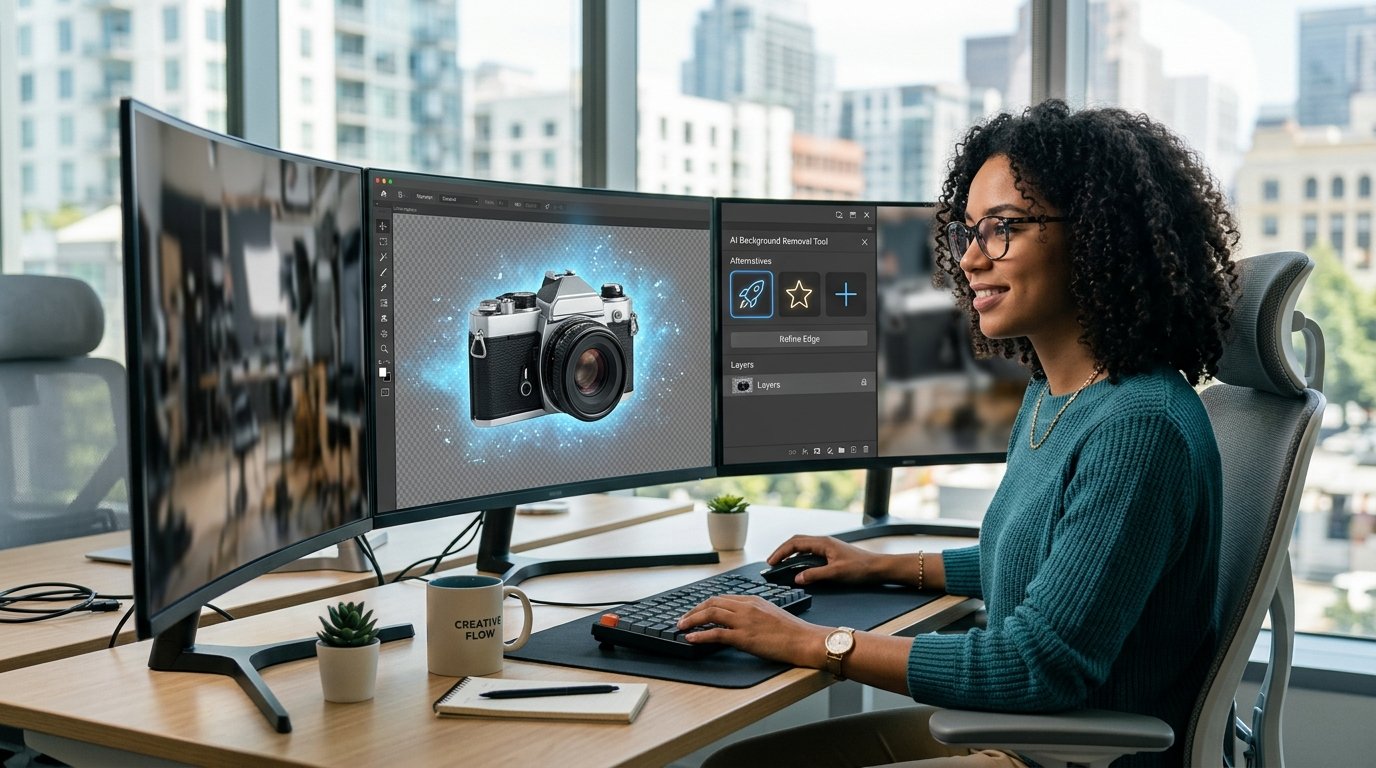
We have all been there. You need a clean product shot or a crisp headshot, so you drop your image into a background remover. For years, Remove.bg was the automatic choice for this exact task. It was fast, simple, and did the job well.
But things change. High subscription costs, restrictive credit systems, and capped resolution sizes on free accounts have left many creators looking elsewhere. If you process dozens of images a day, those costs add up fast.
The good news? The automated editing landscape has evolved massively. Today, you do not have to settle for low-resolution downloads or expensive monthly plans just to get a transparent background maker that works. Let us look at the best options available right now.
Why Look for a Remove.bg Alternative?
While Remove.bg still delivers decent results, its limitations are hard to ignore. The biggest pain point is the resolution cap. If you use the free version, you are forced to download a low-quality preview file. That simply does not cut it for professional print work or high-converting online stores.
To get high-definition files, you must buy premium credits. For small business owners, freelancers, and independent creators, that pricing model quickly becomes unsustainable.
Fortunately, newer web platforms utilize advanced neural networks that analyze pixels more efficiently. This means you can now find a free background remover that matches—or even beats—the quality of older platforms without the premium price tag.
The Best Remove.bg Alternatives for 2026
1. MakeMyVisuals
If you want a seamless, high-quality solution that fits perfectly into a broader creative workflow, MakeMyVisuals is a top-tier choice. It is built specifically to handle modern digital media demands without forcing you through complicated hoops.
The platform features a dedicated
What sets it apart is the broader ecosystem. Once you strip away an old backdrop, you do not need to download the file and open three other apps to finish the job. You can instantly jump over to the
If you run an online shop, the platform offers a specialized
2. Adobe Express
Adobe offers a solid web-based tool for quick extractions. It uses their proprietary Firefly engine to detect edges. It works well for straightforward portraits and basic shapes.
The interface is clean and friendly for beginners. However, the deepest features require an active Creative Cloud subscription. If you just want a quick, standalone image background remover, dealing with Adobe's heavy ecosystem might feel like overkill.
3. Photoroom
Photoroom has gained popularity among mobile sellers. It specializes in batch background removal, which is incredibly useful if you have a massive inventory of clothes or accessories to edit at once.
The desktop version is snappy and reliable. It excels at identifying solid objects, though it can occasionally struggle with fine hair edge refinement. The free tier carries a watermark, meaning you will need a paid plan for professional output.
4. Pixlr
Pixlr provides an AI background remover alongside its classic browser-based photo editor. It is a good choice if you like traditional layer-based editing.
It isolates subjects quickly and gives you basic manual brushes to clean up any missed spots. The downside is the heavy presence of ads on the free tier, which can slow down your browser during long editing sessions.
How to Get the Perfect Background Cutout
Getting a flawless transparent PNG creator experience requires more than just dropping a file into an app. The source photo matters. Follow these quick steps for perfect extractions.

Upload your image: Choose a photo with clear contrast between the subject and the backdrop.
Let the AI work: The auto background remover will instantly map the edges of your subject.
Refine details: Look closely at thin areas like clothing straps or wisps of hair.
Choose your backdrop: Keep it as a transparent PNG, or use a solid background maker to inject a clean color.
Optimize the file: If the final file size is too massive for your website, run it through an
Auto Compress
Common Background Removal Mistakes to Avoid
Many creators ruin their final graphics by overlooking simple edge details. A bad cutout looks cheap and instantly damages brand trust.
Ignoring the Hairlines: Cheaper tools often create a weird halo effect around human hair. Always check for a tool that features an intelligent edge refiner to keep hair looking natural.
Overlooking Shadows: Total isolation can sometimes make an object look like it is floating in space. If you are placing a product onto a new surface, remember to add a subtle ground shadow to anchor it.
Working with Blurry Originals: If your original image suffers from heavy motion blur, the software will guess where the object ends. Start with sharp, well-lit photos for the best results.
Frequently Asked Questions
Can I remove photo background assets completely for free?
Yes. Many modern platforms offer free background remover tools that let you process images without charging you upfront subscription fees or forcing low-resolution downloads.
What is the best tool to remove white background graphics for e-commerce?
For online sellers, MakeMyVisuals offers a fantastic workflow. You can strip the backdrop, refine the product edges, and optimize the final file size for fast page loading speeds.
How do I fix jagged edges on an image cutout tool?
If your cutout looks rough, you need an editor with built-in hair edge refinement and pixel-smoothing algorithms. This ensures smooth curves around your subject.
Take Your Visual Content Further
You do not need to spend fortune on premium credits just to get clean, professional imagery. By switching to smarter web tools, you can speed up your production times significantly.
Ready to transform your photo editing process? Head over to MakeMyVisuals and try the
Related Guides & Articles
- GTA 6 Launch Guide Reveals the Settings PS5 and Xbox Players Should Change First
- 10 Free Online Puzzle Games You Can Play Directly in Your Browser
- Best Free Brain Games to Play Online Without Downloading
- Photo Editing Quiz: Test Your Knowledge of Image Editing Basics
- Why Some Small Brands Are Getting More Attention Than Big Companies
- AI Agents Are Getting Smarter: What Can They Actually Do in 2026?
