The Ultimate Guide to the 300x300 Image Size: Everything You Need to Know
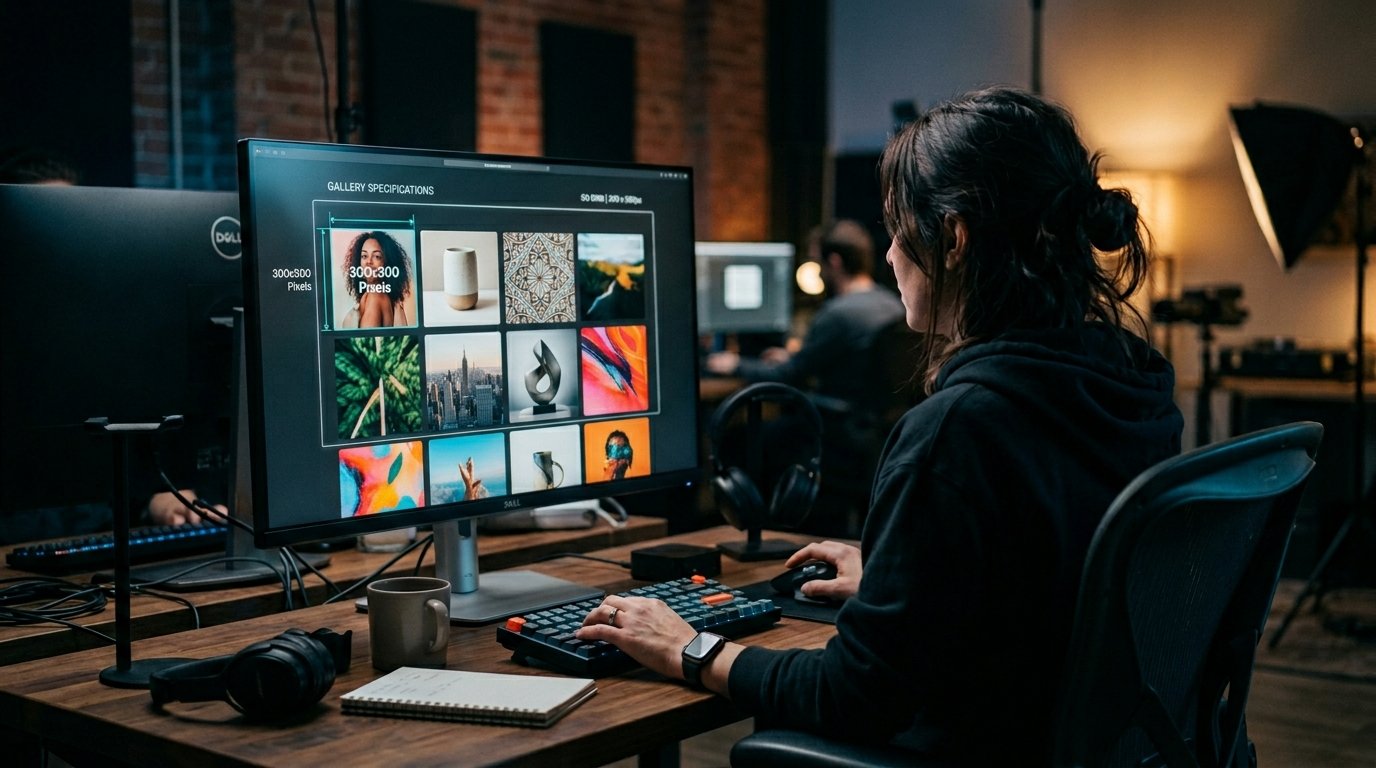
Images drive the internet. But if your graphic dimensions are wrong, your website looks sloppy and your social media profiles suffer.
Enter the 300x300 image size.
This perfect square is one of the most versatile dimensions in the digital world. It serves as the backbone for profile pictures, avatars, product thumbnails, and online ad banners. Yet, forcing a rectangular photo into a square shape often leads to stretched faces and awkward cropping.
Getting your square dimensions right does not require complex software. Let us explore why this specific resolution matters and how you can achieve it instantly.
Why the 300x300 Pixel Size Matters
A 300x300 pixel layout uses a strict 1:1 aspect ratio. This means the width and height are perfectly identical.
Why is this so popular? Symmetry.
Digital platforms love symmetry because square grids scale beautifully across mobile phones and desktop monitors alike. When you upload a square graphic, web responsive designs can shrink or expand the asset without distorting the visual content.
Common Uses for 300x300 Graphics
You encounter this specific pixel footprint daily without even realizing it.
Social Media Profile Photos: Many networks require square uploads for avatars. While platforms like Instagram display profiles as circles, they pull from a square source file.
E-commerce Thumbnails: Online stores rely on neat rows of product previews. Clean square previews keep shop layouts uniform.
Website Favicons and App Icons: Small branding touchpoints often require a 1:1 format to fit into browser tabs.
Google Display Ads: The 300x300 ad block remains a standard size for sidebar marketing campaigns.
Step-by-Step: How to Resize Image Online to 300x300
Altering your visual dimensions manually is frustrating. If you do it wrong, you lose quality. Thankfully, an online
First, open your browser and navigate to a reliable
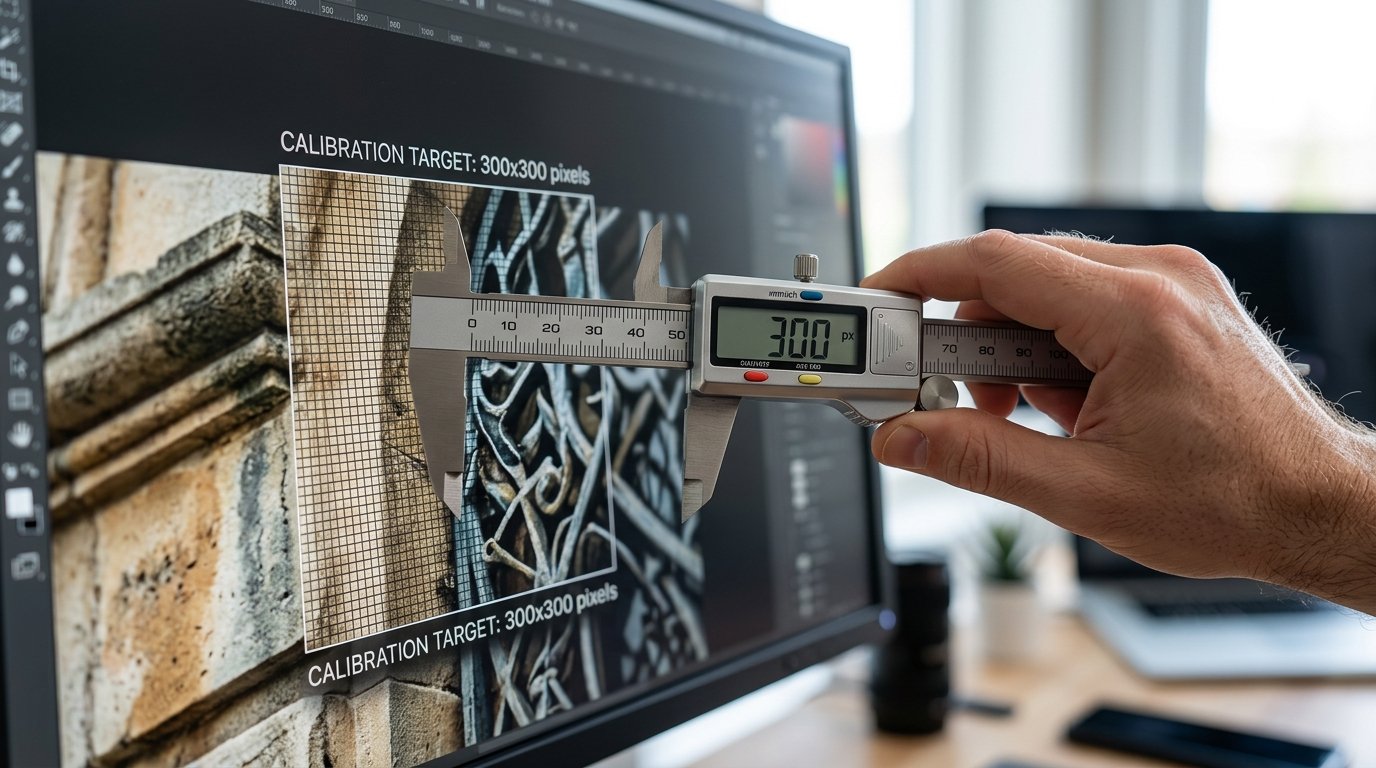
Second, upload your target file. You can drag and drop your JPG, PNG, or WebP graphic directly into the web interface.
Third, select the
Fourth, look at your cropping options. If your original file is a rectangle, you must decide how to handle the excess space. A smart
Finally, click process and download your new asset. It takes less than five seconds.
Benefits of Using Perfect Square Images
Using precise pixel counts gives you an immediate competitive edge.
Fast loading speeds stand out as a primary benefit. Smaller pixel dimensions yield smaller file sizes. When your web pages load quickly, your Google rankings improve and user bounce rates drop.
Visual consistency is another massive advantage. Uniform rows of identical square images look clean, professional, and intentional. This builds immediate trust with your audience.
Common Mistakes to Avoid When Resizing
Many creators ruin their graphics during the editing phase. Avoid these frequent missteps.
Do not stretch your graphics. Forcing a wide landscape photo into a square box without cropping will make your subjects look squished and unnatural.
Watch your compression levels. Shrinking pixels can sometimes introduce blocky artifacts. If your file loses clarity, use a dedicated tool to
Never scale up low-resolution files. Taking a tiny 50x50 icon and blowing it up to 300x300 pixels creates a blurry, pixelated mess. Always start with a larger, high-quality source file and scale downward.
Best Practices for Flawless Square Media
Keep your main subject centered. Because social media apps often crop square graphics into circles, anything placed near the absolute corners will get cut off.
Remove messy backgrounds. If you are creating a profile avatar or an e-commerce listing, a busy backdrop distracts viewers. You can use a digital
Frequently Asked Questions
Is 300x300 pixels considered high resolution? No. It is a low-to-medium resolution designed specifically for web layouts, digital ads, and small UI elements. It is not suitable for large print media.
Will making my picture 300x300 lower its quality? If you scale down from a larger high-quality photograph, the image will remain crisp. But if you try to stretch a smaller file upward, you will lose quality.
Can I use a 300x300 graphic for my passport photo?
Official documents usually require specific physical dimensions. While some online visa forms require square digital uploads, you should use a dedicated
Streamline Your Visual Workflow
Managing file sizes should not slow down your creative momentum. Whether you need a quick
Stop struggling with confusing editing programs. Head over to the MakeMyVisuals
Related Guides & Articles
- GTA 6 Launch Guide Reveals the Settings PS5 and Xbox Players Should Change First
- 10 Free Online Puzzle Games You Can Play Directly in Your Browser
- Best Free Brain Games to Play Online Without Downloading
- Photo Editing Quiz: Test Your Knowledge of Image Editing Basics
- Why Some Small Brands Are Getting More Attention Than Big Companies
- AI Agents Are Getting Smarter: What Can They Actually Do in 2026?
