The Definitive Guide to the Best Product Image Size for Etsy Listings

Why Etsy Image Size Actually Matters
You’ve spent hours sweating over a craft, only to ruin it with a blurry, pathetic photo. If the image is trash, shoppers won’t blink—they’ll keep scrolling. Make it crisp or lose the sale.
Etsy is a visual gut-punch, not a library. If your thumbnail doesn't grab a buyer by the throat, your traffic dies instantly. Keep your product the hero, whether it’s viewed on a massive desktop or a cracked phone screen.
Recommended Dimensions for Your Etsy Photos
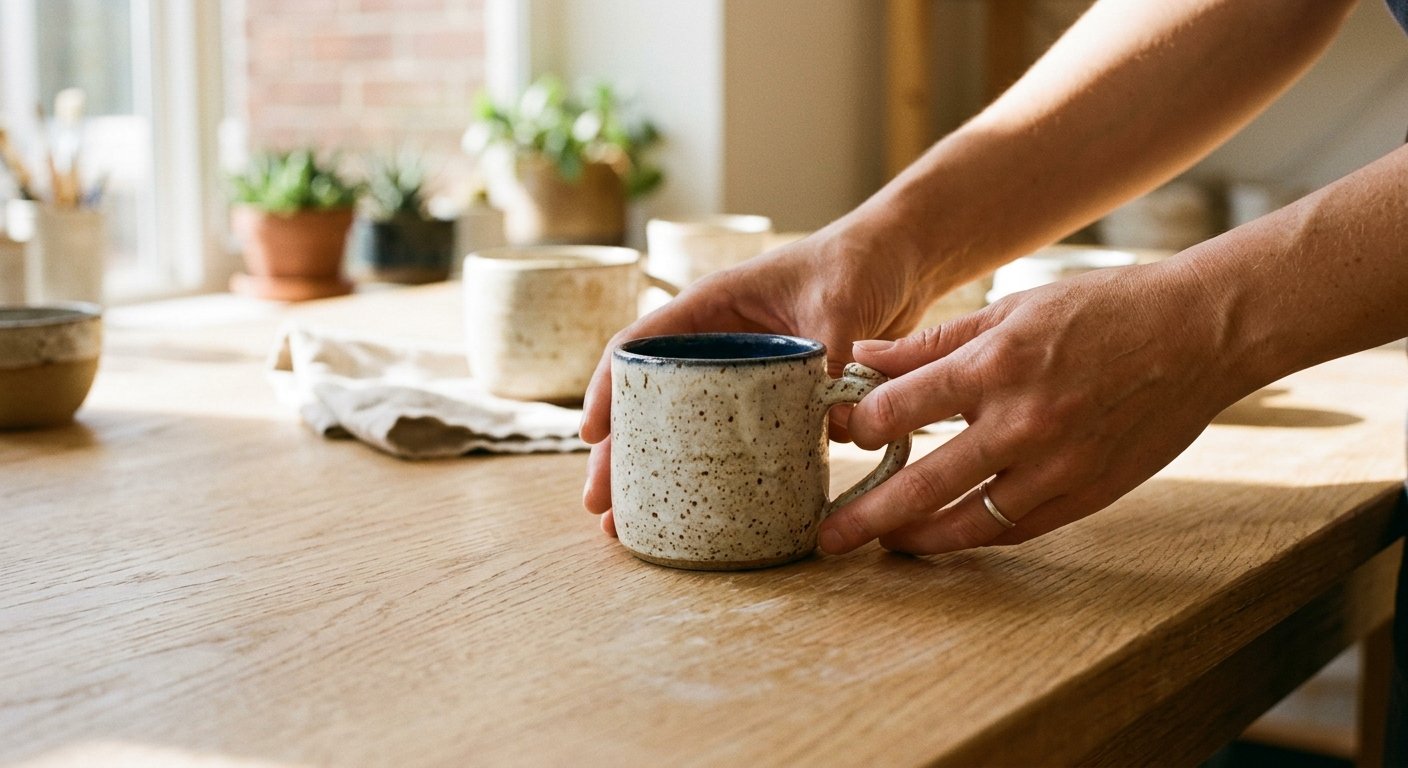
Aim for 2000 pixels wide. This gives you enough raw data to survive the platform’s aggressive cropping. Square is the default, but don't be afraid to shoot 4:3 for a lifestyle vibe.
Watch your file size like a hawk. A 20MB file is a death sentence for your load speeds. Use an auto compress tool to stay under 1MB. Fast or forgotten.
The Power of High-Quality Visuals
Your shop is a digital showroom, not a dumpster fire. Fix your lighting. Toss that messy bedroom background for a background remover to keep the focus where it belongs.
Stop looking like a basement hobbyist. Use our product studio to unify your aesthetic. Consistent borders and lighting make you look like a real brand.
Common Sizing Mistakes to Avoid
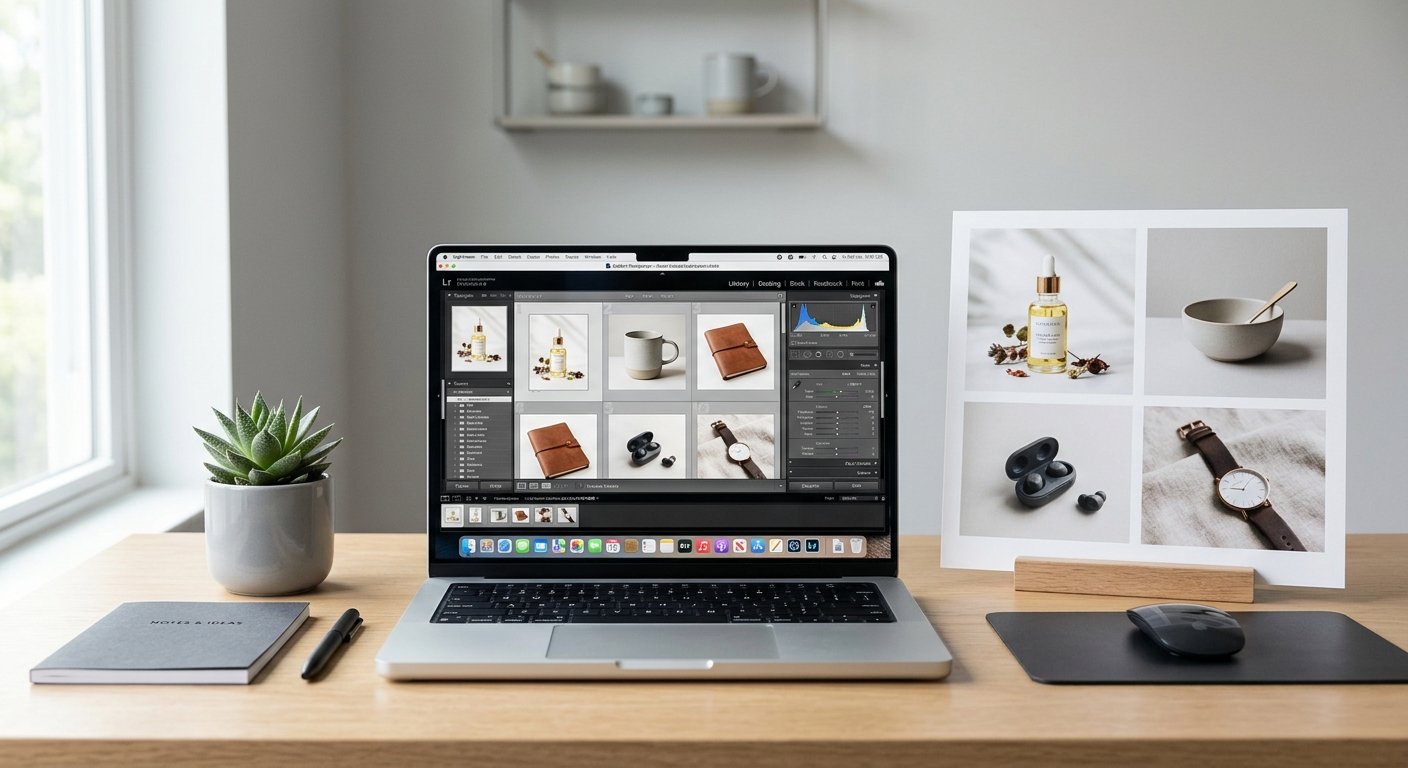
Stop uploading tiny, pixelated garbage. Keep your original master files high-res and use an image resizer for specific Etsy needs. Never trust the platform to do it for you.
Avoid 10MB monsters that crawl across mobile data. Ditch those wide panoramas that get chopped into nothingness. Use a background maker if your original shots are cluttered, and check your mobile view until you’re sick of it.
How to Optimize Your Etsy Workflow
Consistency scales businesses. If you’re drowning in formats, shove them through a format converter to stick to JPEG or PNG. Batch-processing saves your sanity.
Focus on the details. Buyers want the wood grain and fabric texture. If you’re selling printables, grab a smart doc assistant so your text isn't a blurry mess.
Final Thoughts on Visual Excellence
Mastering your images is about respect. When you compress and resize, you signal that you’re a professional worth buying from. Remove the technical friction so you can actually create stuff.
Audit your shop today. Use our tools at MakeMyVisuals to fix your dimensions or trigger an AI background remover. Sell more. Stop wasting time.
Frequently Asked Questions
What is the best aspect ratio? Stick to 4:3. It handles square crops without butchering the composition.
Will high-res kill my SEO? Only if you’re lazy. Compress the file size properly and you’re fine.
PNG or JPEG? Use JPEG for photos, obviously. Save the PNGs for transparent graphics.
Related Guides & Articles
- GTA 6 Launch Guide Reveals the Settings PS5 and Xbox Players Should Change First
- 10 Free Online Puzzle Games You Can Play Directly in Your Browser
- Best Free Brain Games to Play Online Without Downloading
- Photo Editing Quiz: Test Your Knowledge of Image Editing Basics
- Why Some Small Brands Are Getting More Attention Than Big Companies
- AI Agents Are Getting Smarter: What Can They Actually Do in 2026?
