Test Your Creative Skills With Free Browser-Based Design Games

Good design begins with observation. Before you choose a colour palette, remove a background, or arrange a product photo, you need to notice details, understand visual balance, and make thoughtful decisions. These skills can be practised in surprisingly simple ways.
Free browser-based design games offer a fun place to start. You can solve visual puzzles, compare images, recognise patterns, and challenge your creative thinking directly in a web browser. There is no need to install heavyweight software or spend hours following tutorials before you begin.
If you enjoy experimenting with images, creating graphics, or learning new design techniques, these activities can turn spare minutes into useful practice. Here is how to get started, which skills to focus on, and how to connect game-based learning with real image-editing work.
1. What Are Browser-Based Design Games?
Creative challenges that run in your browser
Browser-based design games are interactive activities that help you explore visual concepts through simple tasks. Depending on the game, you might identify differences between two pictures, match colours, arrange objects, recognise patterns, or find a hidden detail in a busy scene.
Most of these activities run directly on a website. You can open a game on a compatible desktop or mobile browser and start playing without installing a separate application. Some games take less than a minute, while others involve several levels that become more challenging as you progress.
How games connect with everyday design work
Consider a designer preparing a product image for an online store. The product must stand out, the background should remain unobtrusive, and the framing needs to look balanced. Games that train visual attention and composition encourage the same habit of looking carefully before making changes.
A colour-matching challenge can help you become more attentive to subtle differences between shades. A spot-the-difference puzzle encourages close inspection, while a pattern game makes you look for relationships between shapes. These activities do not replace professional training, but they offer approachable ways to practise useful visual habits.
Who can benefit from playing?
Beginners can use design games to explore visual concepts without worrying about complicated editing controls. Students can fit short challenges between study sessions, while content creators and freelance designers can use them as warm-ups before starting a project.
You do not need to consider yourself an artist. Curiosity, patience, and a willingness to try again are enough to get started. The aim is to make observation and creative thinking part of your regular routine.
2. Explore Free Design Games on MakeMyVisuals
Start with short visual challenges
The MakeMyVisuals online games collection gives visitors a place to explore browser-based games related to visual attention, patterns, and creative thinking. Rather than treating every session like a formal lesson, you can choose a challenge, play at your own pace, and return when you want another round.
Start with a game that sounds enjoyable. If you like examining pictures, try a visual comparison challenge. If you prefer quick decisions, choose an activity built around recognising patterns or spotting a particular detail. A game feels easier to revisit when its basic idea interests you.
Choose a challenge that matches your interests
Different games encourage different ways of thinking. Visual search activities ask you to separate important details from surrounding information. Comparison puzzles require careful attention to small changes, while pattern challenges encourage you to recognise relationships between visual elements.
For example, imagine comparing two garden illustrations. A flower might have a different colour, a fence could contain an extra board, or a small object might have moved. Looking systematically at each part of the scene is more effective than scanning the entire image randomly.
Make game sessions more useful
Play with a small goal in mind. During one session, focus on noticing tiny details. During another, pay attention to colour relationships or how objects are arranged. This gives each game a purpose beyond reaching the next level.
After finishing, think about the strategy that helped you. Did you compare one area at a time? Did you notice an unexpected colour? Did slowing down make the answer clearer? Reflecting on these questions helps turn a casual activity into deliberate practice.
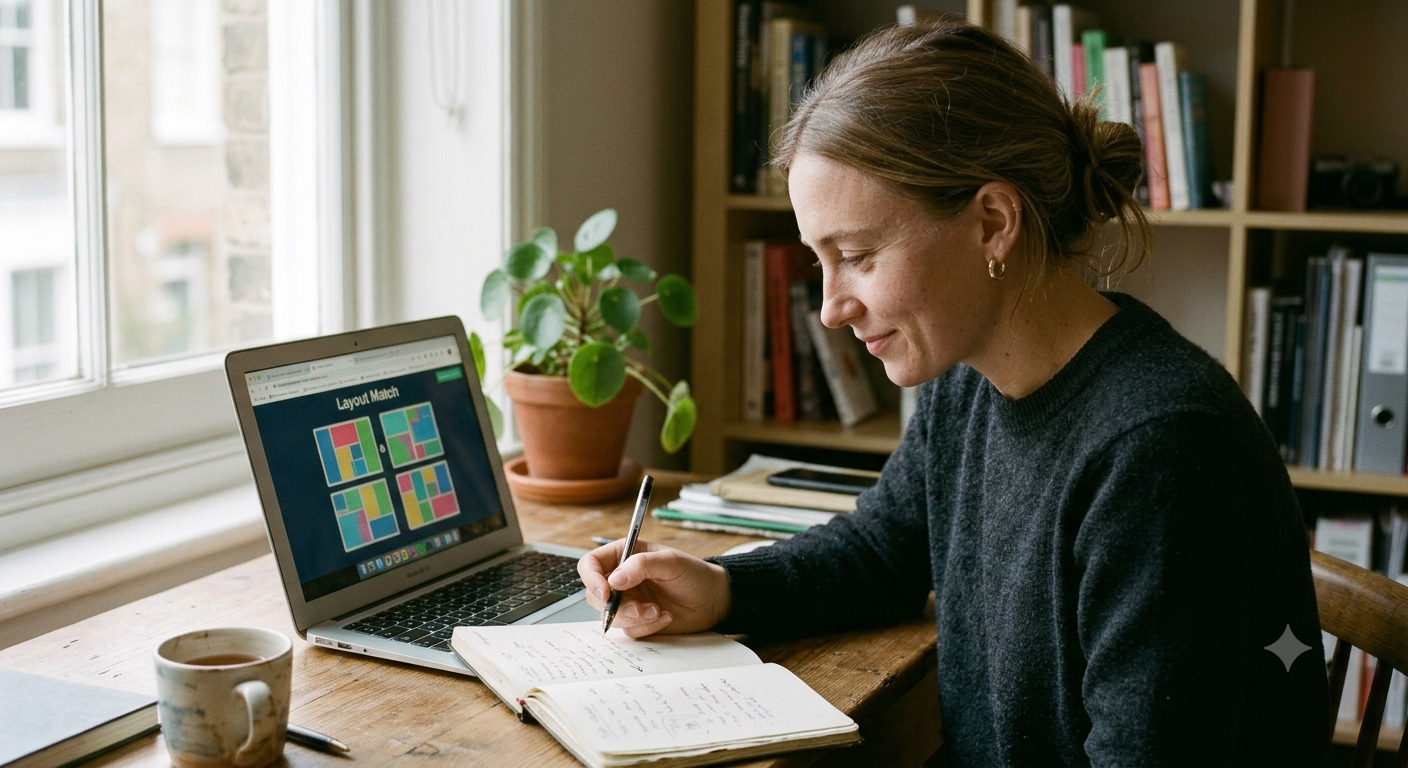
3. Creative Skills You Can Practise Through Games
Visual attention and detail recognition
Designers frequently work with small differences that are easy to overlook. A rough edge around a product cutout, uneven spacing between letters, or a slightly misaligned object can affect the final result. Visual comparison games encourage you to look beyond the obvious elements.
Try dividing an image into smaller areas when searching for differences. Inspect the corners, background objects, edges, and foreground separately. This method can also help when checking a finished graphic before publishing it.
Colour awareness and visual balance
Colour influences how people interpret a design. Warm and cool shades can create different moods, while contrast helps important elements stand apart. Matching or identifying colours in a game encourages you to notice these relationships rather than selecting shades at random.
Composition matters just as much. A balanced design guides attention through the image without making every element compete for the same space. Games involving shapes, object placement, or visual patterns can encourage you to think about spacing and relationships between elements.
Creative problem-solving
Some visual challenges are easy to solve immediately. Others require you to test an approach, notice what went wrong, and try again. That process resembles practical design work, where the first version of an image may not have the right crop, colour, or visual emphasis.
Build the habit of asking why a particular solution works. If one arrangement feels clearer than another, consider whether spacing, contrast, or alignment makes the difference. The explanation matters more than simply completing the level.
4. How to Get Started With Online Design Games
Step 1: Choose a game and understand the goal
Visit the free browser-based games page and select an available challenge. Read the instructions before rushing into the first round. Knowing whether you must find differences, identify a pattern, or complete another task helps you focus your attention.
Use a modern browser and a stable internet connection if the game needs online resources to load. If a challenge does not display correctly, refresh the page or try an updated browser. Mobile games may also be easier to play in landscape orientation when the image contains small details.
Step 2: Use a repeatable strategy
For image-comparison games, inspect the picture from left to right and then top to bottom. For colour activities, compare the shades carefully instead of relying on a quick impression. For arrangement puzzles, consider spacing, alignment, and the relationship between neighbouring elements.
A repeatable method makes it easier to identify which approaches work best for you. It also reduces random clicking, especially when the game includes a timer or a limited number of attempts.
Step 3: Review your approach and try again
When you finish a round, consider where you hesitated and which details you missed. If you completed the challenge quickly, try a harder level or repeat it with a more deliberate strategy. If you struggled, slow down and divide the task into smaller parts.
Keep the process enjoyable. The goal is to build confidence and curiosity, not to treat every mistake as a failure. Short, focused sessions are often easier to maintain than long sessions that leave you tired.
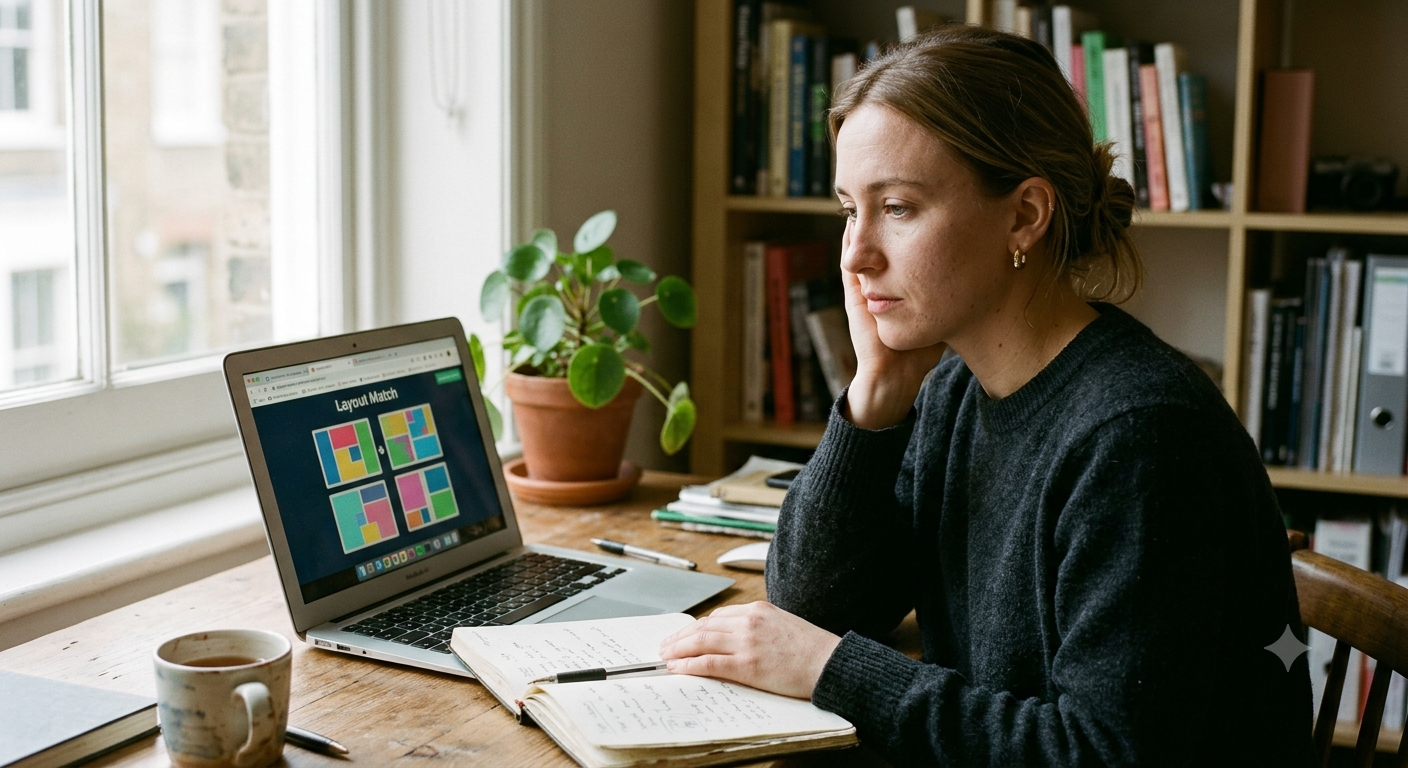
5. Turn Game Skills Into Practical Image Editing
Improve product images and remove distractions
Spotting visual differences can help you notice distractions in a product photo, but real editing requires the right tools. A clean background makes a product easier to examine, especially when the image is intended for an online store or a promotional graphic.
Use the online background remover when you need to separate a subject from its surroundings. An AI background remover can speed up this process, although detailed hair, transparent materials, and complex edges may still need careful inspection. Check the result at full size before exporting it.
Practise cropping, resizing, and compression
Composition challenges encourage you to think about framing. Put that idea into practice with the online image resizer, which can help prepare images for different dimensions. Keep the subject's proportions intact and leave enough room around important details.
Large files can also slow down pages and make images inconvenient to share. The image compression tool can help reduce file size. Review the compressed image afterward, since aggressive compression may introduce visible artefacts around fine lines and text.
Experiment with colour, layouts, and product presentation
Once you start noticing colour relationships and visual balance, experiment with a real design. The cloth recolouring tool can help you explore clothing colour variations, while the online collage maker lets you arrange multiple images into a single composition.
For product-focused projects, explore MakeMyVisuals Product Studio to work on ecommerce image presentation. These practical exercises let you apply visual judgement to actual outputs instead of leaving your progress inside a game.
6. Benefits of Free Browser-Based Design Games
Easy access without complicated setup
One major advantage is convenience. You can explore a visual challenge during a short break without installing a large design application or preparing a full project. This makes browser-based games a useful starting point for people who are curious about creative work but do not know where to begin.
Free access can also lower the barrier to experimentation. You can discover which activities you enjoy before committing time or money to a structured course. Check each game's own access conditions, since availability and features can differ between websites.
Low-pressure practice and repeatable learning
Games provide immediate tasks with clear goals. That structure makes it easier to focus on one skill at a time, whether it is recognising differences, comparing colours, or identifying a pattern. Replaying a challenge lets you try a different strategy and observe whether it helps.
There is also room for experimentation. You can pause, restart, and learn from mistakes without worrying about damaging a client's image or overwriting an important file. That freedom makes games particularly suitable for beginners.
A useful warm-up for creative projects
Before editing a batch of product photos, designing a social media post, or preparing a portfolio, a short visual game can help you shift your attention toward the details that matter. Treat it as a warm-up rather than a substitute for the work itself.
For example, after a colour challenge, you might review whether your next design uses consistent shades. After a comparison puzzle, you could inspect an exported image for rough edges or alignment problems. The connection becomes useful when you consciously apply what you noticed.
7. Common Mistakes to Avoid When Playing Design Games
Rushing instead of observing
Trying to finish every challenge as quickly as possible can make you miss obvious details. Speed may be part of a particular game's scoring system, but accuracy and understanding are more useful when your goal is to practise design-related skills.
Slow down when you get stuck. Check one area at a time, compare similar objects, and look again at the parts of the image that initially seemed unimportant. A methodical approach often works better than repeated guessing.
Assuming game performance equals design expertise
Completing a visual puzzle does not automatically make someone a professional designer. Real projects involve additional considerations, including accessibility, file formats, audience expectations, technical specifications, and feedback from clients or teammates.
Use games as one part of a broader learning routine. Follow a challenge with a practical task, such as resizing an image, making a transparent PNG, or preparing a product graphic. Actual editing gives you a chance to discover limitations that a game may not cover.
Ignoring the final image quality
When moving from games to image editing, do not judge a result only by how quickly you created it. Zoom in to inspect edges, check that the subject remains recognisable, and confirm that important details have not disappeared during compression or resizing.
Also consider the intended use. A social media graphic, a transparent product cutout, and a document image may need different dimensions and export settings. Good design decisions depend on both appearance and purpose.
8. Best Practices for Building a Creative Learning Routine
Set one small goal per session
Choose a clear focus before opening a game. You might work on noticing small changes, recognising colour differences, or understanding visual balance. A specific goal gives you something concrete to practise without making a casual activity feel like homework.
Try a short session a few times a week and adjust the schedule to suit your routine. Consistency is more useful than forcing yourself to play for long periods when you are tired or distracted.
Combine games with real design exercises
After a visual challenge, spend a few minutes applying a related idea to an image. Practise framing with the image resizer, experiment with backgrounds using the background remover, or create a simple collage to explore spacing and balance.
You can also explore the MakeMyVisuals interactive practice modules for more structured learning. For a strong starting point, Image Editing Essentials covers foundational image-editing concepts that complement visual challenges.
Track what you learn, not just your scores
Keep a brief note of the strategies that helped you solve a challenge. Record whether you spotted details more easily, understood a colour relationship, or found a better way to inspect an image. These observations can help you choose what to practise next.
As your confidence grows, try more demanding creative tasks. Learn how different image formats behave, experiment with background removal, and review your designs at their intended display size. Progress comes from connecting observation with repeated practical work.
Frequently Asked Questions (FAQ)
1. What are the best free browser-based design games for beginners?
The best starting point is a game with simple instructions and a clear visual objective. Spot-the-difference puzzles, colour-matching activities, pattern recognition games, and visual search challenges are approachable options. Explore the MakeMyVisuals games collection to find available challenges and choose one that matches your interests.
2. Do I need to download software to play online design games?
Browser-based games are designed to run through a web browser, so a separate game installation is generally unnecessary. Some activities may need an internet connection or browser features to work correctly. Use an updated browser and check the individual game's instructions if you experience loading or compatibility problems.
3. Can design games help me become a better graphic designer?
They can help you practise supporting skills such as visual attention, colour recognition, pattern awareness, and problem-solving. However, professional graphic design also requires layout knowledge, typography, audience awareness, technical skills, and project experience. Combine games with practical editing exercises and structured learning for more complete development.
4. Can I practise background removal after playing visual games?
Yes. A useful follow-up exercise is to choose a photograph, remove its background, and inspect the cutout carefully. The MakeMyVisuals background remover can help you create a transparent background for suitable images. Pay particular attention to hair, fine edges, shadows, and objects that blend into the original background before downloading your result.
5. Which image format should I use after editing an image?
PNG is often a good choice when you need transparency or sharp graphics, while JPEG is commonly used for photographs when a smaller file is important. WebP can provide efficient compression for supported web workflows. The right format depends on the intended use, transparency requirements, image quality, and compatibility needs. You can explore the online image format converter when you need to change a file's format, then verify that the exported image looks correct.
6. How can I keep improving after completing a design game?
Choose a related practical exercise and repeat it with a different image or objective. You could practise resizing without distortion, compressing images while preserving visible quality, creating collages, or exploring product-photo presentation. To build your knowledge in a structured way, visit the MakeMyVisuals practice modules and work through topics that match your goals.
Ready to Put Your Creative Skills Into Practice?
Creative confidence grows when you look closely, experiment, and learn from each attempt. Free browser-based design games offer an easy way to begin, whether you have a few spare minutes or want a regular creative warm-up.
Visit MakeMyVisuals Games to explore visual challenges, then bring those observations into your own projects with practical image-editing tools and free image-editing practice lessons. Start with one challenge today, try a new technique afterward, and keep building skills you can use in real creative work.
Related Guides & Articles
- From Beginner to Pro: Improve Your Visual Skills Through Interactive Games
- Can You Spot the Difference? Fun Visual Challenges to Try Online
- 7 Mini-Games That Test Your Image Editing and Design Skills
- Apple Reveals Redesigned iPad Mini Featuring OLED Display and A20 Pro Chip
- How to Create Luxury Product Photos Using AI
- How to Replace Image Background with a Custom Scene Online