Can You Spot the Difference? Fun Visual Challenges to Try Online
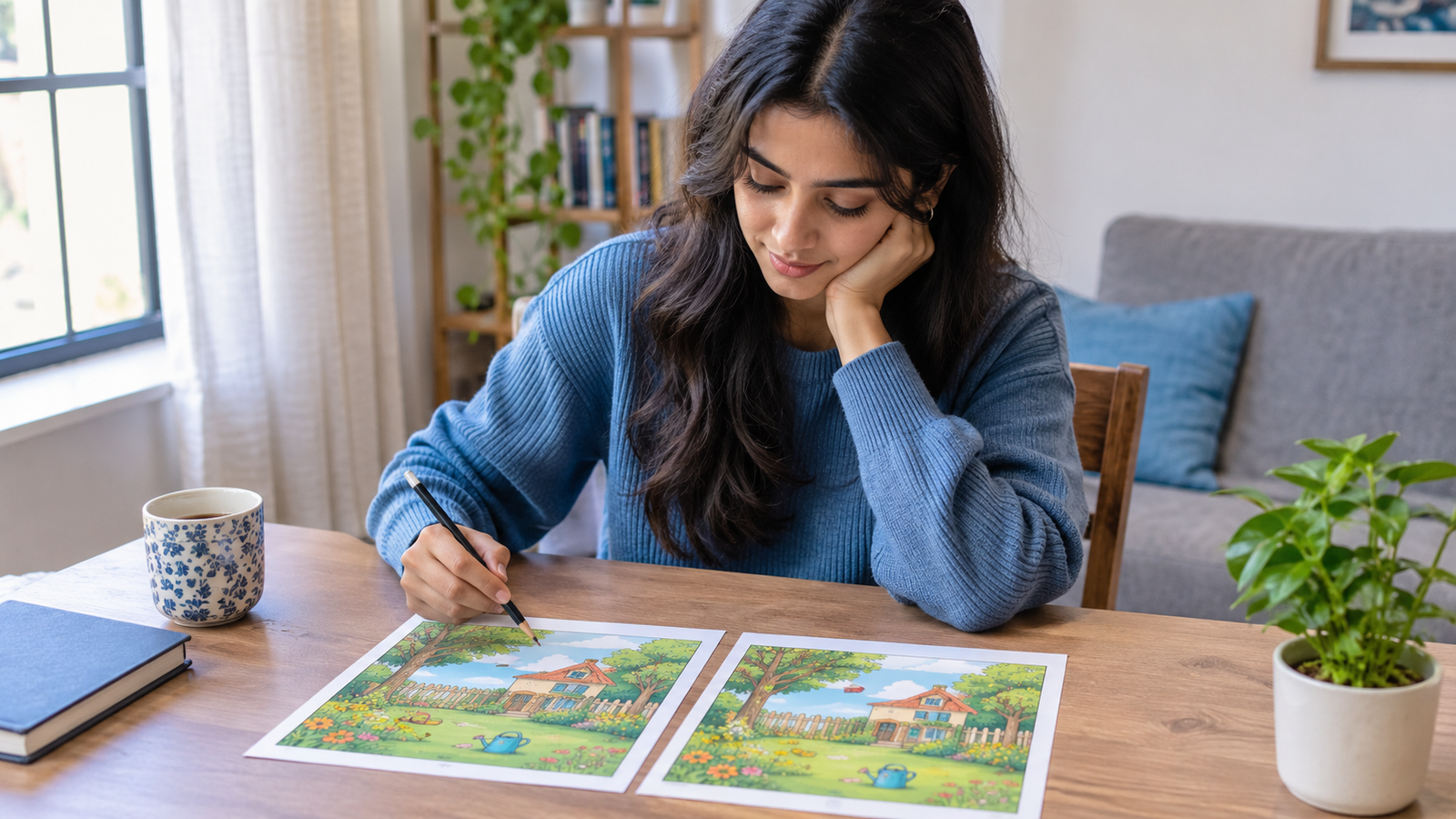
Two pictures look almost identical. The same objects, the same colours, and nearly the same arrangement. But something is different. Can you spot it before time runs out?
That simple question turns an ordinary picture into an engaging challenge. Spot the difference games encourage you to slow down, examine details, compare visual information, and notice things you might usually overlook. They are easy to understand, require little preparation, and can be enjoyed during a short break.
If you enjoy picture puzzles, observation tests, and interactive brain games, explore the MakeMyVisuals online games collection. It offers a fun way to explore visual thinking through games connected to creativity, images, and design.
1. What Are Spot the Difference Visual Challenges?
The idea behind picture comparison games
A spot the difference challenge presents two images that appear nearly identical but contain a few changes. You might find a missing object, a different colour, an altered shape, or a small detail that has moved. Your task is to identify every difference.
Some puzzles are simple enough for children, while others use busy scenes with many objects and subtle changes. The difficulty depends on how obvious the differences are, how much detail the pictures contain, and how similar their overall appearance remains.
Why these challenges hold your attention
Our eyes tend to focus on the main subject of an image. In a picture of a bicycle, for example, you might notice the frame and wheels before spotting a missing reflector or a changed handlebar grip. A visual challenge encourages you to examine those overlooked details.
Each discovery provides a small sense of progress. And because the rules are straightforward, you can start playing without learning complicated controls or reading a long instruction manual.
Where to try visual games online
You can find picture puzzles on gaming websites, educational platforms, and mobile apps. For a more varied experience, visit MakeMyVisuals Games and explore its collection of interactive games.
Not every visual game follows the classic two-picture format. Some challenge your sense of proportion, colour, composition, or image quality. These alternatives are useful when you want to explore different ways of looking at pictures rather than solving the same puzzle repeatedly.
2. Why Visual Challenges Are Worth Trying
Practise careful observation
Visual challenges encourage you to look beyond the obvious. Instead of glancing at an entire scene, you begin examining individual areas, comparing shapes, and checking small details. This is a practical habit when reviewing photographs, checking designs, or preparing images for publication.
For example, an online seller might notice a crooked product label only after looking carefully at a product photograph. A student might catch a missing symbol in a diagram. The situations differ, but both require deliberate attention to visual information.
Make short breaks more engaging
A quick puzzle gives you something concrete to focus on when you want a break from routine tasks. You can attempt one challenge, check your result, and return to your work without setting aside an entire afternoon.
Try switching between easy and difficult puzzles. Easy rounds build momentum, while more demanding ones encourage you to slow down and inspect details. The goal is to enjoy the process, not turn every game into a competition.
Explore creativity through visual thinking
Visual puzzles can also make you more curious about how images are constructed. A small change in spacing, lighting, colour, or object placement can alter how a picture feels, even when its overall composition stays the same.
These observations are useful for anyone interested in photography, digital design, or e-commerce imagery. However, a game is not a formal cognitive assessment, and completing puzzles does not guarantee improvements in memory, concentration, or intelligence. Treat them as enjoyable practice rather than a medical or educational measurement.
[IMAGE_1]3. Different Types of Visual Challenges to Try
Classic spot the difference puzzles
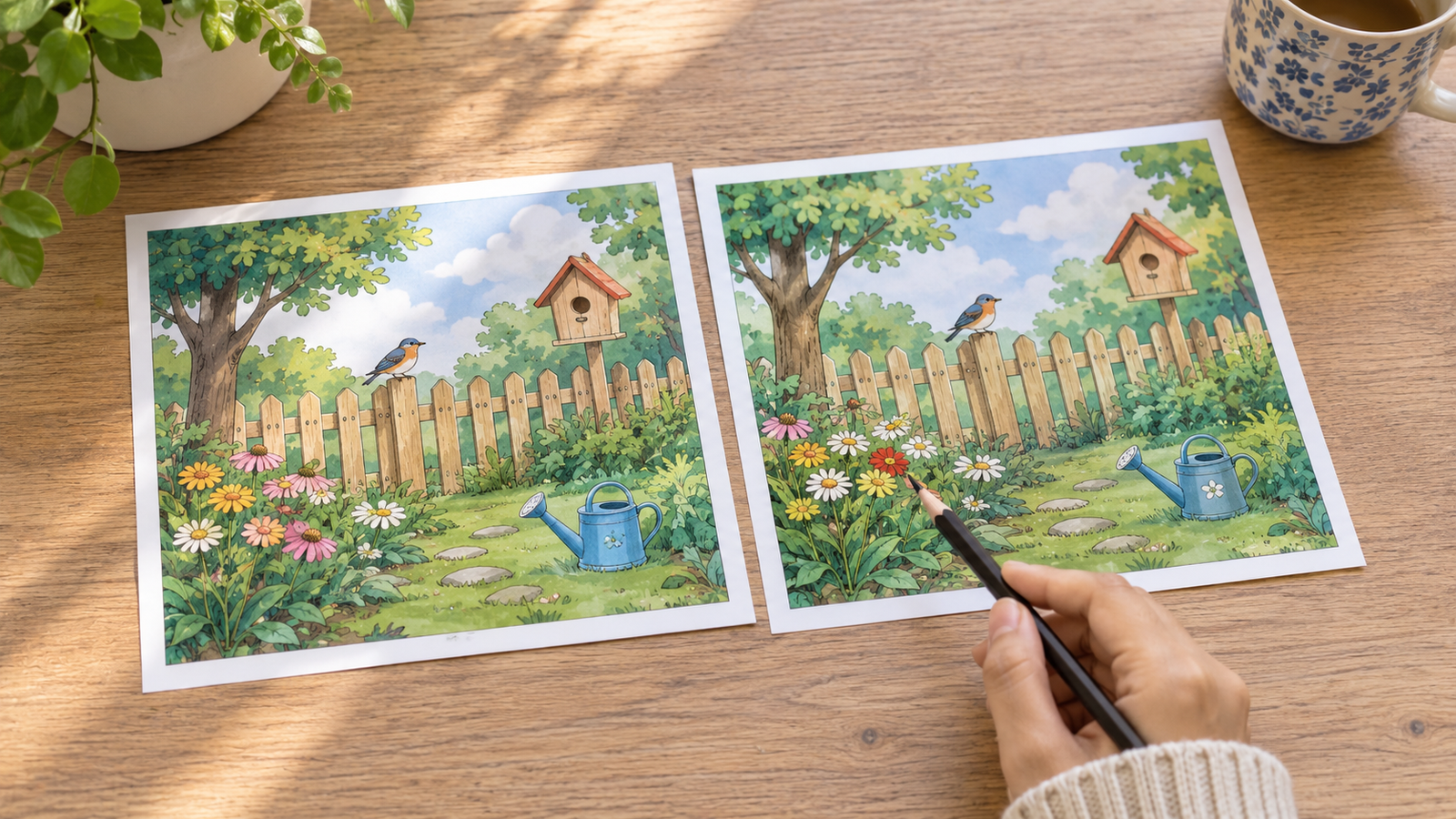
This is the familiar format: two similar images with several hidden changes. Differences might include a missing cloud, an extra button, a changed window shape, or a different pattern on a shirt.
Start with scenes that contain fewer objects. Once you become comfortable comparing pictures, try more crowded illustrations where changes blend into the background. Look at the entire image first, then inspect smaller sections instead of jumping randomly between details.
Find the hidden object and odd one out
Hidden-object games ask you to locate a particular item inside a detailed scene. Odd-one-out puzzles work differently: several shapes, symbols, or pictures share a pattern, but one does not belong. Both formats reward careful comparison.
Try grouping similar objects mentally. Compare their outlines, colours, orientation, and size. If you are searching for a tiny key in a busy illustration, scan one region at a time rather than repeatedly checking the same area.
Colour, shape, and image-quality challenges
Some visual games focus on subtle colour differences, rotated shapes, matching patterns, or identifying an image that has been changed. These puzzles require you to pay attention to specific visual properties rather than the scene as a whole.
They also connect naturally with everyday image editing. Understanding colour and shape differences can help when comparing before-and-after edits, checking a resized picture, or deciding whether an exported image still looks clear enough for its intended use.
Explore the online visual games on MakeMyVisuals to discover which kinds of challenges you enjoy most.
4. How to Solve Spot the Difference Challenges Faster
Step 1: Scan the whole picture
Before examining tiny details, look at both pictures as a whole. Notice the main subject, background, large shapes, and overall arrangement. This creates a mental map that helps you recognise when something does not match.
Do not spend too long on this first scan. A few seconds should be enough to identify the major elements and decide where to look next.
Step 2: Divide the image into sections
Imagine splitting each picture into four areas: top left, top right, bottom left, and bottom right. Compare one section at a time, moving through the image in a consistent order.
This method reduces random searching. If you have already checked the top-left corner, you can move on confidently rather than returning to it repeatedly. Pay particular attention to borders, small objects, and areas where colours blend together.
Step 3: Compare specific visual details
Check the number of objects, their colours, outlines, positions, and orientations. A flower might have one fewer petal, a sign might contain a different symbol, or a shadow might extend in another direction.
If you find one difference, mark it mentally or use the game's selection controls when available. Then continue scanning instead of assuming that every change will be nearby.
Step 4: Review before submitting
When you think you have found every difference, revisit the image areas you checked quickly. Look for subtle changes that could easily escape notice, especially near the edges or among repeated patterns.
If you are stuck, take a short pause and look again. A fresh glance can help you notice a detail that your earlier search overlooked. Use hints if the game provides them, but try to identify the reason for each missed difference before starting another round.
[IMAGE_2]5. Common Mistakes That Make Visual Puzzles Harder
Looking only at the main subject
The central object naturally attracts attention, so it is tempting to inspect it repeatedly. Yet a puzzle may hide changes in the background, corners, or small decorative elements.
Make a conscious effort to check the entire scene. Scan from top to bottom and from left to right, including empty spaces and background details that initially seem unimportant.
Switching between pictures without a method
Constantly jumping between unrelated areas makes comparison harder because you must keep track of what you have already inspected. This can lead to repeated checks and missed differences.
Choose a scanning order and stick to it. Compare matching sections directly, then move forward. Consistency matters more than speed, especially when the pictures contain many small objects.
Rushing or assuming every change is obvious
Time limits can make a game exciting, but rushing often causes you to overlook subtle differences. A changed shade, a slightly different angle, or a small missing detail may require a closer look.
Start without a timer if possible. Once you can find differences reliably, introduce time limits for an extra challenge. Measure progress by accuracy and enjoyment rather than speed alone.
6. Best Practices for Enjoying Online Visual Challenges
Choose the right difficulty
Begin with simple puzzles and increase the difficulty when the current level feels comfortable. Images with fewer objects are good for learning the basic scanning technique, while complex scenes offer a greater challenge.
Choose puzzles that interest you. Food, animals, landscapes, clothing, and everyday objects all provide different kinds of visual detail. Enjoyment makes it easier to return for another round.
Use a suitable screen and display
A larger screen can make small differences easier to inspect, although many simple puzzles work well on mobile devices. Keep the image at a comfortable size and avoid zooming so far in that you lose track of the overall composition.
Screen brightness, glare, and display quality can affect how clearly you see subtle colours. If two shades look identical, adjust your viewing conditions before assuming that the puzzle is impossible. When accessibility settings are available, use them to make the game more comfortable.
Keep practice varied
Repeatedly solving the same puzzle may become predictable once you remember where the changes are. Try new scenes and alternate between spot-the-difference, matching, hidden-object, and colour-based challenges.
For a creative extension, use the skills you practise to compare your own images. Look at an original photograph beside an edited version and identify changes in cropping, background, colour, sharpness, and composition. This makes visual inspection useful beyond gaming.
7. Take Visual Challenges Into Real Image Editing
Compare backgrounds, colours, and composition
Visual comparison is a useful part of image editing because small changes can affect the final result. A background may contain unwanted objects, a product may sit too close to an edge, or a colour adjustment may make fabric appear different from the original.
Use the background remover to explore removing a distracting photo background. For portraits and fashion images, the cloth recoloring tool offers a way to experiment with colour changes and compare the result with the original.
Notice image dimensions and file quality
Not all visual differences are obvious at first glance. Resizing can change the dimensions of a picture, while compression can reduce file size and sometimes introduce visible artifacts. Comparing the original and edited versions helps you decide whether the result still meets your needs.
Try the online image resizer when preparing pictures for different layouts, or use automatic image compression to reduce file size. Inspect the output at its intended display size before publishing it.
Build a practical visual-editing routine
When editing an image, keep a copy of the original and compare it with your finished version. Check the subject's edges, colours, proportions, background, and overall clarity. This simple review can catch mistakes before an image reaches a product listing, website, or social media post.
You can also prepare side-by-side examples with the online collage maker. A comparison layout is helpful when reviewing different crops, backgrounds, or colour treatments without repeatedly opening separate files.
8. Explore MakeMyVisuals Games and Practise Your Skills
Find a challenge that suits your mood
Sometimes you want a quick puzzle. Other times, you want to spend longer exploring a game and improving your approach. Having different challenge types available lets you choose based on your time, interests, and comfort level.
Visit MakeMyVisuals Games to explore interactive activities related to visual thinking and creativity. Start with a game that looks approachable, learn its rules, and try a harder challenge when you feel ready.
Turn playful learning into practical skills
Games provide a starting point, but real progress comes from applying what you learn. When you edit a photograph, check how the subject fits the frame, whether the background distracts from it, and whether the final image looks clear on the intended screen.
If you want guided practice beyond games, explore the Image Editing Essentials practice module to work through image-editing concepts with structured exercises.
Make the experience your own
Try a small challenge whenever you have a few spare minutes. Keep the focus on discovering details, enjoying the process, and becoming more deliberate about the images you see every day.
For a broader learning path, visit the MakeMyVisuals practice modules and explore exercises that help you build practical image-editing and optimization skills.
Frequently Asked Questions (FAQ)
What is a spot the difference game?
A spot the difference game asks you to compare two similar pictures and identify changes between them. Differences may involve missing objects, altered colours, changed shapes, or repositioned details. These puzzles are easy to start and can be played online on supported desktop and mobile devices.
Where can I play visual challenges online for free?
You can explore online puzzle websites and interactive game collections. Visit MakeMyVisuals Games to browse its available games. Check the individual game's instructions and any access requirements before playing, as availability and features may vary.
How can I find hidden differences more quickly?
Scan the full image first, divide it into sections, and compare matching areas in a consistent order. Check colours, shapes, object counts, positions, and edges. Accuracy is more useful than rushing, so practise without a timer before attempting harder challenges.
Are spot the difference games suitable for children?
Many picture comparison games are suitable for children because the rules are simple and the puzzles can be adapted to different difficulty levels. Choose age-appropriate content, supervise younger children when necessary, and take regular screen breaks. These games can be enjoyable activities, but they should not be treated as formal assessments of intelligence or learning ability.
Can visual challenges help me improve my image-editing skills?
They can help you practise looking carefully at visual details, which is useful when reviewing edited photographs. However, puzzle-solving alone does not teach every editing technique. Pair visual challenges with practical exercises involving cropping, resizing, background removal, colour adjustment, and export quality to develop a broader skill set.
Which image format should I use when comparing edited pictures?
Use a format that suits your intended purpose. PNG is useful when you need transparency or crisp graphics, JPEG is commonly used for photographs, and WebP can offer efficient web image delivery. Compare images at the same display size and inspect fine details before choosing an export format. You can use the MakeMyVisuals format converter to convert supported image files and review the resulting output.
Ready for Your Next Visual Challenge?
Great visual work starts with paying attention. Whether you are finding tiny changes in a picture, experimenting with a new composition, or preparing product images for a website, careful observation helps you make more informed choices.
Explore MakeMyVisuals Games today to try interactive visual challenges, then discover practical tools for background removal, resizing, compression, and image editing. When you are ready to go further, visit our free image-editing practice module and put your visual skills to work.
Related Guides & Articles
- From Beginner to Pro: Improve Your Visual Skills Through Interactive Games
- Test Your Creative Skills With Free Browser-Based Design Games
- 7 Mini-Games That Test Your Image Editing and Design Skills
- Apple Reveals Redesigned iPad Mini Featuring OLED Display and A20 Pro Chip
- How to Create Luxury Product Photos Using AI
- How to Replace Image Background with a Custom Scene Online