Samsung One UI 9 Motion Photo Wallpaper: Limited Rollout Confirmed
Foldable Exclusivity: The One UI 9 Gimmick
Samsung’s latest software update lets you turn Motion Photos into animated wallpapers, but don’t hold your breath if you’re rocking a standard slab phone. Right now, this shiny new toy is locked away for the Galaxy Z Flip 8, Z Fold 8, and the Fold 8 Ultra. Typical gatekeeping.
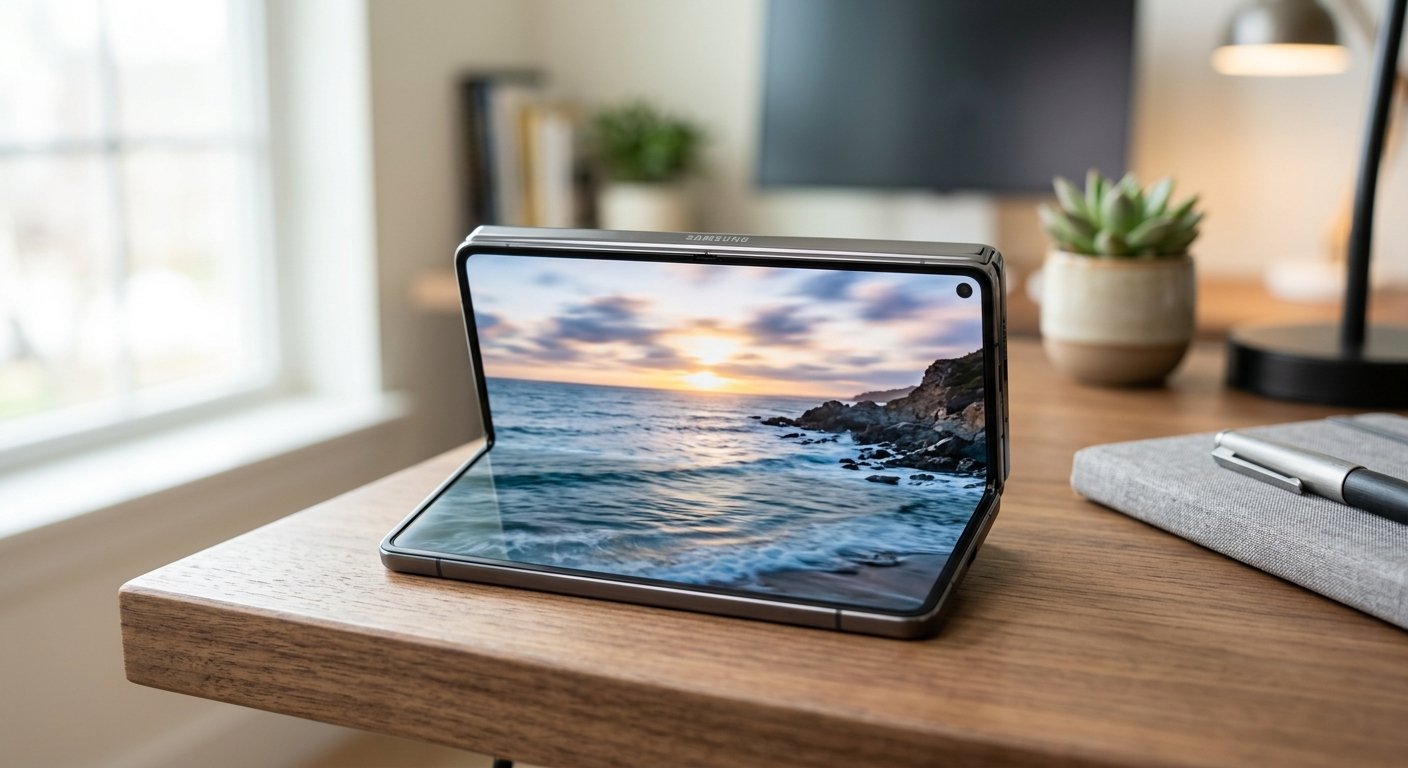
Checking the S26 beta, the feature is nowhere to be found. It’s either a hardware demand or Samsung just wants you to buy their expensive folding glass. Either way, run your files through a background remover if you want your custom wallpaper to look like it wasn't made in a basement.
The Motion Photo Workflow
Motion Photos capture a few seconds of movement around your shutter click. Moving that clip from your dusty gallery to your home screen is the big change here. Open the photo, hit the preview, and toggle the animation until it stops looking like a glitchy mess.
Hate the movement? Switch it back to a static shot. Just remember to run your images through an image resizer so your display doesn't choke on a massive file. Keep it lean.
Siloed Software Trends
Excluding the S26 series from this feature proves that "latest OS update" is just a marketing lie. You aren't getting the full package just because you’re on the newest firmware. Before you upload anything, use an auto compress tool to keep your phone from lagging like it's 2012.
The Reality Check
Are all One UI 9 devices getting this? Absolutely not; it's limited to the Z Flip 8 and Fold 8 series. If you prefer static images, the preview window lets you toggle the animation off instantly. Don't bet on other phones getting this update, as Samsung hasn't promised a damn thing.
Customization Without the Bloat
Managing your visual library is a chore, but it matters. Whether you're using a format converter for compatibility or cleaning up clutter with a product studio, get your files in order. MakeMyVisuals handles the heavy lifting so your phone doesn't have to.
Stop stalling and clean up your digital act. Head over to MakeMyVisuals to find tools that actually do the work for you.
Related Guides & Articles
- GTA 6 Launch Guide Reveals the Settings PS5 and Xbox Players Should Change First
- 10 Free Online Puzzle Games You Can Play Directly in Your Browser
- Best Free Brain Games to Play Online Without Downloading
- Photo Editing Quiz: Test Your Knowledge of Image Editing Basics
- Why Some Small Brands Are Getting More Attention Than Big Companies
- AI Agents Are Getting Smarter: What Can They Actually Do in 2026?
