Microsoft Edge vs. Google Chrome: Cybersecurity Experts Analyze Browser Safety Risks
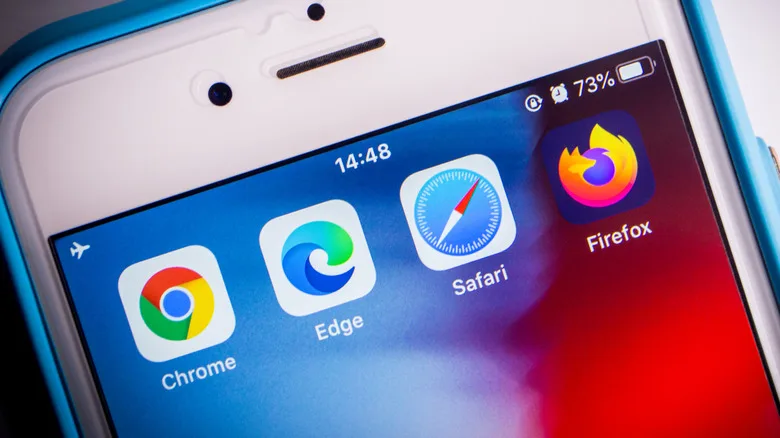
Browser Security in the Age of AI
Your browser is the bouncer at the door of your digital life. With ransomware and phishing scams exploding, the fight between Chrome and Edge has gotten nasty. Chrome dominates the market, but Edge is clawing its way up by locking the front door before you even walk in.
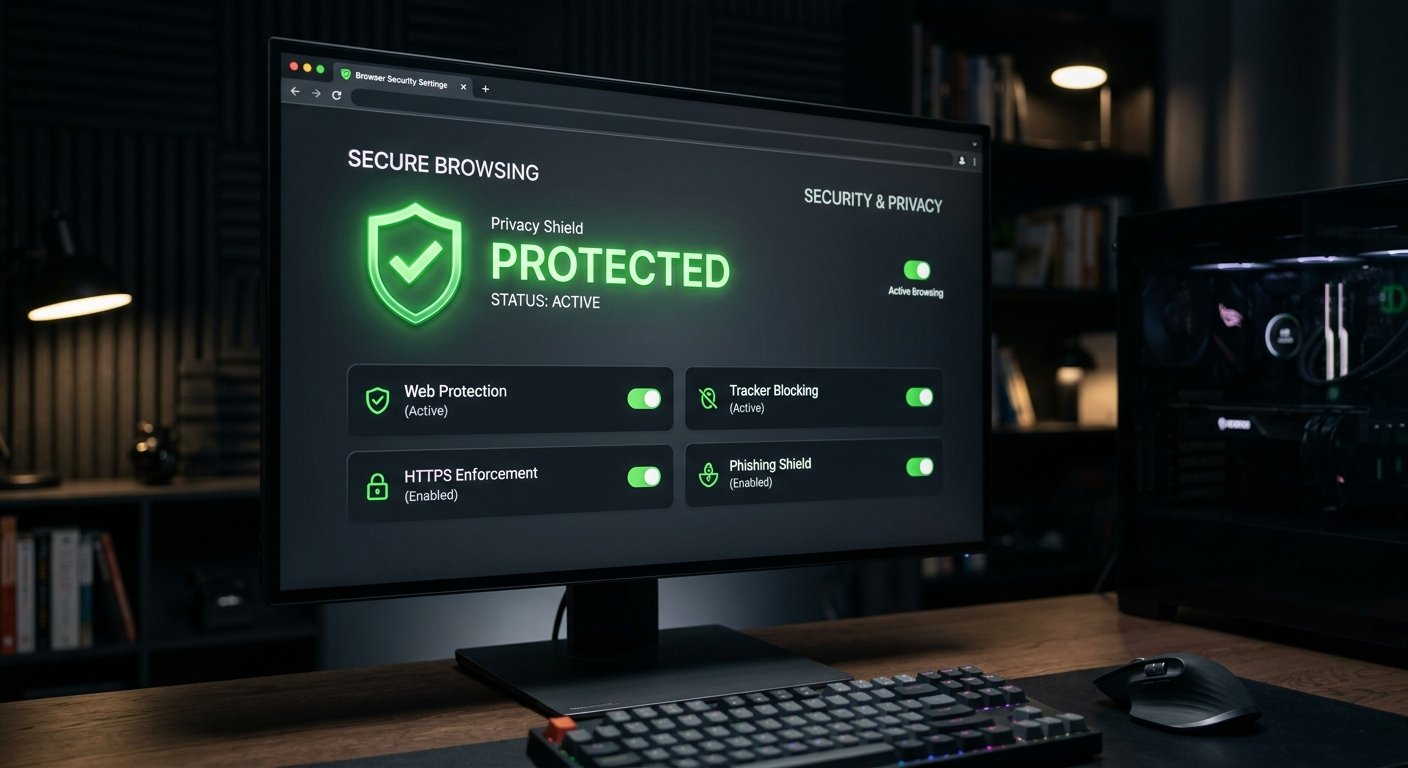
Built on the same Chromium bones, these browsers have totally different hearts. Microsoft ties Edge into the guts of Windows for a beefier defense. Chrome, meanwhile, expects you to do the heavy lifting with third-party extensions.
Why Edge Currently Leads in Out-of-the-Box Security
Microsoft’s SmartScreen is the real deal. It warns you about fake sites and phishing traps in real-time, pulling data straight from the Windows kernel. It’s not just a filter; it’s a barricade.
Stopping imposters is easier now, too. Edge flags URLs that look like real websites but are actually traps meant to swipe your passwords. It’s a clean, aggressive way to stop hackers cold.
Tracking prevention is where Edge really punishes the competition. While Chrome politely asks sites to "Do Not Track"—and gets ignored—Edge actually blocks the leeches. If you’re juggling sensitive files, you need that privacy, much like you’d rely on a smart doc assistant to keep your workflow locked down.

The Chrome User's Path to Hardened Security
Chrome isn't dead in the water, but you’ve got to work for it. Grab an extension like Malwarebytes to kill malicious ads and block junk domains. Don't go overboard, though.
Loading your browser with random plugins is a recipe for disaster. If you're messing with design assets, skip the unverified garbage and use a trusted AI background remover from a pro platform like MakeMyVisuals instead.
Impact Analysis: What This Means for You
Picking a browser isn't about the colors or the buttons anymore. It’s about how much armor you want between you and the web. AI-driven threats move fast, and if you aren't paying attention, you're toast.
Industry Trends and Digital Hygiene
Stay picky about where your data travels. When you're using an image resizer or a sketchy online format converter, verify the source. Only use tools like our automatic image compression that actually respect your privacy.
Frequently Asked Questions
Is Edge better out of the box? Definitely. It just works harder to stop trackers and phishers without you needing to play IT administrator. Can Chrome catch up? It can, but you have to manually install and manage the right security add-ons yourself. Does it matter for editing tools? Absolutely, so stick to safe environments like an ecommerce product studio that prioritizes your data safety alongside your browser’s shield.
For secure, high-end visual work, hit up MakeMyVisuals. Whether you need to recolor apparel or clean up assets, we keep your creative grind secure. Don't leave your data exposed.
Related Guides & Articles
- 10 Free Online Puzzle Games You Can Play Directly in Your Browser
- Best Free Brain Games to Play Online Without Downloading
- Photo Editing Quiz: Test Your Knowledge of Image Editing Basics
- Why Some Small Brands Are Getting More Attention Than Big Companies
- AI Agents Are Getting Smarter: What Can They Actually Do in 2026?
- How to Make an Image Sharper Without Creating Unnatural Edges
