Image Dimensions for Every Major Social Media Platform (2026)
Why Social Media Dimensions Matter
Digital real estate is a brawl for attention. When your images show up blurry, stretched, or chopped in half, your credibility goes into the gutter. Users scroll past unoptimized trash without a second thought.
Understanding these 2026 specs isn't a chore; it's the cost of entry. You want your visuals to look like you actually gave a damn. Fix your sizing with our image resizer so you stop looking like an amateur.
Instagram: The Visual Hub
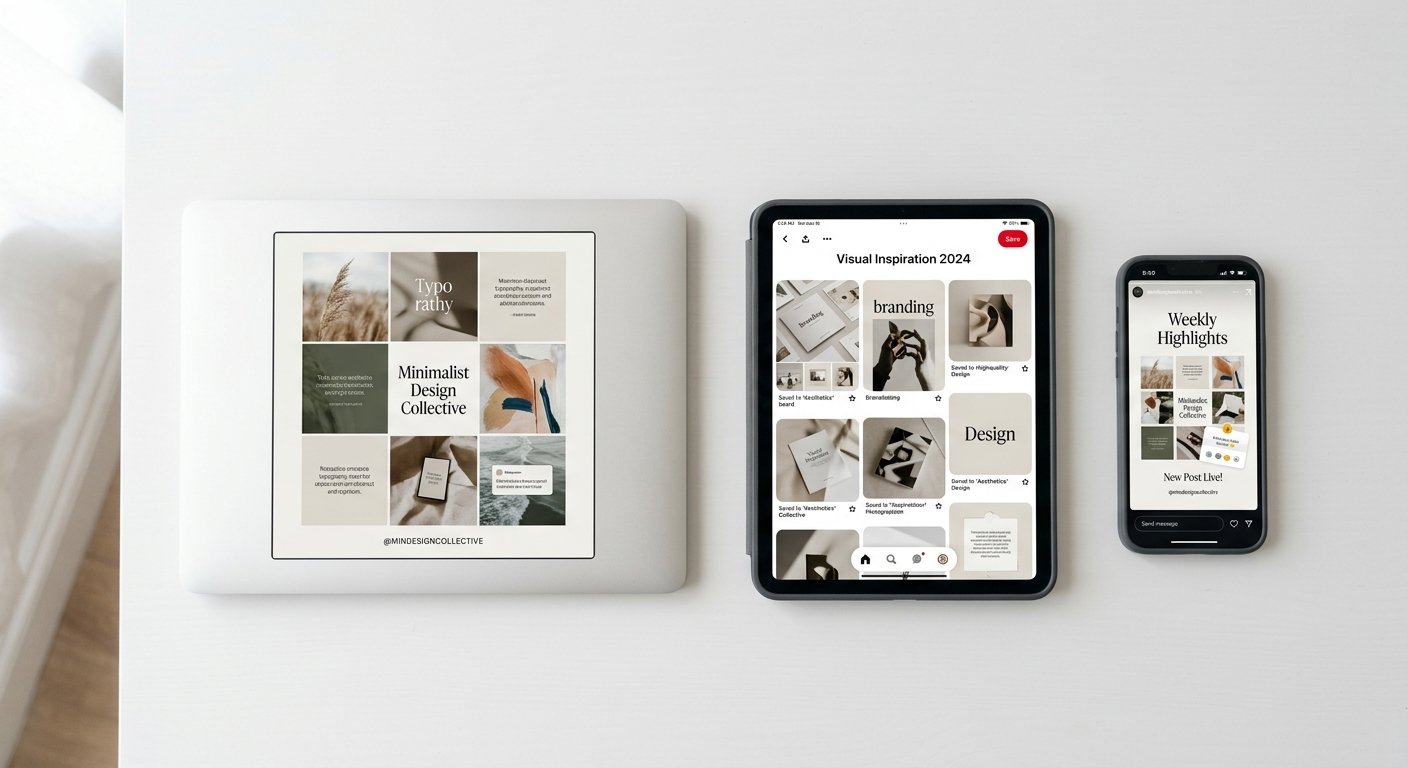
Instagram is still king of the visual hill. Aim for a 1080 x 1350 pixel vertical crop to maximize screen space, though 1080 x 1080 squares still work if you’re lazy. Use a 4:5 aspect ratio to grab eyes.
Stories and Reels are a completely different headache. You need 1080 x 1920 pixels or it looks like garbage. If you’re stuck with horizontal footage, use a background remover to fill the gap. Frame it right.
LinkedIn: Professional Standards
LinkedIn demands a clean, corporate look that doesn't scream "I’m desperate." Keep your profile banner at 1584 x 396 pixels and your posts at 1200 x 627 pixels for links or 1080 x 1080 for squares. Tiny mobile text is a death trap, so make your fonts huge.
Upgrade your headshot by dumping that messy office background with an AI background remover. A minimalist look helps you actually stand out. Consistency is your best friend here.
X (Formerly Twitter) Specs
X moves fast enough to give you whiplash. Keep your logo centered in that 400 x 400 circular profile crop, and use 1500 x 500 for your banner. Shared images should stick to 1200 x 675 for that 16:9 look.
Uploading massive files turns your work into a muddy, compressed mess. Use our auto-compress feature. It keeps things sharp and loads instantly. Don't let the algorithm ruin your resolution.
Facebook: The Dynamic Landscape
Facebook is a fragmented nightmare where images render differently on every device. Stick to 1080 x 1080 for the feed, but use 1640 x 856 for Events or Groups. Stop guessing and use a template.
When you’re caught with the wrong format, hit up our format converter. Swap those heavy files to JPG for photos or PNG for sharp graphics. Avoid the algorithmic wash-out.
Best Practices for 2026 Visuals
Keep your colors consistent or nobody will know who you are. Preview your stuff on a phone screen before you post, because what looks fine on a desktop monitor is often unreadable gibberish elsewhere.
Fix team photos with the recolor cloth tool to keep things uniform. String images together using the collage maker for those quick updates. When in doubt, export high and let us handle the downscaling.
Common Mistakes to Avoid
Forcing landscape photos into portrait slots is a rookie move that cuts off faces. Keep your text away from the edges to avoid the profile picture overlay disaster. Watch your safe zones.
Uploading a 20MB file is just asking the server to mangle your quality. Manage the compression yourself to keep the edges sharp. It’s pretty simple to keep things lean.
FAQ: Image Dimensions & Optimization
Use JPG for standard photos and keep your PNGs for transparent needs with our transparent background maker. Resize in batches to save your sanity. Blurry images happen because you ignored the dimensions, so stop it.
Start Optimizing Today
Mastering these specs turns your feed into a portfolio that actually works. You don't need a bloated design budget to make a mark. Grab the product studio or our other tools to get it done.
Visit MakeMyVisuals and stop posting garbage. Get to work.
Related Guides & Articles
- 10 Free Online Puzzle Games You Can Play Directly in Your Browser
- Best Free Brain Games to Play Online Without Downloading
- Photo Editing Quiz: Test Your Knowledge of Image Editing Basics
- Why Some Small Brands Are Getting More Attention Than Big Companies
- AI Agents Are Getting Smarter: What Can They Actually Do in 2026?
- How to Make an Image Sharper Without Creating Unnatural Edges
