How to Resize Photos for SSC, UPSC, Railway & Government Exams
Why Photo Dimensions Matter for Government Exams
Every year, thousands of applications for SSC, UPSC, and Railway recruitment drives get rejected. Most of these rejections happen for one simple reason: incorrect image specifications. You might have the best credentials, but if your photograph doesn't fit the pixel dimensions or file size limits, the automated system will reject your upload instantly.
Official portals have strict technical requirements. They define the exact width, height, and file size in kilobytes. Failing to meet these, even by a few pixels, often results in a 'file size limit exceeded' or 'invalid dimension' error. This guide shows you how to bypass these headaches using professional digital tools.
Manually editing photos in paint or basic software often ruins the quality. You need a tool that balances compression with clarity. Our image resizer is designed to handle these specific tasks, ensuring your image remains sharp while staying under the required file size limit.
Common Requirements for Exam Applications
Most government bodies follow a standard set of rules for photographs and signatures. While they vary slightly from exam to exam, here are the general guidelines you should prepare for:
- Format: Always keep your files in JPEG or JPG. Sometimes, PNG is allowed, but if you need to convert, use our format converter to ensure compatibility.
- Size Limits: Most portals require files to be between 10KB and 50KB or 20KB to 100KB.
- Dimensions: Common requirements often land around 3.5cm x 4.5cm.
- Background: Many exams mandate a white or light-colored background. If your current photo has a distracting backdrop, you can easily use an AI background remover to achieve that clean, professional look.
How to Resize Photos Like a Pro
You don't need expensive software like Photoshop to prepare your documents. Follow these steps to get your files ready for the SSC or UPSC portal:
First, scan your documents at a decent resolution, but avoid extremely high DPI settings that result in massive file sizes. Once you have the raw file, head over to our image resizer.
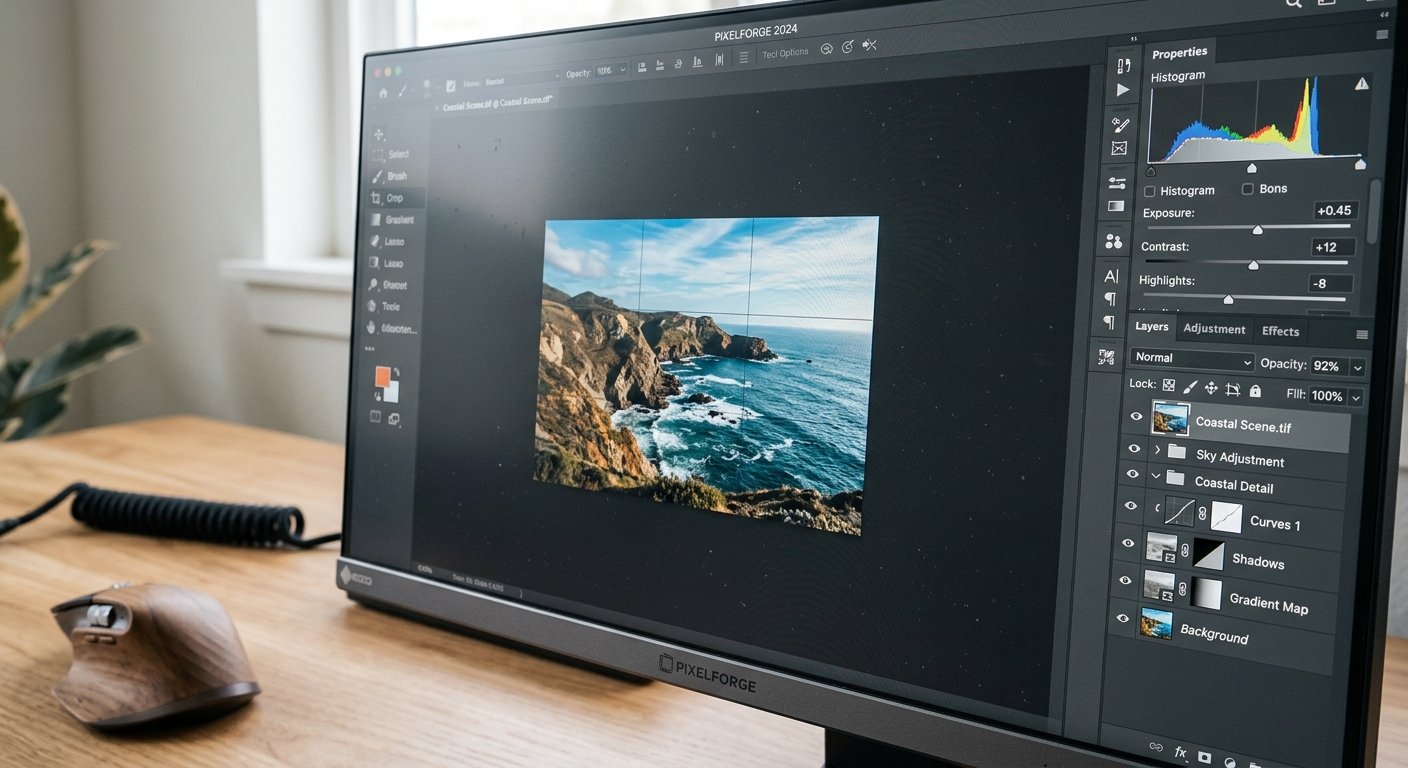
Upload your image. Choose your target dimensions or file size settings. Hit the process button. Within a few seconds, the tool will provide a perfectly formatted version of your document. If you find the file is still slightly too large after resizing, run it through our auto-compress tool to shave off unnecessary data without hurting the clarity.
Common Mistakes to Avoid
Don't fall into the trap of stretching your image. If you force a square photo into a rectangular frame, your face will appear distorted. Always maintain the aspect ratio. If you are uploading a document like a mark sheet or ID card, ensure the text remains legible after compression. If the text looks blurry, use our smart doc assistant to optimize it specifically for text clarity.
Another common mistake is forgetting about the background. Some exams require a clear, neutral background. Using an online background eraser can save you from having to visit a studio again. It ensures your application looks professional and consistent with official requirements.
Frequently Asked Questions
What if my photo is too large to upload?
If the file size exceeds the limit, simply use an image compressor. It reduces the file size while maintaining the required visual quality for the examiner to identify you.
Can I change the background of my photo?
Yes. Many candidates use our background removal tools to swap out a cluttered or dark background for a plain white one, which is often a strict requirement for competitive exams.
Is it okay to resize a signature?
Absolutely. Signatures often have very tight constraints. Ensure your signature is crisp against a white background, then use our cropping and resizing tools to fit the pixel requirements exactly.
Final Checklist for Your Application
Before hitting that 'Submit' button, verify these three things: Is the face clearly visible? Is the file size within the specified KB range? Is the background neutral? If you check all three, you are ready to upload. Take the stress out of your preparation process. MakeMyVisuals provides all the necessary tools in one place to help you manage your digital documents without friction. Start optimizing your files today and keep your focus on your studies, not on technical glitches.
Related Guides & Articles
- GTA 6 Launch Guide Reveals the Settings PS5 and Xbox Players Should Change First
- 10 Free Online Puzzle Games You Can Play Directly in Your Browser
- Best Free Brain Games to Play Online Without Downloading
- Photo Editing Quiz: Test Your Knowledge of Image Editing Basics
- Why Some Small Brands Are Getting More Attention Than Big Companies
- AI Agents Are Getting Smarter: What Can They Actually Do in 2026?
