How to Resize Images for Email Marketing: The Ultimate Guide
Why Image Size Matters in Email Marketing
Sending emails is easy, but making them actually work on a phone screen is a nightmare. Massive files cause sluggish load times and jagged, broken layouts. If a user stares at a blank void where your logo should be, they’ll hit delete before you can blink. It's over.
Huge images are the primary culprit behind poor engagement. ISPs watch your file sizes like hawks. If you’re pushing bloated content, automated filters will shove your newsletters straight into the junk folder. Keep your files lean to stay out of the digital gutter.
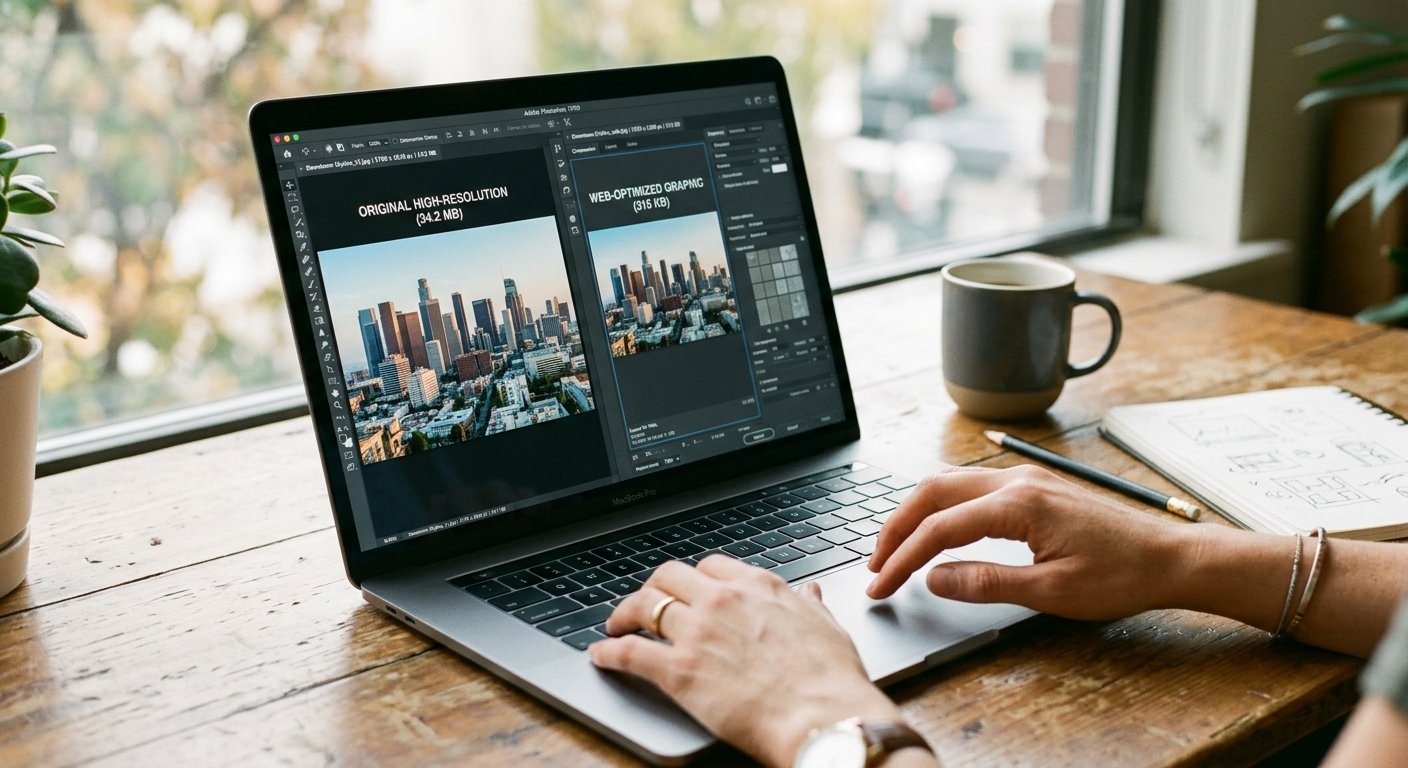
Beyond speed, watch your formatting. Gmail, Outlook, and Apple Mail render images differently, often stretching them into pixelated messes. Using an image resizer locks your visuals into place so they look sharp on both desktop and mobile.
The Ideal Dimensions and Formats
Stick to a width between 600 and 800 pixels. Most templates have a fixed container, and anything wider forces the reader into an annoying horizontal scroll. Nobody wants to hunt for your call-to-action.
Choose your file type wisely. Use JPEGs for complex photos and PNGs if you need transparency for logos or graphics. If you’re stuck with a bloated format, grab a format converter to strip the excess weight.
Reducing File Size Without Sacrificing Quality
Resizing is only half the fight. You could have a perfectly scaled image that’s still 5MB, which will crawl across a cellular network. Aim for 100-200KB to ensure your content pops open instantly. It’s gotta be fast.
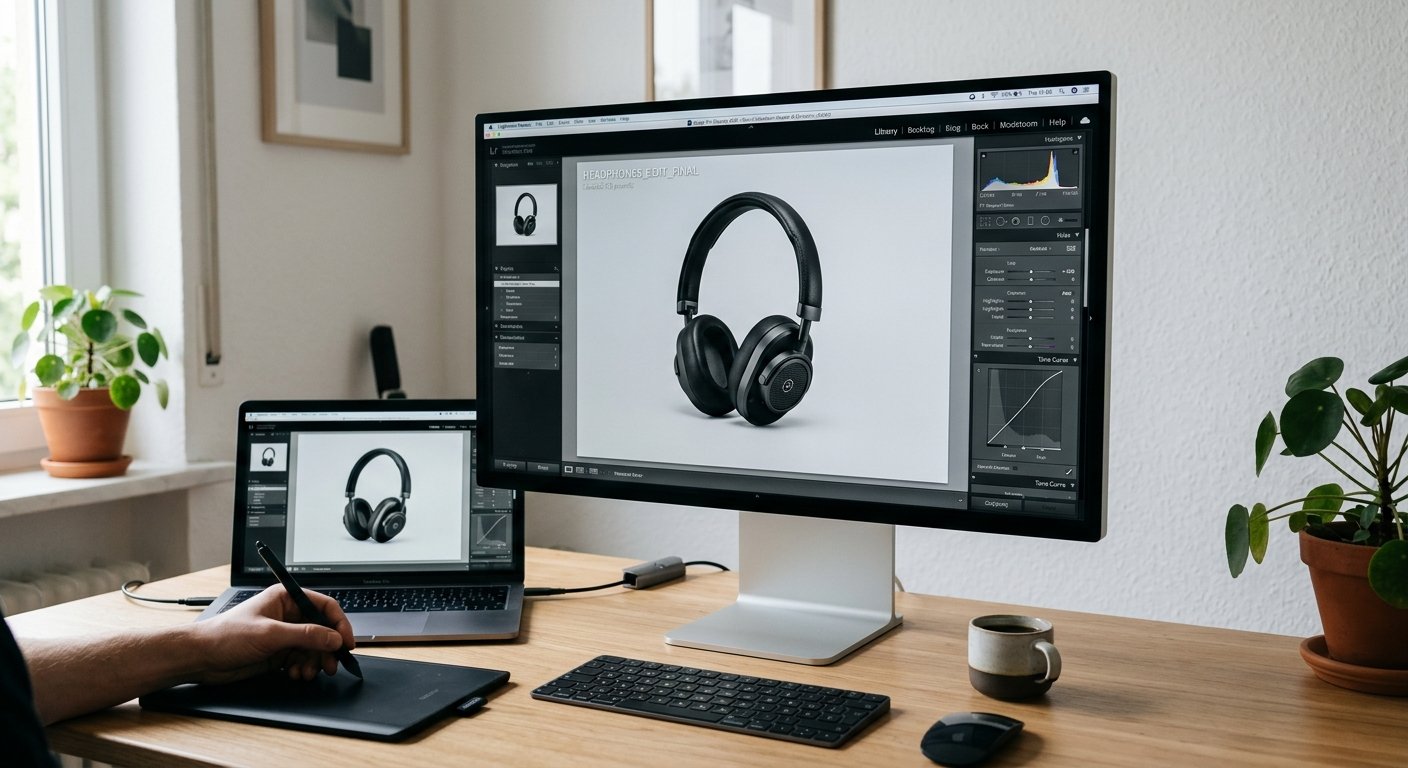
Don't panic about blurriness. Modern auto compress tools ditch the hidden, useless metadata without wrecking your color depth. Your images stay crisp while losing the bulk.
Common Mistakes to Avoid
Stop relying on your email platform’s internal drag-and-drop editor. Those tools often just scale the display while forcing the browser to download the massive original file. Resize your stuff *before* you hit upload.
Clean up your shots, too. Busy backgrounds make text impossible to read. Using an AI background remover isolates your product, so your reader focuses on the offer, not the clutter.
Best Practices for High-Converting Emails
Testing on mobile is non-negotiable. If your image looks like garbage on a smartphone, you’ve lost the lead. End of story.
Include descriptive alt text for every single visual. If the internet dies or the user is visually impaired, they need to know what you’re selling. Use ecommerce tools to keep your branding consistent across your entire site.
Automate your workflow. Batch processing dozens of photos at once saves hours of manual labor. Work smarter.
Frequently Asked Questions
What is the standard width for email marketing images?
Aim for 600px to 800px. This keeps your layout stable across every device on the market.
Why should I compress images for email?
Compression stops "email bloat" and lets your message load even on crummy, slow internet connections.
Can I use transparent backgrounds in my emails?
You bet. Use a transparent background maker to give your product a high-end, floating look that pops against any color.
Start Optimizing Your Visuals Today
Mastering this doesn't require a design degree. With the right toolkit, you can turn slow, messy newsletters into clean, high-converting revenue machines. It's about precision.
At MakeMyVisuals, we offer everything from image resizer utilities to advanced editing tools. Don't let heavy files kill your conversions. Head to MakeMyVisuals and clean up your act.
Related Guides & Articles
- GTA 6 Launch Guide Reveals the Settings PS5 and Xbox Players Should Change First
- 10 Free Online Puzzle Games You Can Play Directly in Your Browser
- Best Free Brain Games to Play Online Without Downloading
- Photo Editing Quiz: Test Your Knowledge of Image Editing Basics
- Why Some Small Brands Are Getting More Attention Than Big Companies
- AI Agents Are Getting Smarter: What Can They Actually Do in 2026?
