How to Remove White Background From Image: A Practical Guide

Why You Need to Remove White Backgrounds
Staring at a harsh white background makes your product look like a cheap warehouse reject. It’s stale. Boring. You need a transparent canvas to make your items jump off the screen.
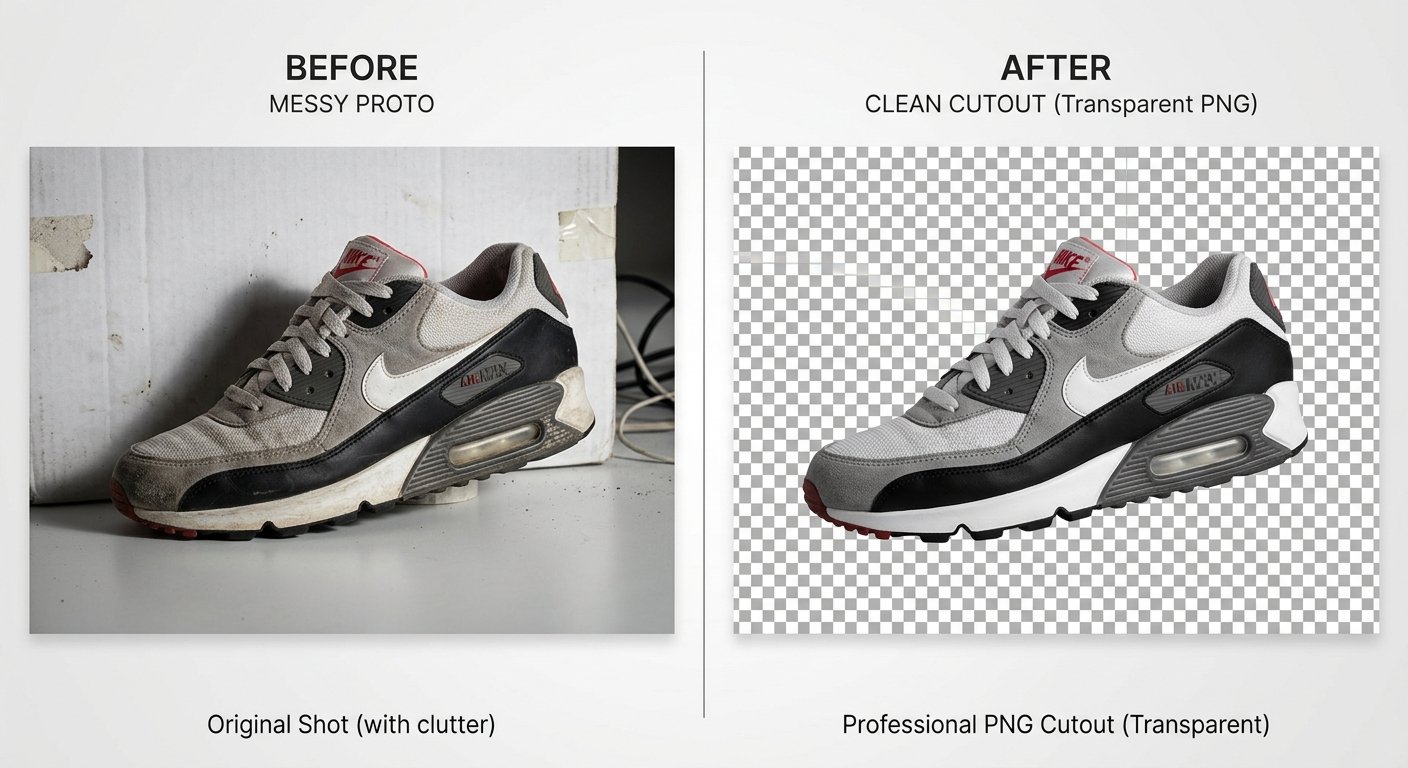
Stop wasting hours with the pen tool. Modern AI background remover tech snips your subject out in a single click, keeping the edges razor-sharp.

Forget the background limitations. Use our product studio to slap your gear onto any pattern or environment without burning cash on a professional photoshoot.
How to Remove White Background From Image Online
Ditch the bloatware and monthly subscriptions. An online background eraser handles the grunt work in seconds.
Step 1: Upload Your Image
Pick a file with a clean subject. High-contrast shots work best for any transparent background maker.
Step 2: Let the AI Do the Heavy Lifting
Watch as the auto background remover scans every pixel to isolate your subject. No manual tracing required.
Step 3: Refine and Download
Fix messy hair or fabric edges using the edge refiner. Once it looks tight, grab your transparent PNG.
Common Mistakes to Avoid
Uploading a pixelated, low-res image is a death sentence for your cutout. AI is smart, but it can’t invent data that isn't there.
Save your work as a PNG to keep the transparency intact. If you mess up and export as a JPEG, use our format converter to fix the file type immediately.
Optimizing Images After Removal
Running a website requires speed. Use an image resizer to kill unnecessary dimensions, then hit it with an auto compress tool so your pages don't crawl.
Perception is everything. Use our smart doc assistant to keep your branding from looking like a disorganized mess.
FAQ: Frequently Asked Questions
Can I remove a white background for free?
Absolutely. Stop paying a ransom for software. Our free background remover gets the job done without a bill.
What is the best format for transparent images?
Stick to PNG files. JPEGs are glorified wallpapers that kill transparency.
Does AI background removal work on complex backgrounds?
Yes, it's pretty wild. This image cutout tool slices through hair and fur like it's nothing.
Can I batch process multiple images?
You can. If you're managing a storefront, use batch background removal to process hundreds of shots while you grab a coffee.
Get Started With MakeMyVisuals
Quit doing things the hard way. Visit MakeMyVisuals today and stop wasting your life on pixel-pushing.
Related Guides & Articles
- 10 Free Online Puzzle Games You Can Play Directly in Your Browser
- Best Free Brain Games to Play Online Without Downloading
- Photo Editing Quiz: Test Your Knowledge of Image Editing Basics
- Why Some Small Brands Are Getting More Attention Than Big Companies
- AI Agents Are Getting Smarter: What Can They Actually Do in 2026?
- How to Make an Image Sharper Without Creating Unnatural Edges
