How to Remove Background From Signature: A Quick Professional Guide

Why Your Digital Signature Needs a Transparent Background
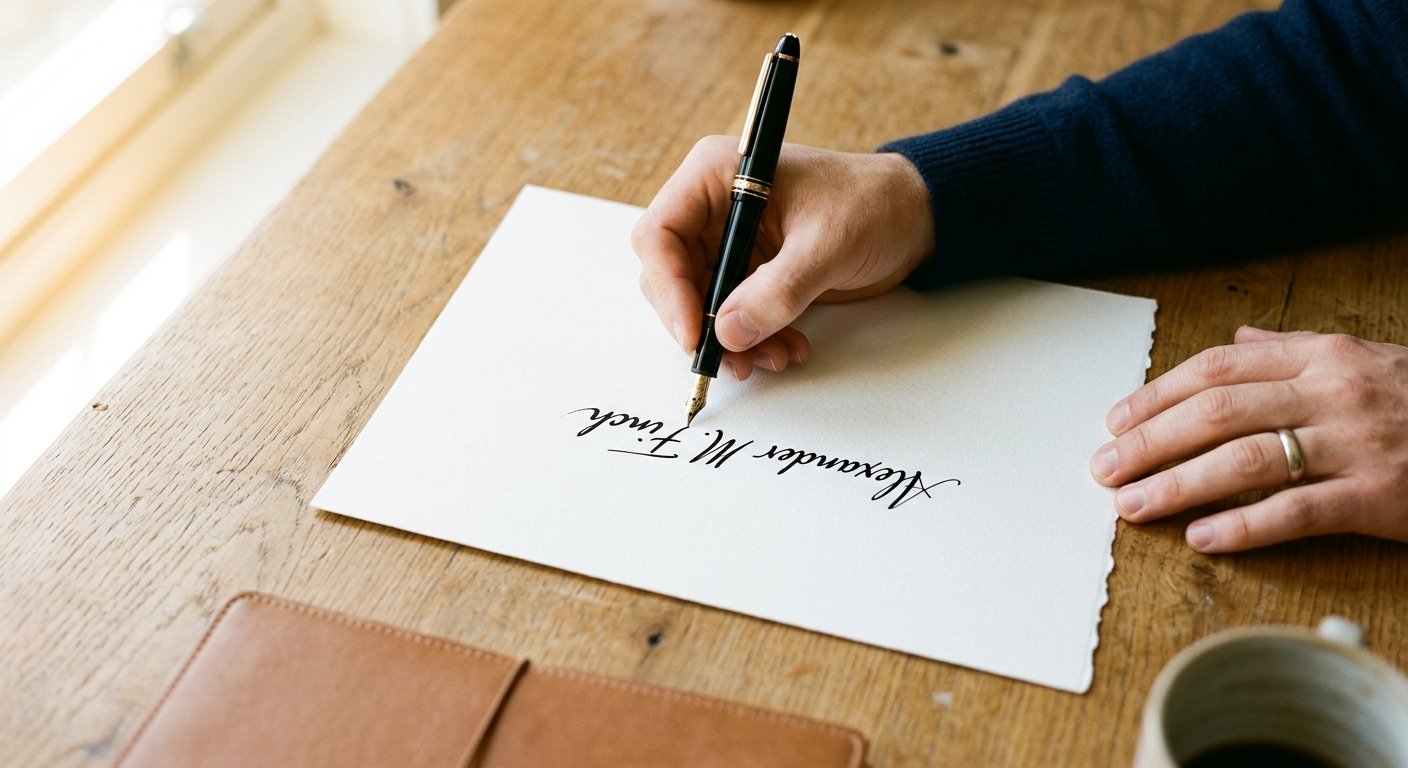
You’ve spent hours perfecting your signature on paper, only to watch it look like trash on a digital contract. That gray, shadowed mess screams amateur hour. A transparent signature is how you actually look like a grown-up.
Removing the junk from your signature files puts you back in the driver’s seat. Whether you're signing PDFs or finalizing legal stuff, a clean file makes the difference between "pro" and "lazy." It blends into your document like it belongs there.
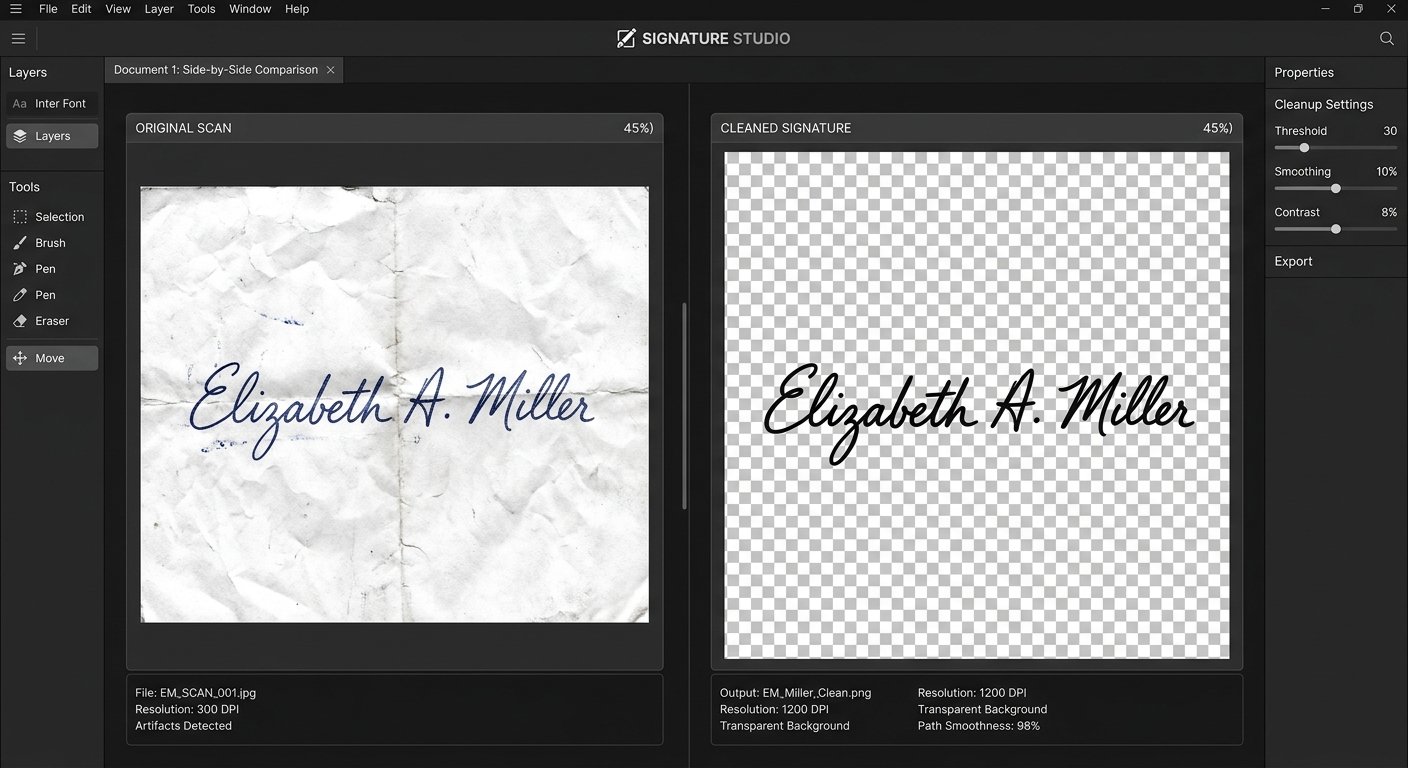
Using an AI background remover is the only sane way forward. Skip the Photoshop misery and the endless layers. These tools pluck your ink from the paper fibers in milliseconds, leaving you with a clean cutout that won't hide your text under a white box.
The Common Problems with DIY Signature Scanning
Scanning your name with a phone app usually ends in disaster. Inconsistent lighting leaves you with yellow tints and noisy shadows. Cropping the image isn't enough; you're just trimming the edges of a bad scan.
Isolate the ink, or get out. Leaving the background behind just dumps a paper patch onto your digital files. It’s a dead giveaway that you don't know what you're doing. Grainy source files lead to pixelated signatures—avoid that, unless you’re going for a retro 8-bit vibe.
Running your image through a dedicated image background remover acts like a digital scalpel. It separates the high-contrast ink from the paper. Crisp results, every single time.
Step-by-Step: Removing Background from Your Signature
Making your signature digital-ready is painless if you follow the rhythm. Grab a dark felt-tip pen and go to town on plain white paper. Ditch the textured or colored stationery—it just confuses the machine.
Snap a photo in natural light. Don't let your hand cast a shadow over the ink. Head over to the MakeMyVisuals online background eraser and dump the file into the upload box.
The AI handles the heavy lifting, refining the edges so your pen strokes look natural. Save it as a transparent PNG. PNG is the industry standard for a reason; it handles transparency without blowing up.
Need it smaller for an email? Use our auto compress tool to shrink the size without killing the clarity. Simple.
Best Practices for Perfect Digital Signatures
Consistency matters. Once you have a clean file, stash it in a secure folder so you aren't hunting for it later. Never save your signature as a JPG, or you’ll be stuck with that white box forever.
Check your file type constantly. Use a format converter if you're stuck with the wrong extension. Don't let a bad file format dictate your branding.
Watch the scale of your signature, too. You might need an image resizer if your signature is swallowing the entire footer of your email. Keep it subtle.
Frequently Asked Questions
Can I remove the background from a signature for free?
Absolutely. Our background remover handles signatures with extreme precision. No hidden fees, no bait-and-switch nonsense.
What is the best file format for a signature?
PNG is the gold standard. It uses alpha channels to stay transparent over any color you throw at it.
How do I make my signature look darker?
After the background is gone, use our editing tools to boost the contrast. It’ll look like you just signed it with a fresh, bold pen.
Do I need an app to remove the background?
Not a chance. Everything happens in your browser. Keep your storage clear and your workflow fast.
Final Thoughts on Clean Digital Signatures
Your signature is your mark. It’s your authority in the digital wild. If it’s messy, people assume you’re messy, too.
Spend the extra ten seconds to clean it up. MakeMyVisuals exists to stop you from looking like a caveman. Head over to the background remover and fix your mark today.
Related Guides & Articles
- GTA 6 Launch Guide Reveals the Settings PS5 and Xbox Players Should Change First
- 10 Free Online Puzzle Games You Can Play Directly in Your Browser
- Best Free Brain Games to Play Online Without Downloading
- Photo Editing Quiz: Test Your Knowledge of Image Editing Basics
- Why Some Small Brands Are Getting More Attention Than Big Companies
- AI Agents Are Getting Smarter: What Can They Actually Do in 2026?
