How to Remove Background from Pet Photos While Preserving Fur
Why Pet Photography Background Removal Is a Unique Challenge
Shooting your dog is easy. Cleaning up the mess around their ears, though? That’s a nightmare. You’re left with jagged, ugly edges that scream "amateur edit."
Standard software fails because it can’t handle fine, wispy fur. It either hacks off the silhouette or leaves a gross halo of background junk. It’s a total disaster.
Finding a real AI background remover changes the game. You need something that reads depth and texture instead of just guessing where the hair ends.
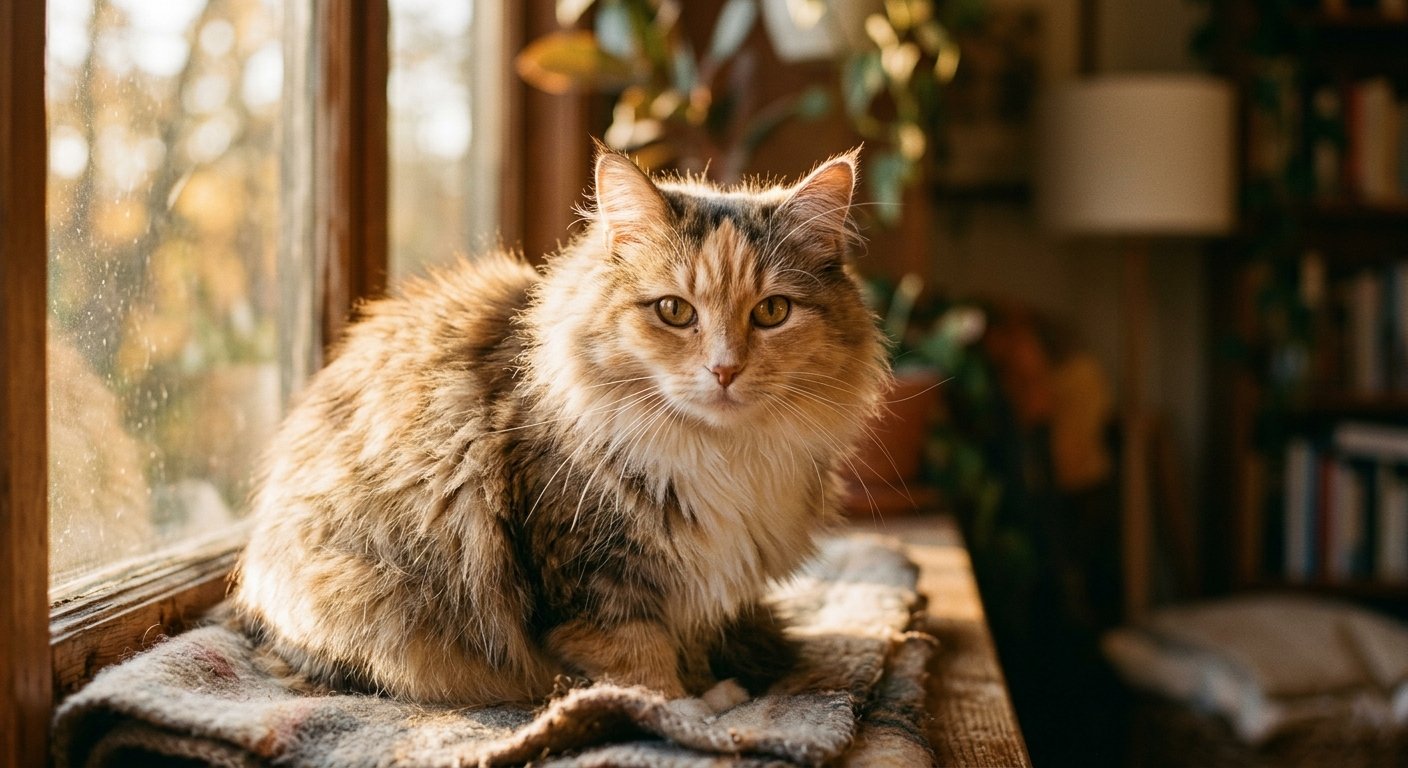
Lighting often tricks basic apps into blending brown fur with a brown sofa. Stop fighting with subpar tech. Use specialized hair-refinement tools to turn that chaotic living room shot into a studio-grade portrait.
The Secret to Preserving Fur Texture
Precision isn’t just a buzzword; it’s the only way to avoid the cardboard-cutout look. The AI must be smart enough to treat a thick snout and a flyaway whisker as two different things.
Seek out a transparent background maker that handles edge transparency automatically. It calculates those tiny, soft transitions that keep your pet looking real, even when you zoom in close.
How to Remove Background Online Without Losing Quality
Forget expensive software or design degrees. Modern web tools handle high-res files in a heartbeat. Start by picking a photo with strong contrast to help the algorithm lock onto your pet’s shape.
Upload your file to an image background remover that won't butcher your resolution. Once it's done, use the manual brush to catch any stray whiskers the software missed.
Saving the result as a PNG is non-negotiable. It keeps your alpha channel transparency locked in and ready for use. Grab your file from a reliable transparent PNG creator and you're golden.
Common Mistakes to Avoid
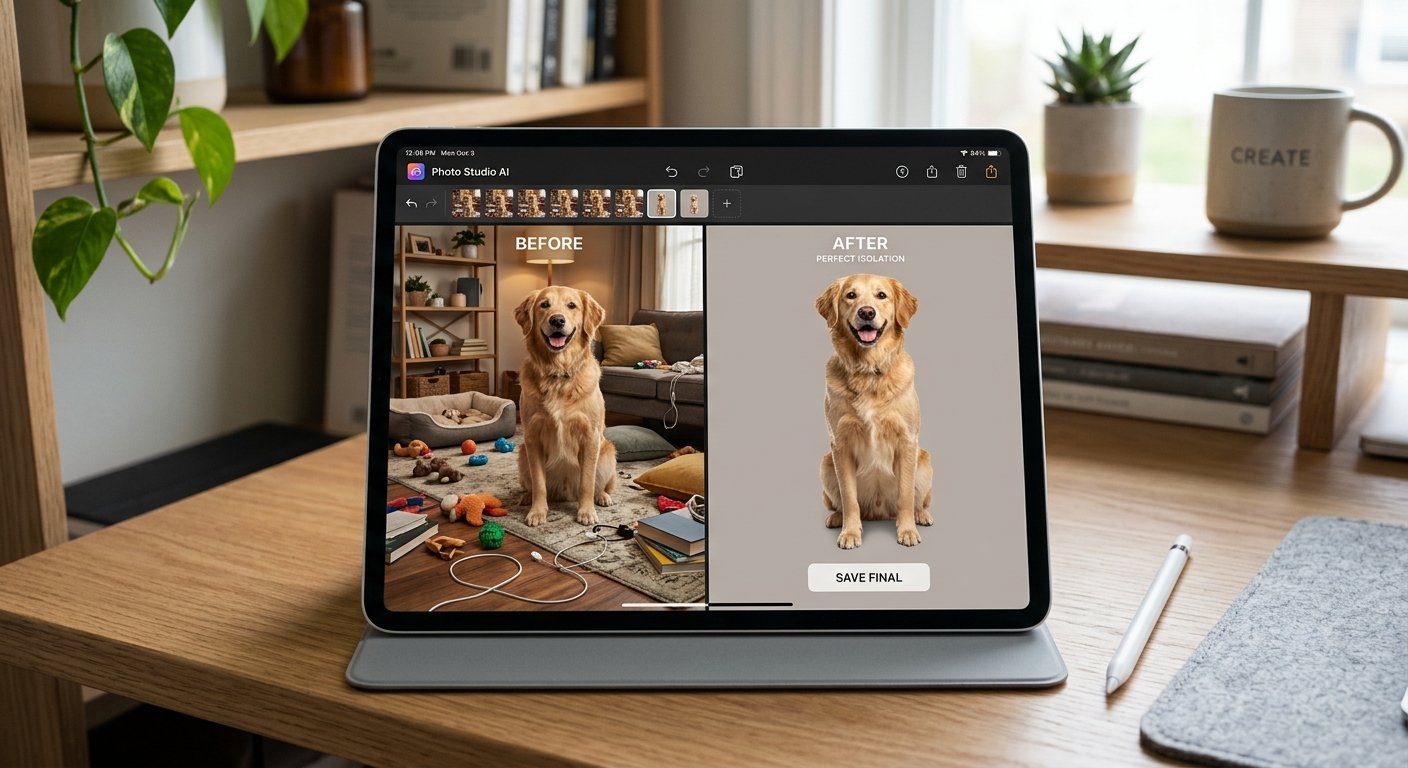
Stop trying to edit blurry, low-resolution garbage. If the source file is fuzzy, the AI has nothing to work with. Use an image resizer if your base image is too small to begin with.
Watch your color temperatures, too. A white cat against a white wall is a death sentence for your workflow. Always aim for high contrast, and your online background eraser will finish the job in seconds.
Why Choose Our AI Tools
At MakeMyVisuals, we know the struggle of editing a golden retriever’s mane. Our tech handles the fluffiest subjects without turning them into jagged blobs. You get a clean, print-ready asset every time.
Running an e-commerce shop? Use our product studio to drop your pet into a professional setting. Swapping backgrounds with an HD background remover is the fastest way to polish your brand.
Frequently Asked Questions
Can I really keep the fur detail?
Yes. Our AI learns the difference between fur strands and the background, protecting those delicate edges perfectly.
What file format should I use?
Always go with a PNG. It keeps your background invisible and avoids those crusty white boxes.
How do I fix missed spots?
Just use the manual refinement brush. Paint back what you need or trim off the leftover background bits.
Does the resolution suffer?
Not if you upload the full-res original. If the file is too huge later, hit it with our auto-compress to shrink it down without losing a single pixel of quality.
Take Control of Your Pet Photography Today
Stop letting messy backgrounds hide your pet's personality. Whether it's for a client or your own wall, we've built the tools to handle the heavy lifting. Visit MakeMyVisuals and try our AI background remover right now.
Related Guides & Articles
- GTA 6 Launch Guide Reveals the Settings PS5 and Xbox Players Should Change First
- 10 Free Online Puzzle Games You Can Play Directly in Your Browser
- Best Free Brain Games to Play Online Without Downloading
- Photo Editing Quiz: Test Your Knowledge of Image Editing Basics
- Why Some Small Brands Are Getting More Attention Than Big Companies
- AI Agents Are Getting Smarter: What Can They Actually Do in 2026?
