How to Remove Background from Logo: The Professional Way
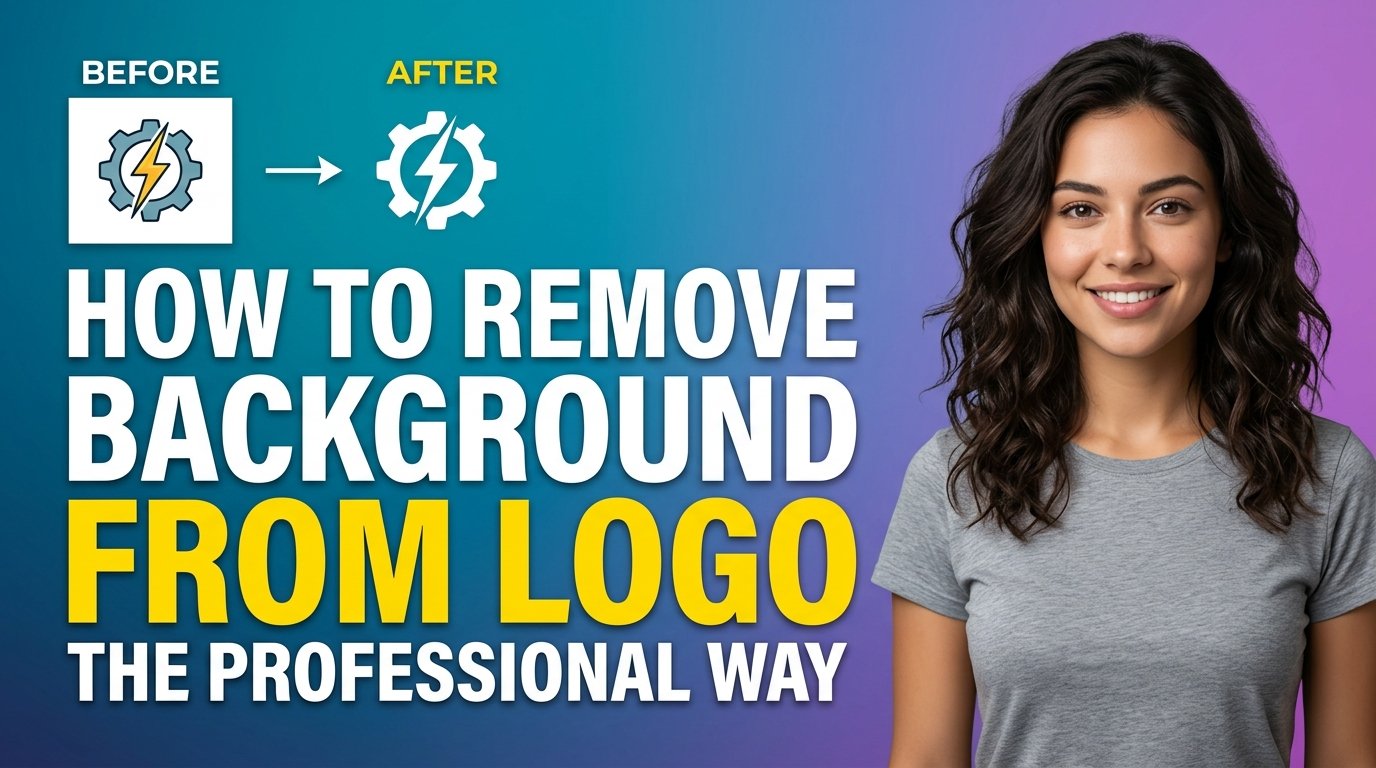
Why Your Logo Needs a Transparent Background
You’ve sweated over every pixel of your brand identity. But slap that file onto a colored banner or a t-shirt, and a giant, ugly white box kills the vibe. Don't let your brand look like a amateur's afterthought.
Getting a transparent logo isn't just about looks. It’s about not looking like a total hack. Use this background remover to strip that junk away without begging a designer for help.
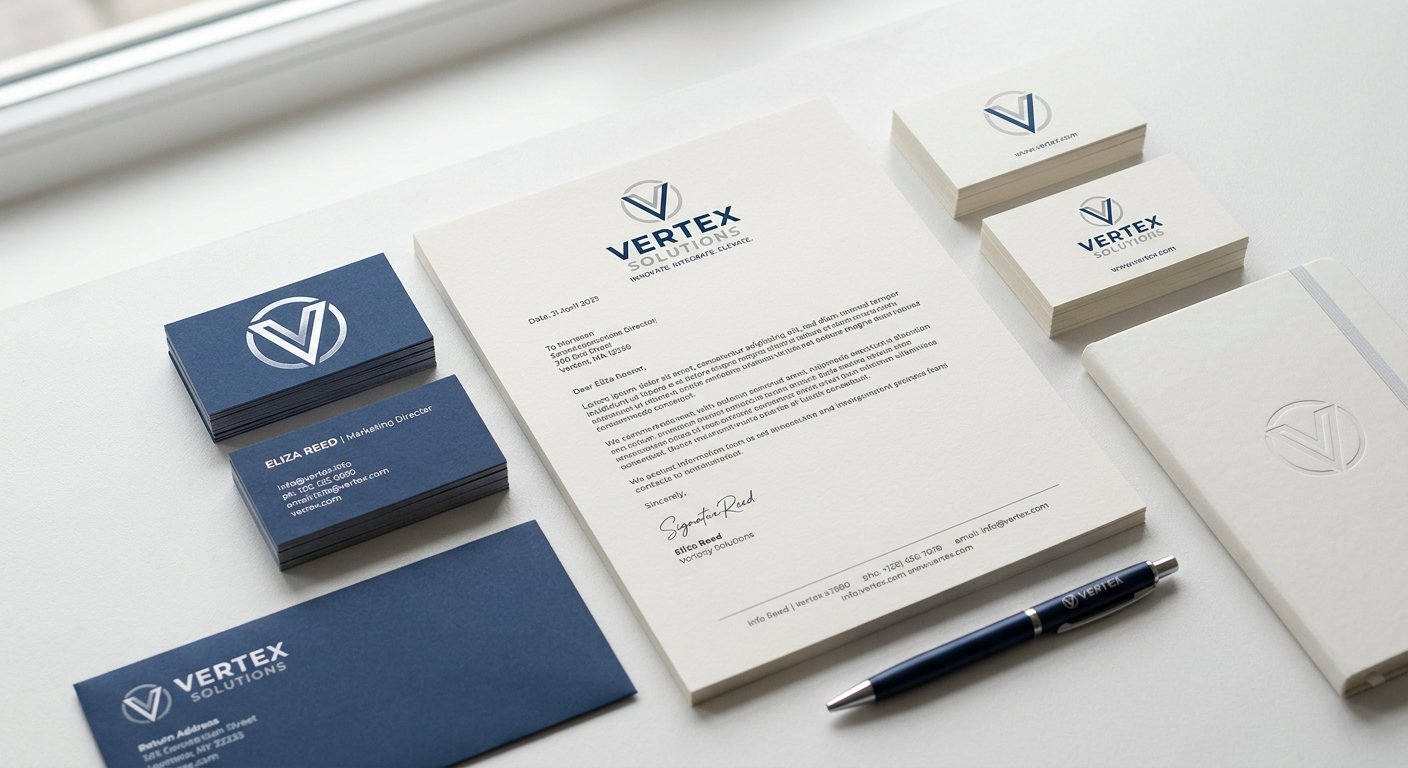
The Risks of Amateur Background Removal
Hacking away at your logo with basic paint software is a recipe for disaster. You end up with jagged, pixelated edges that scream "I don't know what I'm doing." That’s not how you build authority.
Using an AI background remover fixes this instantly. It knows exactly where your icon ends and the garbage begins. It keeps your typography crisp and clean.
Step-by-Step: How to Remove Background from Logo
Forget the bloated complexity of Photoshop. You can process your files in seconds.
Start by heading to the image background remover and dumping your JPG or PNG into the uploader. Let the AI chew through the background while you grab a coffee. Preview the edges, download that shiny new PNG, and move on with your life.
Need more? Our format converter keeps your versions in check for every platform.
Best Practices for Logo Optimization
Huge file sizes are a sin. They throttle your site speed and tank your rankings. Shrink that load with our auto-compress tool before you upload it.
Grab an image resizer if your dimensions are off. A blurry, stretched logo is a fast way to look budget. Don’t do it.
Common Mistakes to Avoid
Never save your transparent file as a JPG, or the background will just turn white again. Use PNG if you want to actually see through it. It's that simple.
Watch out for the "halo" effect on your edges. Use a tool that cleans up transitions so your logo looks like it belongs on the surface. Don’t let your brand look like a bad collage.
Why Choose MakeMyVisuals for Your Workflow?
Manual editing is a time-sink you can't afford. Our transparent background maker does the heavy lifting so you can focus on making money. We do a lot more than just chop out backgrounds.
Sort your paperwork with our smart doc assistant. Beef up your shop with our product studio. Heck, fix your clothing photos with our cloth recoloring tool.
Frequently Asked Questions
Can I remove a white background from a black logo?
You bet. The AI loves high-contrast stuff, so it’ll strip that white backdrop without a hitch.
Is this tool free to use?
MakeMyVisuals packs a huge punch without the steep learning curve of those massive, expensive suites.
What file format should I download for a transparent logo?
Stick to PNG. It supports transparency, meaning your logo won't have a giant box around it on your site.
Ready to Polish Your Brand?
Quit settling for messy backgrounds that drag your identity into the gutter. A clean, transparent logo is the baseline for a real business. Go to MakeMyVisuals and get it done.
Related Guides & Articles
- GTA 6 Launch Guide Reveals the Settings PS5 and Xbox Players Should Change First
- 10 Free Online Puzzle Games You Can Play Directly in Your Browser
- Best Free Brain Games to Play Online Without Downloading
- Photo Editing Quiz: Test Your Knowledge of Image Editing Basics
- Why Some Small Brands Are Getting More Attention Than Big Companies
- AI Agents Are Getting Smarter: What Can They Actually Do in 2026?
