How to Remove Background from Jewelry Photos Without Losing Details
The Challenge of Jewelry Photography
Shooting jewelry is a brutal test of patience. Between the blinding reflections on silver and the microscopic wirework of a setting, you're fighting physics. Most people fail here.
Cleaning up these images for your site usually turns into a nightmare. Lose the edge detail and your product looks like a blurry, cut-rate sticker. Customers want to see every facet and every scuff mark, not a digital smear.
Using a sharp background remover preserves the integrity of your work. By choosing an ecommerce tools suite that actually handles complex edges, you stop wrestling with jagged pixels. Start making visuals that sell.

Why Detail Preservation Matters
In high-end jewelry, precision is the only currency that matters. A potential buyer is staring through their screen, hunting for reasons to distrust your quality. Slip up on the edge of a diamond setting and that trust evaporates instantly.
Most basic software fails because it mistakes metal reflections for the background. A proper AI background remover needs to distinguish between a gold gleam and a light tent. Keep the depth, or lose the sale.
The Role of Lighting in Editing
Your edit is only as good as the raw file you feed the machine. Prioritize soft, diffused light when you're behind the lens. Harsh shadows create jagged borders that no software can untangle.
When shadows are too dark, the computer assumes they're part of the object. Keep the base files clean. It makes your post-production work a hell of a lot easier.
How to Remove Background from Jewelry Photos Efficiently
You don't need a design degree to get studio results. Start by uploading a high-resolution photo. If your file size is bloating your site, use an image resizer to kill the bulk without losing the shine.
Process the cut with an advanced transparent background maker. Once it’s done, hunt for fringing or artifacts around the edges. Fix them, then download as a PNG to keep the transparency locked in.
Check the composition once the cutout is clean. Sometimes you need to recolor cloth in lifestyle shots to keep the viewer’s eye glued to the jewelry. Don't let the background compete with the sparkle.
Best Practices for Ecommerce Success
Consistency builds a premium brand. If you list twenty rings, ensure every single one is centered and processed identically. Use an auto-compress tool to keep your site snappy. Nobody likes waiting for a heavy photo to load.
Don't ignore file formats. Grab a format converter to swap between JPEGs for social and PNGs for your shop. Seamless, fast, and clean. That's the goal.
Common Mistakes to Avoid
Amateurs love to over-edit. Boosting the contrast into the stratosphere strips the metal of its natural warmth. It makes the item look like cheap plastic when it arrives in the mail.
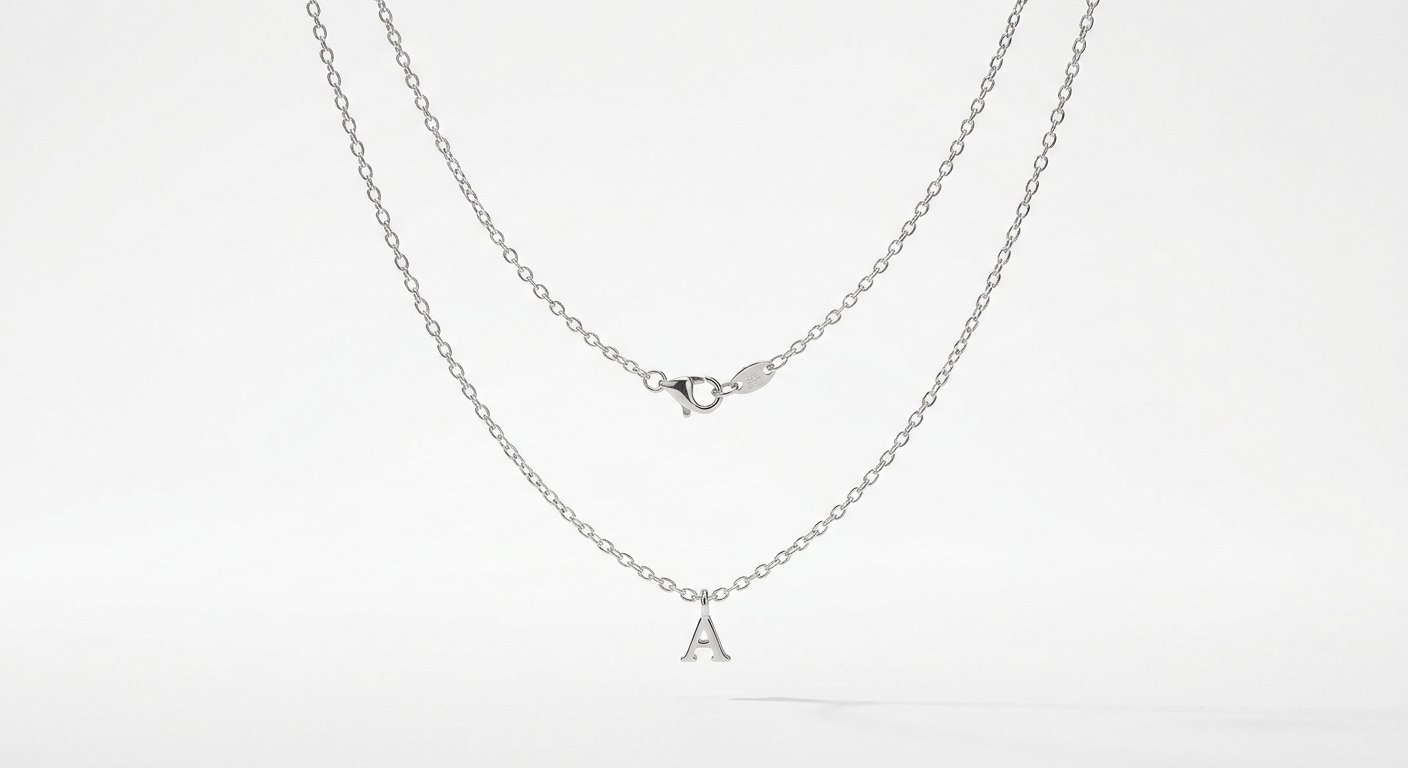
Forgetting the shadow is another disaster. A piece of jewelry floating in a white void looks like a mistake. Use your online background eraser to add a soft, realistic drop shadow back in. It adds weight. It adds class.
Frequently Asked Questions
Can I remove the background from jewelry without losing fine chains?
Yes, but only if your photo has high contrast to begin with. If the chain is thin, highlight that metal so the software can actually find the edges.
Why is my jewelry photo blurry after removing the background?
You’re using a bottom-tier tool that compresses your data into mush. Switch to an HD background remover to stop the pixel bleed.
What is the best format for jewelry photos on websites?
Stick with PNG for transparency. Just run it through an auto-compress tool before it hits the server.
Your Next Steps to Perfect Visuals
Getting your jewelry images right is a long, tedious road. You have to balance raw speed with high-end results. Every photo you post is a silent salesman. Make sure it doesn't sound desperate.
Ready to stop wasting time? Explore the MakeMyVisuals suite to find an AI background remover and other ecommerce tools that actually work. Take the complexity out of the process.
Related Guides & Articles
- GTA 6 Launch Guide Reveals the Settings PS5 and Xbox Players Should Change First
- 10 Free Online Puzzle Games You Can Play Directly in Your Browser
- Best Free Brain Games to Play Online Without Downloading
- Photo Editing Quiz: Test Your Knowledge of Image Editing Basics
- Why Some Small Brands Are Getting More Attention Than Big Companies
- AI Agents Are Getting Smarter: What Can They Actually Do in 2026?
