How to Remove Background from Jewelry Photos: The Professional Guide

Why Your Jewelry Needs a Transparent Background
Selling jewelry online is a brutal game of optics. If your background is a cluttered mess, customers bounce before they even blink. You have maybe three seconds to hook them.
Uniformity builds trust. By using a background remover, you strip away the noise and force the viewer to look at the gold and stones. It’s professional. Period.
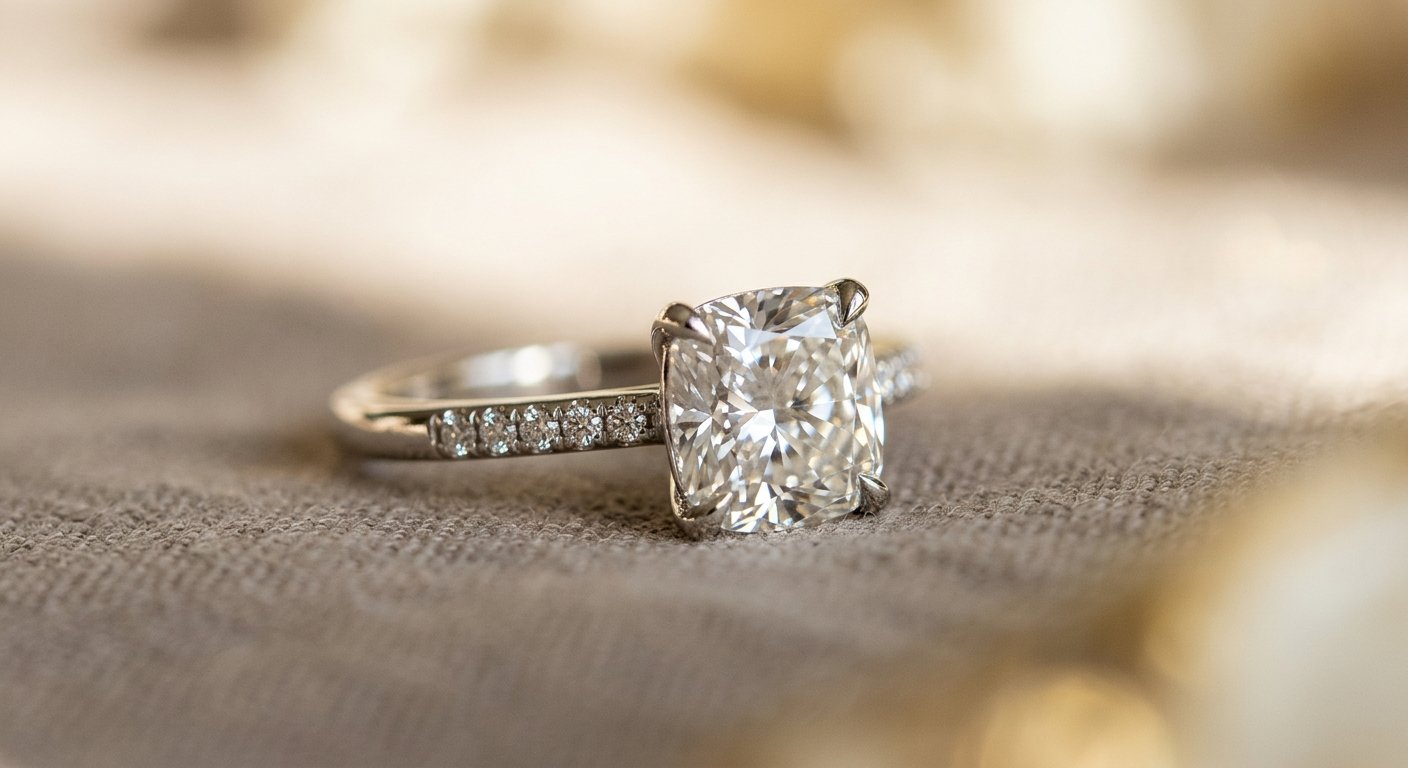
Editing jewelry is a headache. Reflective surfaces and thin chains defy standard software, leaving behind jagged, amateur edges. Stop wrestling with pixels and use a product studio that actually recognizes the geometry of a ring.
The Challenges of Jewelry Image Editing
T-shirts don't shine. Jewelry does. Because it interacts with light, basic cutout tools choke on the highlights and semi-transparent gemstones. Your AI background remover needs to be sharp enough to sniff out metallic edges.
Garbage results are common. You get fuzzy outlines, lost chain links, and nasty color halos around your silver. It looks cheap. Don't let your brand look cheap.
Refine those edges until the silhouette is perfect. Whether you're tossing it on a white backdrop or a lifestyle shot, precision is the only thing that separates you from the hacks.
Step-by-Step: Getting the Perfect Cutout
Forget the design degree. Modern tools do the heavy lifting for you if you follow the right flow.
Start with a high-resolution raw file. A blurry shot stays a blurry shot, no matter how fancy your image background remover is. Use a tripod. Light it well.

Select your target area carefully. If you're cutting out an intricate pendant, tell the tool to grab the negative space. That's how you get a transparent background that doesn't suck.
Resize it to fit your site. If your file is too heavy, run it through an auto compress utility. Speed matters. Keep it snappy.
Best Practices for Jewelry Imagery
White backgrounds are the gold standard for a reason. They kill distractions. If you want a bit more flair, use a solid background maker to drop in a subtle gradient.
Stop editing images one by one. Use batch background removal to process fifty rings in the time it takes to brew coffee. Efficiency is the only way to scale.
Watch your formats. A format converter helps, but aim for PNG for transparency and JPG for file size. Pick your poison.
Common Mistakes to Avoid
Dial back the saturation. Over-processed jewelry looks like plastic junk. Keep the metal textures authentic.
Design for the phone-scrolling masses. If your files are sluggish, mobile users will click away instantly. Keep your workspace clean and don't clutter it with unnecessary smart doc assistant tools while you're editing photos.
Maximizing Your Jewelry Brand with MakeMyVisuals
Your images are your brand. Stop editing like it's 2005. The right tech saves you hours and converts more browsers into buyers.
Visit MakeMyVisuals and quit wasting time. From our background remover to our suite of tools, we have what you need to stop losing sales. Start now.
Frequently Asked Questions
How do I remove the background from a ring photo?
Use our specialized AI. It’s tuned for the tiny, difficult edges of jewelry.
Can I batch remove backgrounds for my entire jewelry store?
Yes. Batch processing is built for large catalogs. Handle everything at once.
Will my images lose quality when removing the background?
Not if you start with high-res files. We keep your details razor-sharp.
Should I use PNG or JPG after removing the background?
PNG is for transparent overlays. JPG is for standard backgrounds. Know the difference.
Related Guides & Articles
- GTA 6 Launch Guide Reveals the Settings PS5 and Xbox Players Should Change First
- 10 Free Online Puzzle Games You Can Play Directly in Your Browser
- Best Free Brain Games to Play Online Without Downloading
- Photo Editing Quiz: Test Your Knowledge of Image Editing Basics
- Why Some Small Brands Are Getting More Attention Than Big Companies
- AI Agents Are Getting Smarter: What Can They Actually Do in 2026?
