How to Remove Background from Image for Free - MakeMyVisuals

We have all been there. You capture the perfect portrait or product shot, but the background ruins the vibe. Maybe it is a cluttered room, an awkward passerby, or a distracting yellow wall.
Getting rid of that clutter used to require a steep learning curve. You had to master complex pen tools or pay for expensive software subscriptions. Not anymore.
Today, a smart AI background remover can handle the heavy lifting for you in less than three seconds. And the best part? You can do it completely free without sacrificing your image quality.
The Evolution of the Image Cutout Tool
For years, isolating a subject was a tedious chore. Graphic designers spent hours manually clicking around edges, pixel by pixel. If the subject had messy curls or a fuzzy sweater, the process became a nightmare.

Modern machine learning changed everything. Computer vision models are trained on millions of images to understand context. They know exactly where a person, product, or pet ends and where the background begins.
Our advanced image background remover uses these intelligent algorithms. It analyzes your photo instantly, separates the foreground, and delivers a clean transparent background maker experience.
Why You Need a Clean, Transparent Background
Isolated images are the backbone of modern digital design. Whether you are building a personal brand or running a global store, clean edges matter.
For Ecommerce Sellers: Clean product shots build consumer confidence. A crisp remove white background effect places your items in the spotlight on Amazon, eBay, or Shopify.
For Content Creators: Eye-catching YouTube thumbnails and Instagram graphics require layered assets. A reliable PNG background remover lets you stack elements flawlessly.
For Professionals: Corporate headshots look much more polished against solid backdrops. You can swap out a messy office setting for a sleek corporate color using a solid background maker.
How to Remove Photo Background in 3 Simple Steps
You do not need an account or a credit card to get started. Our streamlined system is designed for speed.
Upload your media: Drag and drop your JPEG, PNG, or WebP photo into our free background remover.
Let the AI work: The auto background remover processes your image within seconds, calculating the exact contours of your subject.
Download your file: Preview the results and save your high-resolution graphic as a transparent PNG creator asset.
If you need to prepare your isolated graphic for specific platform requirements, pass it through our
Overcoming the Toughest Editing Challenge: Hair and Fur
Most automated tools fail when they encounter fine details. They leave blocky artifacts around flyaway hairs or accidentally slice off animal ears. It looks cheap.
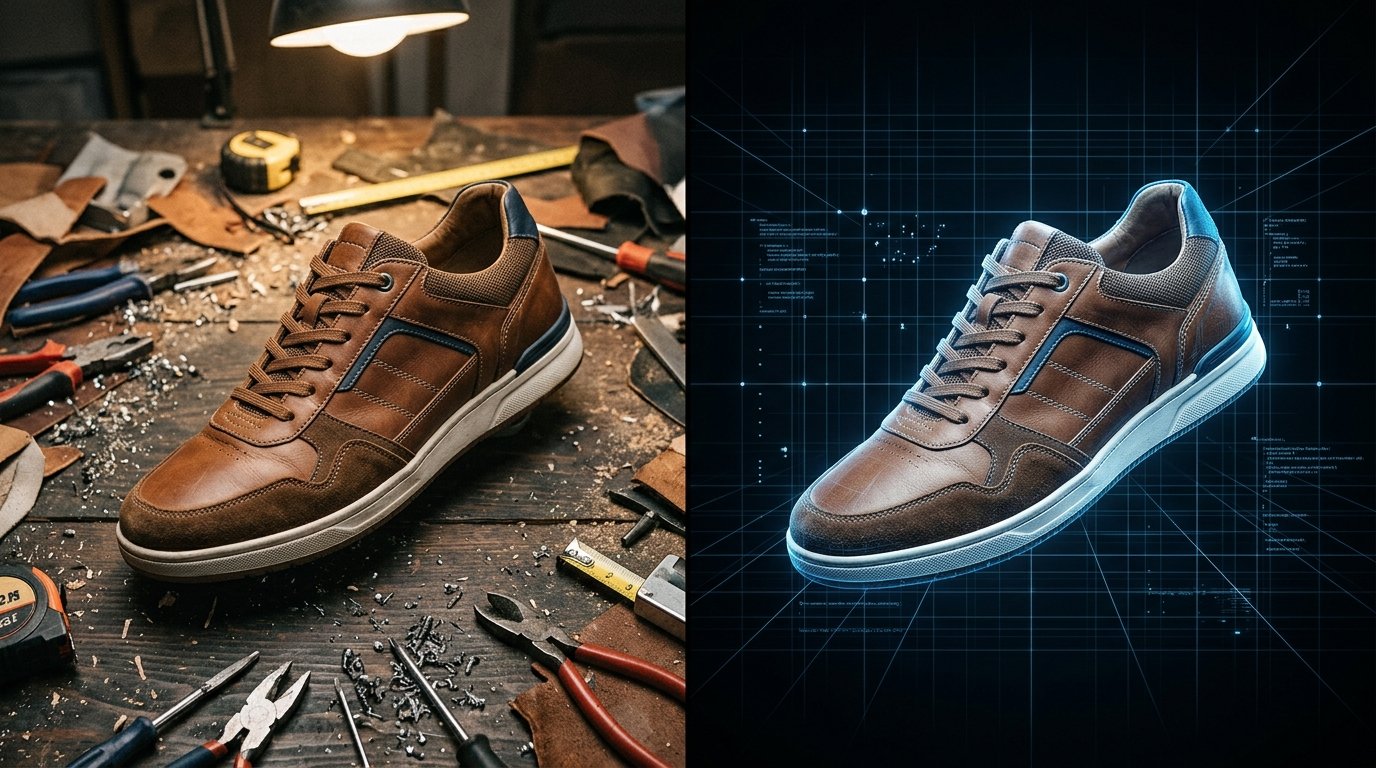
We solved this with an advanced edge refiner. The system applies a dedicated hair edge refinement pass to isolate individual strands against complex backdrops. It preserves soft textures while ensuring the final cutout looks completely natural.
If your original file is too heavy after adding custom backdrops, you can compress the final layout with our
Common Mistakes to Avoid When Blurring or Removing Backdrops
Even with automation, human error can ruin a graphic. Watch out for these three slipups.
Ignoring Lighting Mismatches: If your subject was photographed in warm sunlight, dropping them onto a cold, blue background looks weird. Match your lighting environments.
Accepting Halo Effects: Poorly optimized tools leave a thin fringe of the old background color around your subject. Always check your edges against both dark and light backdrops before saving.
Over-blurring: When using a portrait blur feature, do not overdo it. A subtle depth-of-field looks realistic, but maxing out the blur makes your subject look like a bad sticker.
Streamlining Commercial Workflows
Are you managing an online shop with hundreds of item listings? Processing them one by one is a massive time sink.
That is where a professional toolset changes the game. Businesses need high-volume solutions like batch background removal to handle entire inventories in minutes. Consistency is everything in retail.
If you want to transform raw inventory snapshots into beautiful commercial listings, check out our specialized
Frequently Asked Questions
Will removing the background reduce my image quality?
No. Our HD background remover preserves the original resolution of your source file. Your subject stays sharp and clear.
What is the best file format for transparent images?
PNG is the standard choice. Unlike JPEG, PNG files support alpha channels, which keep your background transparent.
Can I remove a background from a complex image?
Yes. The online background eraser handles busy backgrounds, but you will get the absolute best results when there is clear contrast between your subject and the surroundings.
Ready to clean up your image library? Head over to our
Related Guides & Articles
- 10 Free Online Puzzle Games You Can Play Directly in Your Browser
- Best Free Brain Games to Play Online Without Downloading
- Photo Editing Quiz: Test Your Knowledge of Image Editing Basics
- Why Some Small Brands Are Getting More Attention Than Big Companies
- AI Agents Are Getting Smarter: What Can They Actually Do in 2026?
- How to Make an Image Sharper Without Creating Unnatural Edges
