How to Remove Background from Furniture Images for E-commerce

The Importance of Clean Furniture Imagery
When selling furniture online, your photos are your showroom. Customers cannot touch the texture of a velvet sofa or test the sturdiness of a dining table. They rely entirely on your visuals. A messy, distracting background can kill a sale before the customer even reads the price tag.
Removing the background makes your products stand out. It creates a consistent, professional catalog that builds trust. When you use a reliable background remover, you ensure that the focus remains strictly on the design, material, and dimensions of your furniture.
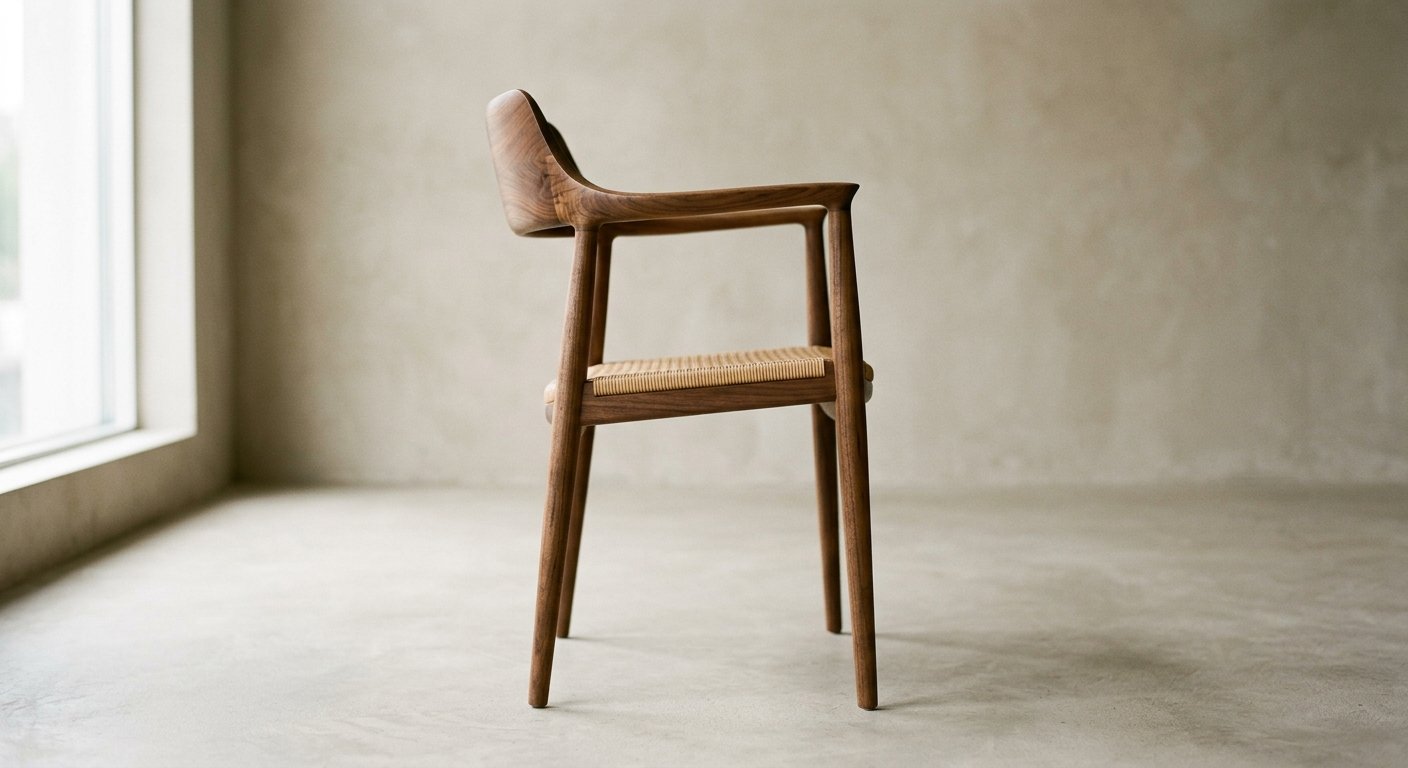
Why Your Furniture Listings Need Transparency
Furniture items are notoriously difficult to photograph. They are large, come in awkward shapes, and often have complex edges. Trying to isolate a spindle-back chair from a busy living room setup using manual software is a recipe for frustration. You need an automated product studio approach to handle these challenges at scale.
By opting to remove photo background elements, you achieve several goals:
- Increased conversions through reduced visual noise.
- Uniform brand identity across all product categories.
- Better compatibility with marketplace requirements like Amazon or Shopify.
- Fast loading speeds by optimizing file weight.
How to Remove Background from Furniture Images
Gone are the days of spending hours with the pen tool. Modern AI-powered platforms have changed the workflow entirely. Follow this simple process to get professional results in seconds:
1. Choose the Right Tool
Start by selecting a high-quality image background remover that understands depth and texture. Furniture needs precision, especially around intricate parts like wicker, mesh, or thin metal legs.
2. Upload and Process
Upload your raw product shot. The algorithm will automatically detect the subject. This saves you from tedious manual tracing, effectively functioning as an auto background remover that handles complex lighting conditions.

3. Refine the Edges
Furniture often features fine details. Make sure your chosen platform offers edge refinement options. This ensures that soft shadows or fabric textures aren't accidentally clipped during the transparent background maker process.
Best Practices for Ecommerce Visuals
Once you have a clean cutout, don't stop there. E-commerce success is all about presentation. Use a image resizer to keep your gallery dimensions consistent. If you need to add a new context, use a solid background maker to drop in a clean, neutral floor or wall.
And remember, page speed matters. Large, high-resolution furniture photos can slow down your site. Use an auto compress feature to keep your site fast without sacrificing quality. If your images aren't in the right format for your site, our format converter handles the technical heavy lifting for you.
Common Mistakes to Avoid
Don't fall for poor quality cutouts. Jagged edges make high-end furniture look cheap. If the AI doesn't pick up a shadow, your product will look like it is floating in mid-air. Always check the lighting consistency. If you need to adjust the look of fabric, our recolor cloth tool is great for showing color variations without re-photographing the item.
Frequently Asked Questions
Can I batch process furniture images?
Yes, many modern tools support batch background removal. This is essential if you are updating an entire catalog of home goods.
What if my background is white?
You still need to remove white background elements if you want a true transparent PNG or to place the item on a different surface. It ensures that the product doesn't clash with your website's actual background.
Is an AI background remover accurate for wood grains?
High-end AI tools are trained on millions of images and can identify wood textures with high precision. It is much more reliable than manual masking.
Ready to transform your furniture listings into a high-converting catalog? Visit MakeMyVisuals today and start creating professional, clean, and fast-loading product imagery with our suite of powerful editing tools.
Related Guides & Articles
- 10 Free Online Puzzle Games You Can Play Directly in Your Browser
- Best Free Brain Games to Play Online Without Downloading
- Photo Editing Quiz: Test Your Knowledge of Image Editing Basics
- Why Some Small Brands Are Getting More Attention Than Big Companies
- AI Agents Are Getting Smarter: What Can They Actually Do in 2026?
- How to Make an Image Sharper Without Creating Unnatural Edges
