How to Prepare Documents for Visa Applications: A Stress-Free Guide
The Importance of Precision in Visa Paperwork
Visa applications are notoriously detail-oriented. A single blurry photo or an incorrectly formatted document can lead to an immediate rejection. Most embassies require specific file sizes, clear backgrounds, and precise color standards. Failing these technical requirements is often the most common reason for application delays.
You don't need a professional photography studio to get your files ready. Today, you can handle most of the heavy lifting from your home office. Getting it right the first time saves you from the frustration of re-submitting paperwork.

Streamlining Your Visual Requirements
Most visa authorities have strict rules regarding passport photos. They need a clear face, neutral expression, and a specific background color. If your current photo has a cluttered background, you can use a background remover to achieve that clean, professional look instantly.
Size matters just as much as clarity. Many online portals have maximum file size limits for uploads. If your scans are too heavy, use an auto-compress tool to shrink the file size while maintaining high visual quality. This keeps your application within the server limits without sacrificing detail.
Handling Scanned Documents and File Formats
Ever tried to upload a document only to find the portal rejects the format? It happens constantly. Standardizing your paperwork is key to a smooth process. If you have PDFs or niche image formats, a reliable format converter can help you align every file to the embassy's required extension, such as JPEG or PDF.
Large, high-resolution scans can be clunky. Before attaching them to your application, use an image resizer to match the requested dimensions exactly. Precision here is the difference between a successful upload and a system error.
Common Mistakes to Avoid
- Using a background with shadows or patterns. Always prioritize a solid, clean backdrop.
- Submitting low-resolution files that become pixelated when viewed on a monitor.
- Forgetting to check the file extension requirements listed in the official instructions.
- Including unnecessary margins that obscure the main content of your identification cards.
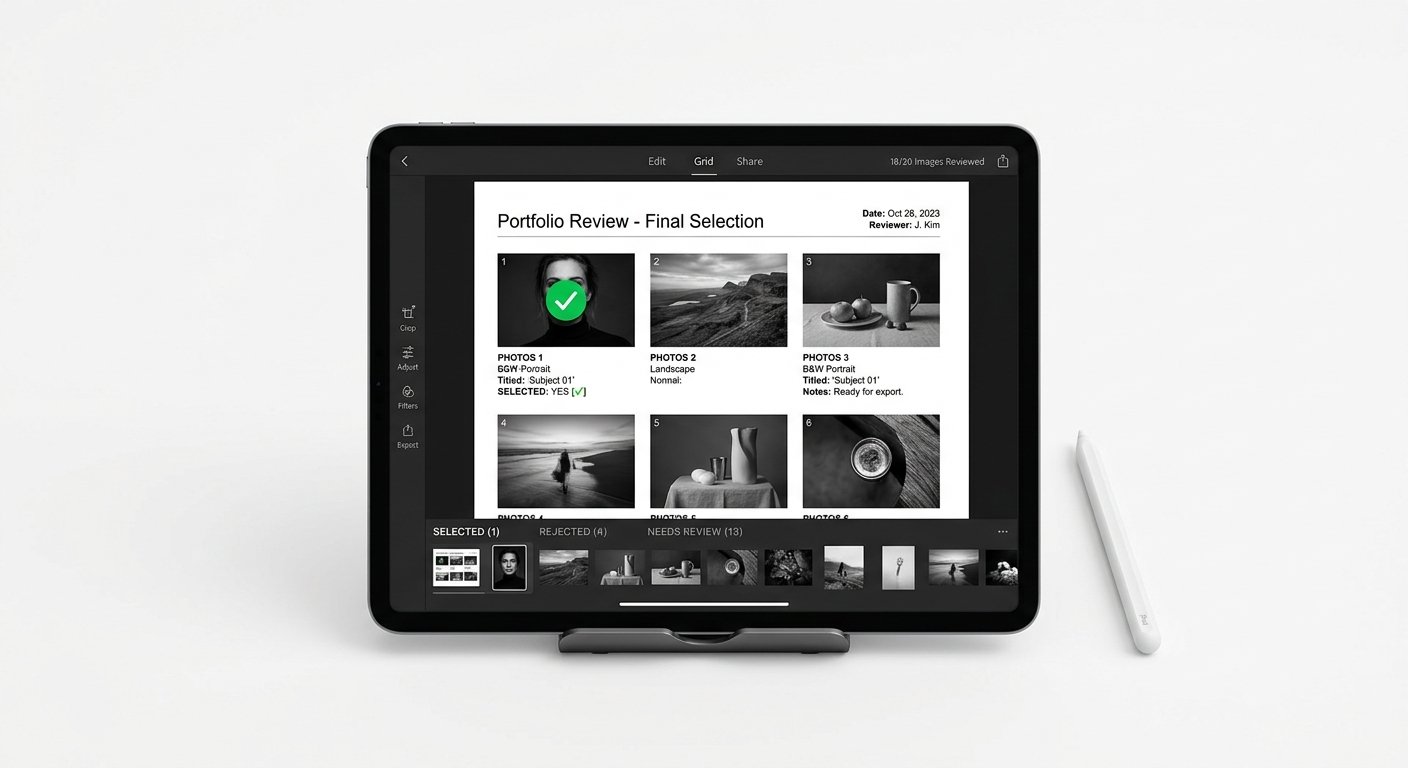
By using the smart doc assistant, you can ensure your documents meet standard requirements before you even hit the submit button. This tool is designed to catch common formatting issues early.
Best Practices for Professional Submissions
If you are applying for a work visa, your presentation reflects your professionalism. If you need to adjust your attire in a professional headshot, you might consider using a recolor cloth feature to ensure your clothing looks formal and appropriate. A neat, tidy appearance in your documents builds immediate trust with the visa officer.
Always maintain a backup folder on your computer. Before you delete any files, ensure your application is confirmed as received by the agency. Double-check your dimensions after every edit. Consistency across all your files is the hallmark of a well-prepared application.
Frequently Asked Questions
Can I use a phone camera for my visa photo?
Yes, provided the lighting is natural and the background is neutral. You can refine the edges later using professional AI tools to make it look like a studio shot.
What if my file is too large to upload?
Use an image compression tool to reduce the footprint of your file without losing critical information or document clarity.
Why was my document rejected even though it looked clear?
Often, it is about the metadata or the specific file format. Always check the embassy guidelines for exact pixel dimensions and DPI requirements. At MakeMyVisuals, we believe that technology should simplify your life, not complicate it. Start optimizing your documents today to ensure your travel plans stay on track. Experience the ease of professional editing tools at MakeMyVisuals and prepare your application with total confidence.
Related Guides & Articles
- GTA 6 Launch Guide Reveals the Settings PS5 and Xbox Players Should Change First
- 10 Free Online Puzzle Games You Can Play Directly in Your Browser
- Best Free Brain Games to Play Online Without Downloading
- Photo Editing Quiz: Test Your Knowledge of Image Editing Basics
- Why Some Small Brands Are Getting More Attention Than Big Companies
- AI Agents Are Getting Smarter: What Can They Actually Do in 2026?
