How to Optimize Images for Mobile Apps: The Ultimate Guide

Why Image Optimization Matters for Mobile Apps
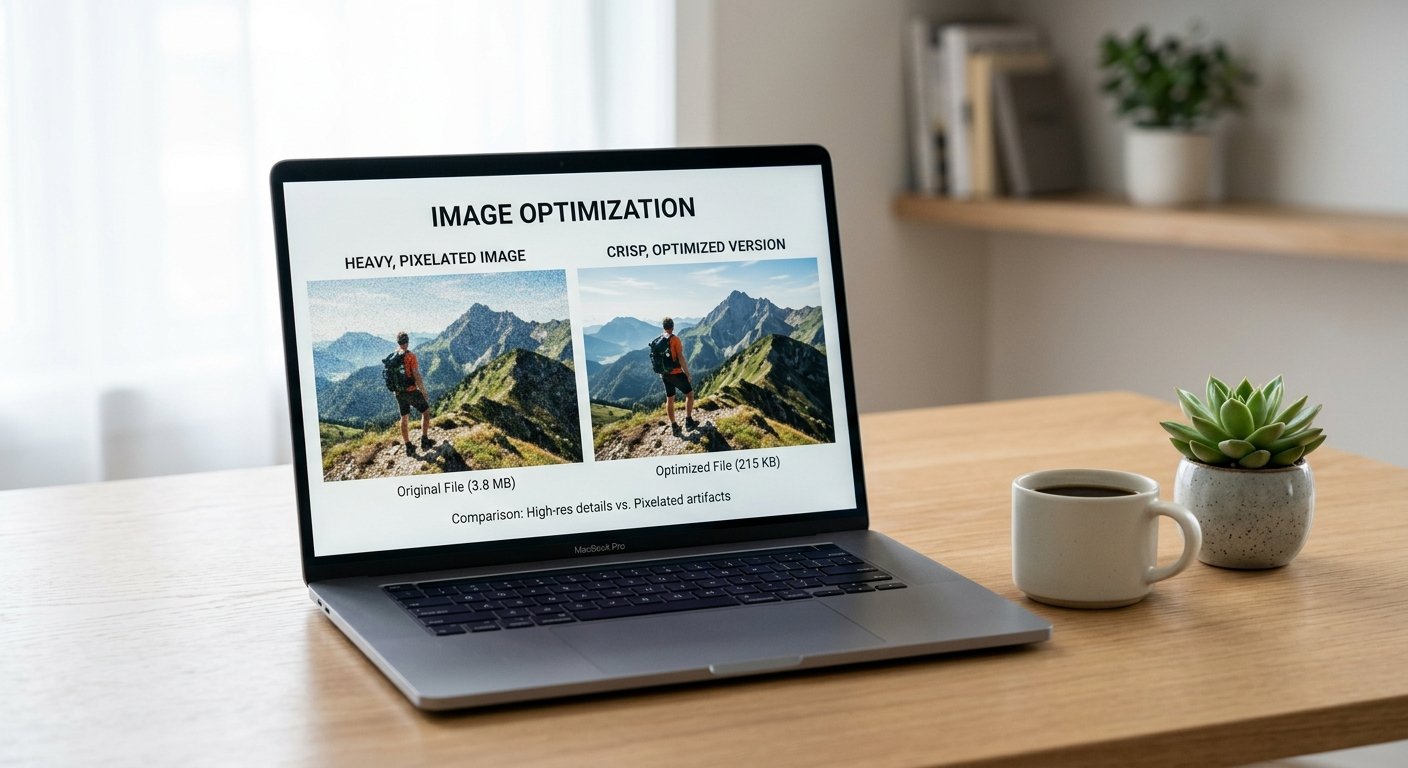
Users have the attention span of a goldfish. If your app takes two seconds to load, half your audience will bail. Bloated images are the lead weight killing your performance.
Pumping raw files into a phone forces the processor to sweat. You get overheating, battery death, and a quick uninstall. It’s sloppy work.

Clarity matters, but don't be an idiot about it. Shoving a massive, high-res photo into a tiny icon container is just burning resources. Find the balance between sharpness and file size. Do it, or lose.
Understanding the Core Optimization Principles
Optimization isn't just about shrinking files. It's about matching your assets to the hardware. Throwing 4K images at a thumbnail is a waste of bits.
Start by using a resizer to match the display area. Scaling images before they hit your code keeps your CPU cool. It saves thousands of cycles.
Ditch the dinosaurs for formats like WebP or AVIF. They crush JPEGs without looking like garbage. If your library is stuck in the past, use our converter to modernize the lot.
The Role of Compression and Clean Assets
Compression is non-negotiable. Using an auto-compressor strips out invisible metadata and useless color data. It’s like clearing out the trash so you can actually pack your suitcase.
Clutter ruins interfaces. That distracting background on your product shot? Zap it with an AI remover. Now you’ve got a clean, lightweight asset that actually fits your UI.
Common Mistakes to Avoid
Stop uploading raw camera files directly; they’re bloated monsters that destroy mobile speed. Cache your images locally instead of re-downloading them every single time someone opens the app. Keep your file types consistent to avoid jagged load patterns, and use a proper transparent PNG creator for logos rather than trying to mask a solid background.
Scaling Your Workflow for Ecommerce Apps
Ecommerce libraries are massive. Manually resizing thousands of shots is a sucker’s game. Our product studio automates the grind so your checkout doesn't crawl.
Don't forget the paperwork, either. When users upload receipts, use a smart doc assistant to shrink them. File upload errors are a surefire way to drive customers away.
Frequently Asked Questions
How can I reduce image size without losing quality?
Modern algorithms are your best friend. Use WebP or AVIF to chop file weight in half while keeping the pixels sharp.
Is a background remover useful for app icons?
Absolutely. It creates clean, uniform assets that don't look like trash against different phone themes.
What is the best way to batch process images?
Find an online tool that handles bulk uploads. Stop clicking one by one like a caveman.
Final Thoughts on Performance
Your app is only as fast as its heaviest file. Control your assets, or let your users abandon you for a smoother experience. Keep it snappy.
Tired of slow load times? Hit up our homepage and fix your workflow today.
Related Guides & Articles
- GTA 6 Launch Guide Reveals the Settings PS5 and Xbox Players Should Change First
- 10 Free Online Puzzle Games You Can Play Directly in Your Browser
- Best Free Brain Games to Play Online Without Downloading
- Photo Editing Quiz: Test Your Knowledge of Image Editing Basics
- Why Some Small Brands Are Getting More Attention Than Big Companies
- AI Agents Are Getting Smarter: What Can They Actually Do in 2026?
