How to Make Your Signature Online in Seconds
Stop Signing Like It’s 1995
Dragging yourself to a printer to sign a rental agreement is a total waste of life. You’re scanning. You’re printing. You’re killing trees for no reason.
Creating a digital signature takes ten seconds. Grab a pen and digitize your John Hancock to slap onto PDFs and emails from anywhere. Efficiency.
Cleaning up your paperwork matters. If you’re stuck with a grainy scan, run it through a smart doc assistant to scrub the noise. Clarity is king.
The Simplest Way to Make Your Signature
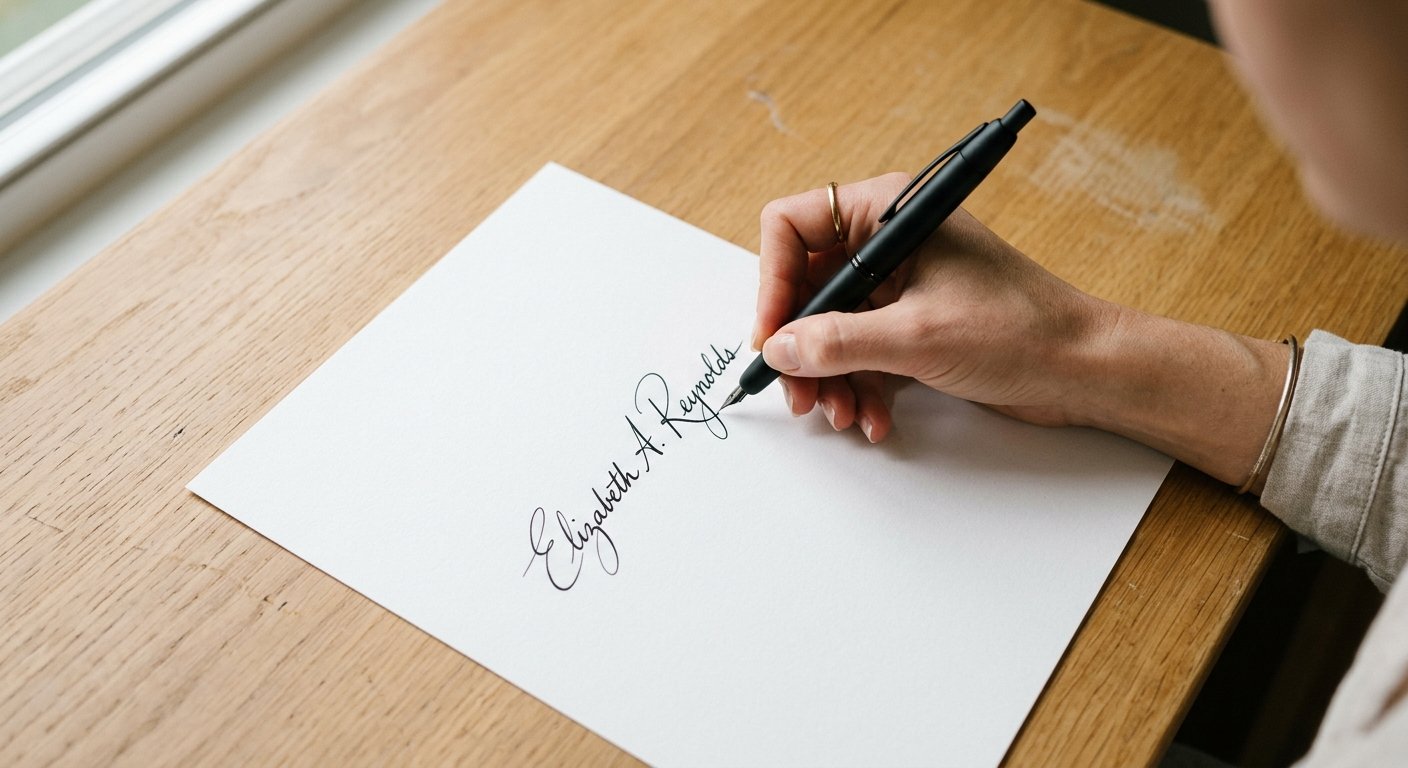
Keep it basic. Grab a white sheet of paper and a black pen. High contrast makes the AI’s job a breeze.
Sign your name clearly in the middle of the page. Don’t get fancy. Just write like you mean it.
Snapping a photo is next. Find flat, even light to avoid weird shadows that ruin the cut. Do not use a flash.
Cleaning Up Your Signature with AI
Manually scrubbing backgrounds in clunky software is a headache. Use an AI background remover to delete the paper in a heartbeat.
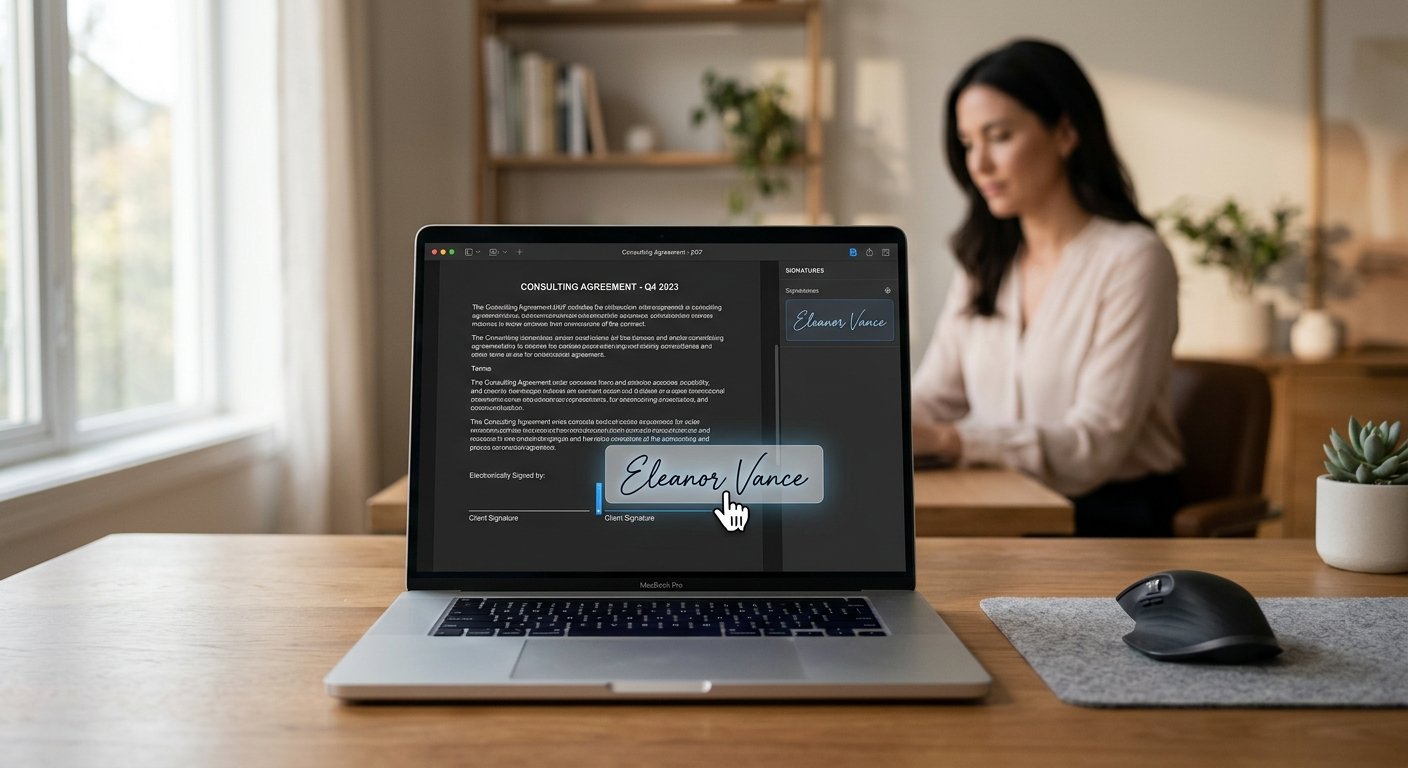
Uploading the photo turns your scribble into a transparent PNG. Drag it, drop it, move on. If the edges are jagged, an image cutout tool will polish the rough spots.
Optimizing Your Signature File
Giant files kill productivity. They bloat your PDFs and make emails sluggish. Use an auto compress tool to trim the fat without losing the lines.
Sometimes you’ll need a different format. A format converter swaps your PNG to a JPG instantly. Don't let a file extension stop you.
Common Mistakes to Avoid
Bad lighting creates gray ghosts that AI can’t touch. Stick to pitch-black ink; neon pens basically vanish. If the image is huge, use an image resizer so it actually fits on the line.
Blurry photos lead to pixelated, amateur signatures. Focus your camera. Take the shot again if you have to.
Best Practices for Professionalism
Consistency builds your brand. Toss your final, polished signature into a safe cloud folder so you don’t have to reinvent the wheel every time you sign a contract.
Freelancers, listen up. If your documents look sloppy, your business looks sloppy. Use a product studio to keep your visual assets tight.
Frequently Asked Questions
Is it safe to make my signature online?
Only if you use a reputable tool. MakeMyVisuals treats your privacy like it matters. Your files stay secure.
What if my signature has a shadow?
Use a free background remover. It knows the difference between a shadow and your actual ink.
Can I change the color of my signature?
Go for it. Once the background is transparent, most editors let you tweak the hue to match your brand. Quit wasting time. Get over to MakeMyVisuals and get it done.
Related Guides & Articles
- GTA 6 Launch Guide Reveals the Settings PS5 and Xbox Players Should Change First
- 10 Free Online Puzzle Games You Can Play Directly in Your Browser
- Best Free Brain Games to Play Online Without Downloading
- Photo Editing Quiz: Test Your Knowledge of Image Editing Basics
- Why Some Small Brands Are Getting More Attention Than Big Companies
- AI Agents Are Getting Smarter: What Can They Actually Do in 2026?
