How to Increase Image Size in KB Online: A Step-by-Step Guide

Why You Might Need to Increase Image Size in KB Online
Everyone screams about compression. We’re obsessed with shrinking files until they’re skeletons. But what happens when you’re forced to fatten them up?
Try uploading a document to a government portal with a file that’s too lean, and see what happens. You get a brick wall. The system rejects your file because it lacks the heavy data footprint required for their dusty, archaic databases.
Counting KB is often a proxy for resolution. If the data is too light, the machine assumes the image is garbage. You need to bloat the file without turning it into a blurry, pixelated mess.
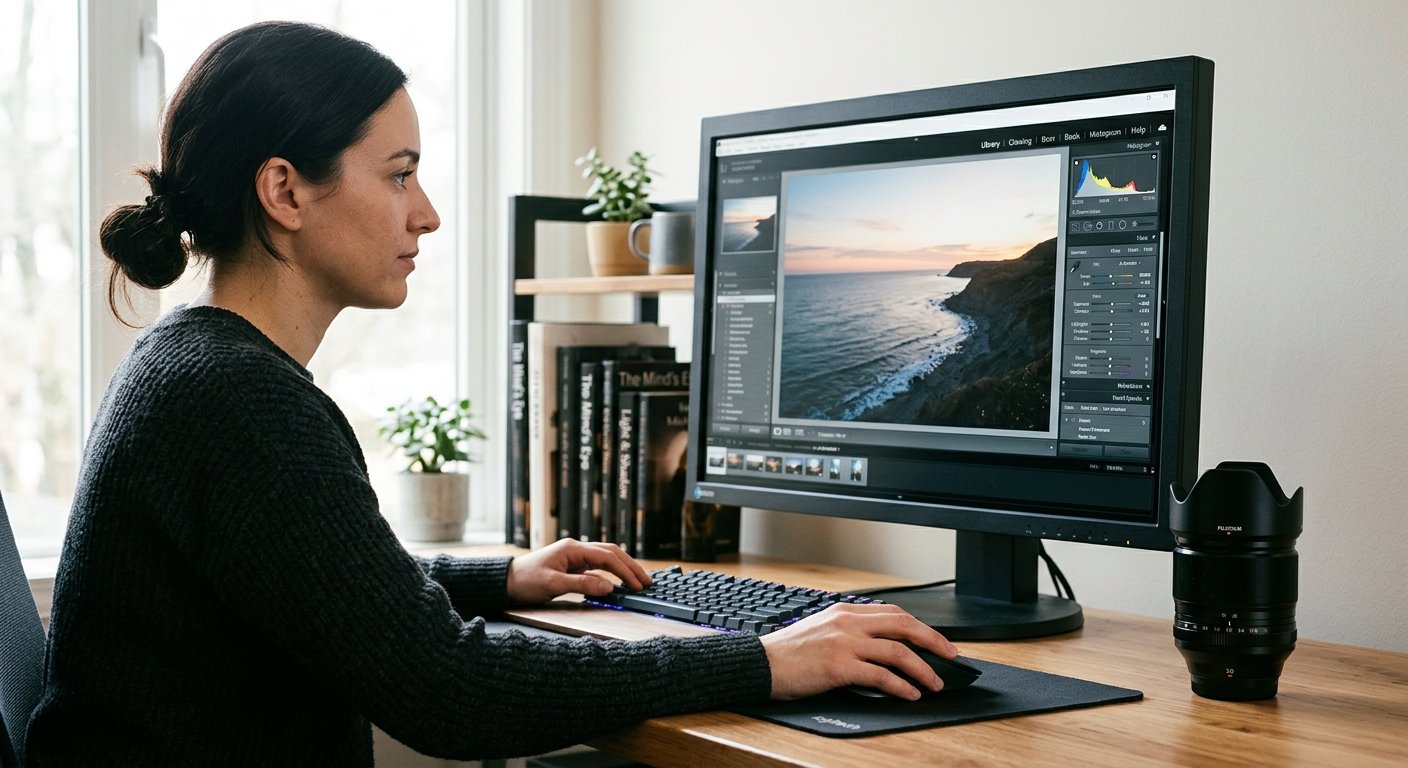
Stretching pixels isn't just a hack. It’s an exercise in data preservation. You want a tool that keeps your color depth and metadata intact while padding the file size.
The Risks of Poor Quality Upscaling
Be careful. Some brain-dead editors just slap extra white space on an image or force a stretch until it looks like a mosaic. That’s how you trash a perfectly good shot.
Look for software that respects your sharpness. You should check out our image resizer if you want to align your KB count with the hardware’s needs. It keeps the edges clean for your portfolios or legal filings.
How to Increase Image Size Safely
Start by auditing your original file. If you’ve already smashed the JPEG into tiny, compressed pieces, increasing the KB count is just putting lipstick on a pig. You’re only increasing the footprint, not the detail.
Getting your composition sorted first prevents a headache later. Use an AI background remover to clear the junk before you start playing with export settings. Once the frame is clean, you can push that KB count higher.
Load your image into a capable tool. Check the DPI and dimension readouts. Tweak your export settings to favor higher quality, or dump it into a lossless container like PNG.

Handling high-end fashion or complex portraits requires a lighter touch. Our recolor cloth feature keeps your base structure rock-solid. Feed the software better data, and the file size bump happens without the friction.
Best Practices for Consistent Uploads
Don't play the guessing game with official forms. Our smart doc assistant does the heavy lifting so you don't have to fiddle with manual trial and error.
Check your format, too. Dragging a file into a high-bitrate PNG or a TIFF container often adds weight naturally. Still stuck? Run it through a format converter to prep it for the final upload.
Common Mistakes to Avoid
Over-sharpening is a rookie trap. Boosting contrast to make an image "pop" just introduces halos and jagged, nasty edges. Leave the natural aesthetic alone.
Ignoring color profiles is another classic blunder. Moving from RGB to a CMYK print profile makes your file size jump like crazy. Use a product studio if you're dealing with ecommerce specs that demand specific technical hurdles.
Frequently Asked Questions
Does increasing file size improve image quality?
Hardly. You’re just increasing data density, not resurrecting lost detail. Start with the best source file you can find.
Will my image look blurry if I increase the KB size?
Not if you aren't an idiot about it. If you’re just bumping up export quality, the source sharpness stays locked in place.
Can I increase file size for any image type?
Results vary, sure. PNGs handle lossless growth well, but JPEGs can get touchy if you keep re-saving them. Keep a backup of the original.
Ready to Optimize Your Visuals?
Stop fighting with upload errors. Whether you’re scrubbing backgrounds or wrestling with file size for a government submission, MakeMyVisuals handles the tech so you can actually finish your work.
Related Guides & Articles
- GTA 6 Launch Guide Reveals the Settings PS5 and Xbox Players Should Change First
- 10 Free Online Puzzle Games You Can Play Directly in Your Browser
- Best Free Brain Games to Play Online Without Downloading
- Photo Editing Quiz: Test Your Knowledge of Image Editing Basics
- Why Some Small Brands Are Getting More Attention Than Big Companies
- AI Agents Are Getting Smarter: What Can They Actually Do in 2026?
