How to Create White Background Images for Amazon Listings

The Importance of White Backgrounds on Amazon
If you are selling on Amazon, your product images are your sales pitch. Customers cannot touch or test your items. They rely entirely on your visual presentation to make a purchasing decision. Amazon has strict style requirements for main product images, and at the top of that list is the pure white background requirement.
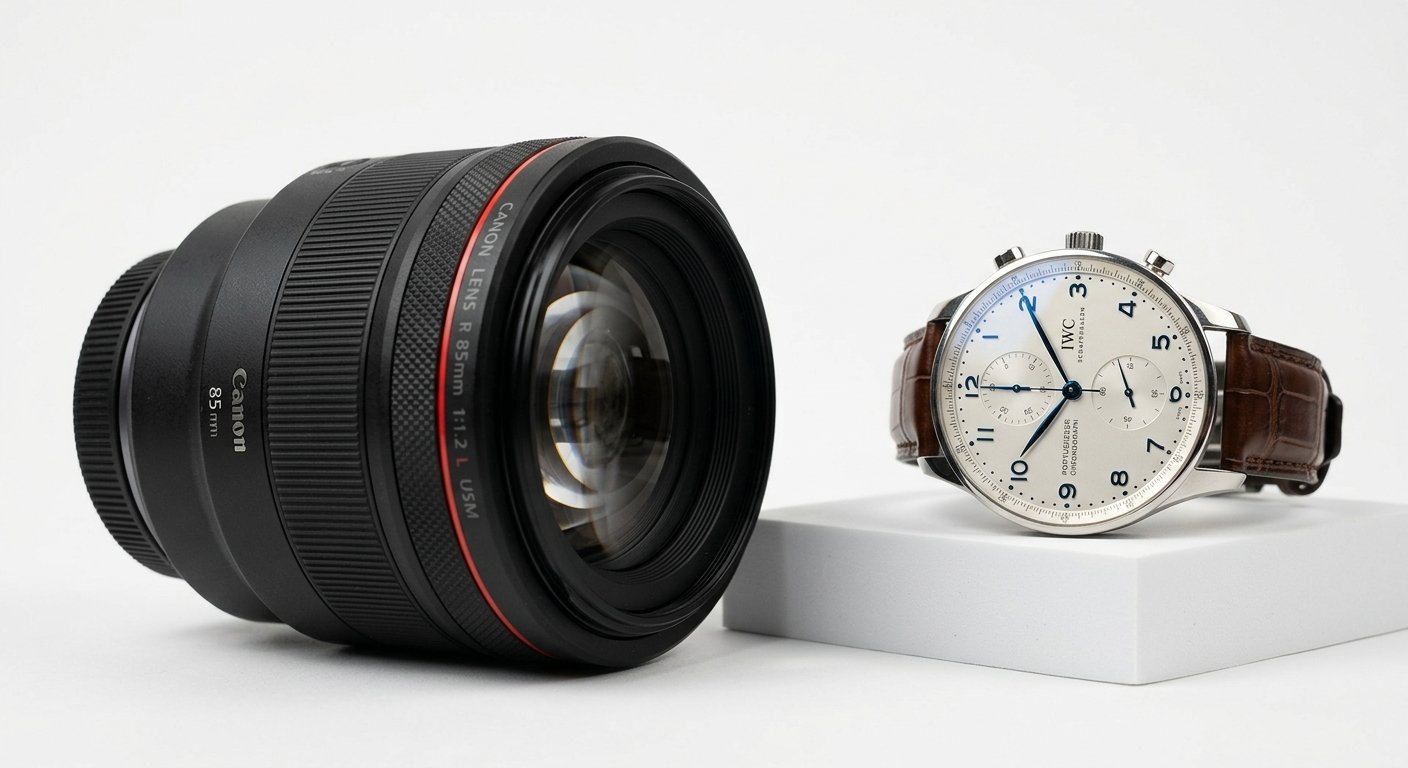
A clean, white background eliminates distractions. It keeps the shopper's focus exactly where it belongs: on your product. When your images look professional, you build trust. Trust leads to conversions. If your background is messy or contains shadows, you risk rejection from the Amazon search algorithm or, worse, losing a sale to a competitor who looks more professional.

Creating this look doesn't require a professional photography studio. You don't need expensive lighting kits or high-end editing software that takes months to master. With modern technology, you can use an AI background remover to achieve studio-grade results in seconds.
How to Get Amazon-Ready Images in Minutes
You need a workflow that is fast, accurate, and repeatable. Here is the step-by-step process for preparing your product catalog.
Step 1: Capture Your Product
Use a well-lit area. Natural sunlight from a window works great if you are starting out. Position your item on a solid surface. Even if the backdrop is cluttered, don't worry. Our product studio tools are designed to isolate your product from any environment.
Step 2: Remove the Existing Background
Upload your photo to our online background eraser. The AI will detect the subject's edges and remove the background instantly. This works even for complex shapes like hair, jewelry, or bicycle wheels where traditional manual masking would take forever.
Step 3: Refine and Place
Once the background is gone, you can drop your product onto a pure white canvas. If there are stray pixels or rough edges, use an edge refiner to ensure the transition looks seamless. You want the cutout to feel natural, not like a low-effort sticker pasted onto a white sheet.
Step 4: Optimize for Speed
Amazon cares about page load speeds. A high-resolution image file that is too large will slow down your listing. Use an auto compress tool to shrink the file size without sacrificing the visual quality. You should also ensure your images meet the size requirements by using an image resizer to keep everything uniform.
Common Mistakes to Avoid
- Ignoring file formats: Always ensure your final output is in a web-friendly format. If you need to switch, use our format converter to ensure compatibility.
- Inconsistent lighting: Don't mix studio-lit images with natural-lit ones. Your gallery should feel cohesive.
- Cropping too tight: Leave some "breathing room" around the edges of your product. Amazon suggests the product should fill at least 85% of the frame, but don't cut off the edges.
- Forgetting shadow detail: A product floating in space can look fake. Sometimes adding a subtle drop shadow makes the image feel grounded and more authentic.
Frequently Asked Questions
Can I use a grey background instead of white?
For the primary product image, Amazon strictly mandates a pure white background (RGB 255, 255, 255). Save your lifestyle images and colored backgrounds for your secondary listing photos.
Do I need Photoshop to do this?
Absolutely not. You can achieve the same results using a transparent background maker that uses AI, which is much faster than manual selection tools.
Does batch processing help?
Yes. If you have a catalog of fifty products, batch background removal will save you hours of labor per week.
Start Enhancing Your Listings Today
Your product listing quality is a direct reflection of your brand's commitment to the customer. Stop letting cluttered backgrounds sabotage your sales potential. Visit MakeMyVisuals today to access our full suite of ecommerce tools. From high-speed image compression to precision background removal, we give you everything you need to dominate the Amazon marketplace.
Related Guides & Articles
- GTA 6 Launch Guide Reveals the Settings PS5 and Xbox Players Should Change First
- 10 Free Online Puzzle Games You Can Play Directly in Your Browser
- Best Free Brain Games to Play Online Without Downloading
- Photo Editing Quiz: Test Your Knowledge of Image Editing Basics
- Why Some Small Brands Are Getting More Attention Than Big Companies
- AI Agents Are Getting Smarter: What Can They Actually Do in 2026?
