How to Compress Images for Email: Speed Up Your Communication
Why Giant Images Are Killing Your Inbox Mojo
Sending emails should be effortless. Instead, your bloated files get stuck in the outbox or shoved into the spam abyss. It's the high-res junk—those massive photos straight from your phone—that ruins the party.
Learning how to compress images for email isn't some nerdy chore. It's the only way to keep your messages from being ignored. Don't be the person who crashes someone’s browser.
Shrinking your files makes the whole experience faster for the reader. If you need to clean up those visuals first, use a background remover to make your product shots look sharp and intentional. Keep it tight.
The Cold Truth About Deliverability
Most email providers have a 20MB limit, but don't push your luck. Even if it sends, those heavy files trigger spam filters like a red siren. Security bots hate unoptimized attachments.
Mastering image optimization is your only way out. Use an auto-compress tool to shove your files into the safe zone without breaking a sweat.
Remember how painful it is to watch an image crawl into view? Avoid that tragedy. Compressing isn't about ruining quality; it’s about stripping out the invisible data that nobody needs anyway.
Stop Fumbling with Your Files
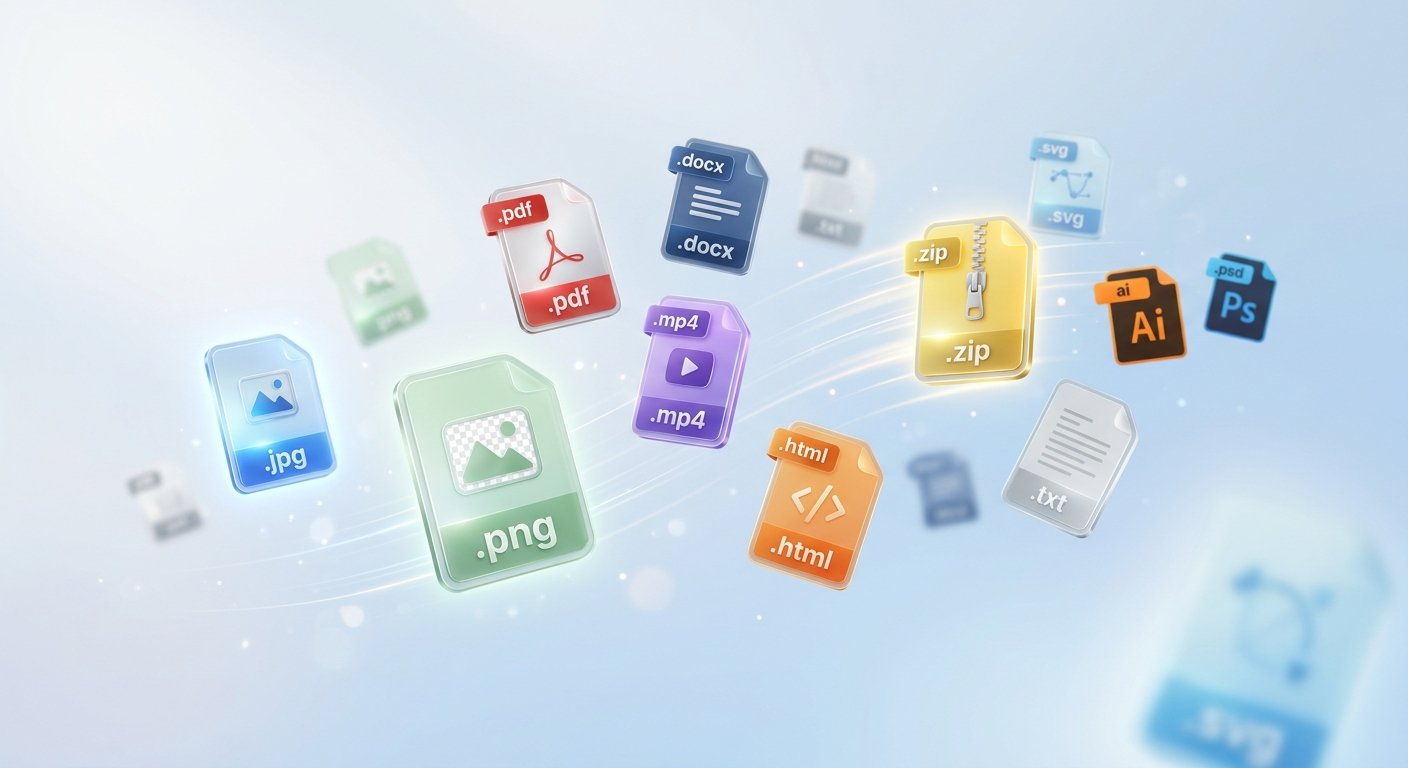
Forget the fancy software. You just need a few simple moves to keep things lean. First, pick the right format, like JPEG for photos or PNG for sharp graphics—grab a format converter if your file is acting stubborn.
Before you compress, use an image resizer to drop the dimensions to a sensible 600px or 800px width. There is zero reason to send a 4000-pixel billboard image in an email column. Trash the excess weight and do a quick check to make sure it still looks clean.
Stop Doing These Amateur Things
Stop sending high-quality TIFF files unless you want your email to choke. Export them as JPEGs or PNGs or don't send them at all. Wasting data on images meant for print is a rookie mistake.
If you're hauling a heavy PDF report, throw it into a smart doc assistant. Small tweaks mean you can ditch those clunky file-hosting links that firewalls love to block. Keep it compact.
Respect the Recipient
Ecommerce emails live and die by their photos. Use a product studio to fix your lighting and presentation before you ever hit send. Great images build authority.
Stop burning through your reader's mobile data plan. A 5MB image is a slap in the face to anyone checking their phone on the bus. Treat their data with respect, and they might actually read your content.
Frequently Asked Questions
What’s the golden rule for file size?
Keep each image under 500KB and the whole email under 1MB. Push it any further and you’re begging for trouble.
Does compression turn photos into a blurry mess?
Not if you’re using decent tools. They strip redundant data, not your pixels. You won't even notice the change.
When do I choose PNG over JPEG?
Use JPEG for photos. Use PNG only if you need transparency or crisp text. Compress both, no exceptions.
Can I compress everything at once?
Absolutely. If you’ve got a dozen images for a newsletter, use a bulk processing tool to save your sanity. Why do it by hand?
End the Bloat
Making your images email-ready is just good hygiene. It keeps your reputation intact and ensures your messages actually land in front of human eyes. Start optimizing today at MakeMyVisuals and watch your engagement crawl out of the basement.
Related Guides & Articles
- GTA 6 Launch Guide Reveals the Settings PS5 and Xbox Players Should Change First
- 10 Free Online Puzzle Games You Can Play Directly in Your Browser
- Best Free Brain Games to Play Online Without Downloading
- Photo Editing Quiz: Test Your Knowledge of Image Editing Basics
- Why Some Small Brands Are Getting More Attention Than Big Companies
- AI Agents Are Getting Smarter: What Can They Actually Do in 2026?
