How to Compress Image to 50KB Without Losing Quality
Why 50KB is the Magic Number
Government portals and networking sites share one common headache: the 50KB file limit. You’ve got a pristine 5MB portrait, but their server won’t touch it. It’s a brick wall. Learn to squeeze that file or get left behind.
Compression isn't some black magic. It’s just stripping out the data your eyes won't miss anyway. Done right, you keep the grit and clarity while the file size craters.
The Core Challenges
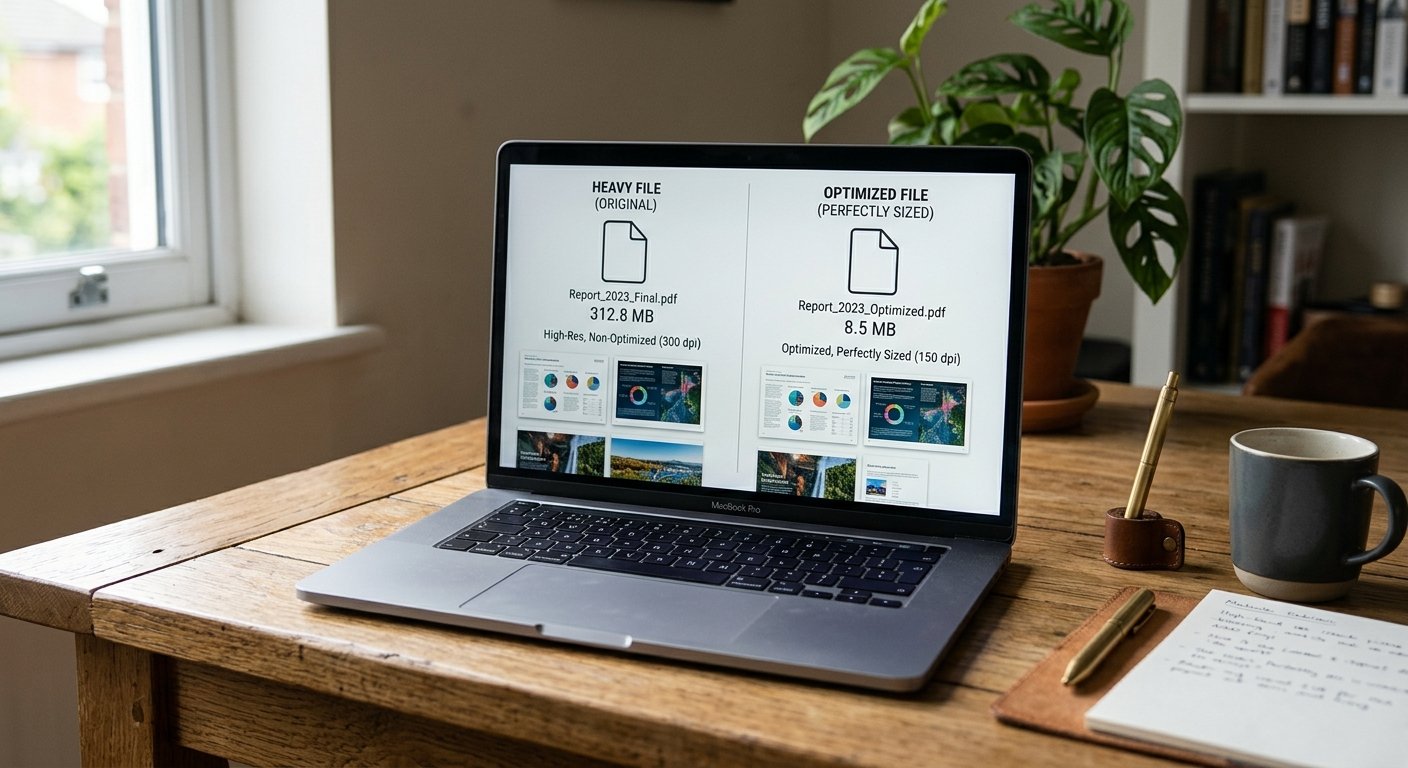
Heavy images are bloated with "excess fat"—hidden metadata, GPS tags, and massive pixel depth you don't need for a profile pic. Software sees that data as a mountain. You’ve got to force it into a molehill.
Tired of blurry, unrecognizable garbage? Resize the physical dimensions first. Shrinking the canvas is the smartest way to start before you let an auto-compress tool finish the job.
Shrinking Files Without the Fluff
Forget expensive software suites that want your subscription fee every month. You can handle this stuff with basic logic. Start by swapping that heavy PNG for a lean JPG using a format converter.
Ignoring the dimensions is a rookie mistake. A 4000-pixel wide shot is overkill for a tiny icon; bring it down to 800 pixels. Need to handle official papers? A smart doc assistant keeps the text crisp while shredding the weight.
Avoiding Common Pitfalls
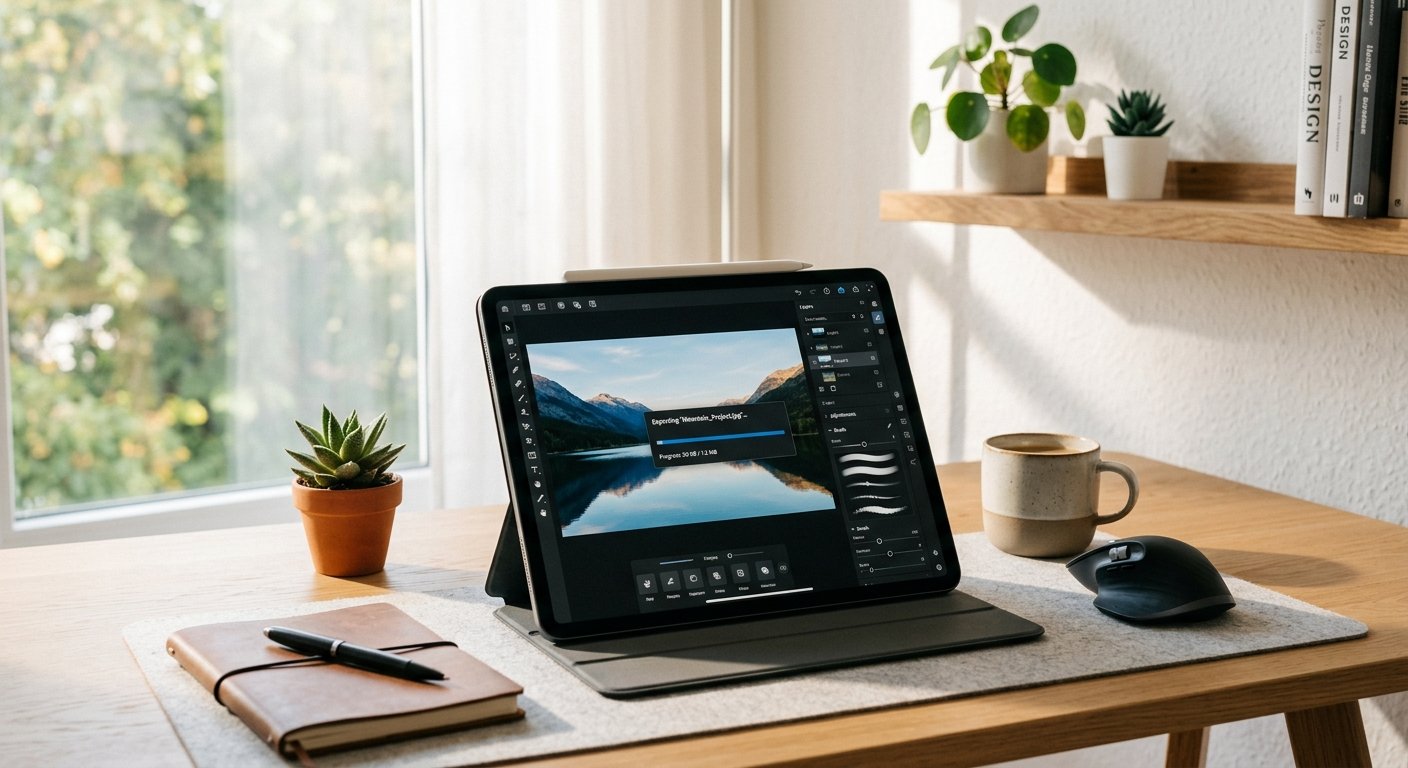
Blindly clicking "Save for Web" is a recipe for a grainy nightmare. Always preview your work. If the output looks like a digital mosaic, you’ve gone too far.
Stuck with a complex, noisy background? It’s eating your file budget for breakfast. Use a background remover to flatten the chaos into a solid color. It’s a massive space-saver.
When to Call in the Pros
Manually tweaking fifty product photos is a soul-crushing waste of time. Batch processing is your only way out. Our product studio handles the heavy lifting so you don't have to.
Sometimes compression sucks the life out of your colors. If your portrait looks a bit dead, use a recolor cloth tool to pump some vibrancy back into the mix.
Frequently Asked Questions
Can I keep the quality at 50KB?
Lossy compression is exactly that—lossy. But at 50KB, the human eye is easily fooled on a web screen. Resize your dimensions first, and you won't miss the deleted bits.
What format wins?
JPG is the undisputed king of tiny file sizes. PNGs are usually bloated, but if you absolutely need transparency, keep it lean with a sharp background remover.
Why does my photo still look like trash?
You started with garbage, so you got garbage back. Compression works best when your source material is sharp. If your master copy is blurry, no tool on earth can save you.
Get Started with MakeMyVisuals
Quit fighting with server error messages. Whether you're uploading a resume or managing a massive product catalog, we’ve got the tools to fix it. Move fast. Look good.
Visit MakeMyVisuals and start clearing out the digital clutter today.
Related Guides & Articles
- GTA 6 Launch Guide Reveals the Settings PS5 and Xbox Players Should Change First
- 10 Free Online Puzzle Games You Can Play Directly in Your Browser
- Best Free Brain Games to Play Online Without Downloading
- Photo Editing Quiz: Test Your Knowledge of Image Editing Basics
- Why Some Small Brands Are Getting More Attention Than Big Companies
- AI Agents Are Getting Smarter: What Can They Actually Do in 2026?
