Google Lens SEO: A Practical Guide to Visual Search Success

The Shift Toward Visual Search
People no longer rely solely on text queries. They point their cameras at real-world objects and ask Google, "Where can I buy this?" This is the rise of visual search, and it is fundamentally changing digital marketing. If your product images are not prepared for Google Lens, you are leaving organic traffic on the table.
Google Lens uses computer vision to interpret what is inside an image. It identifies textures, shapes, logos, and product categories. To rank, your visual assets need to be clear, descriptive, and lightweight. You are essentially teaching a machine how to "see" your product.
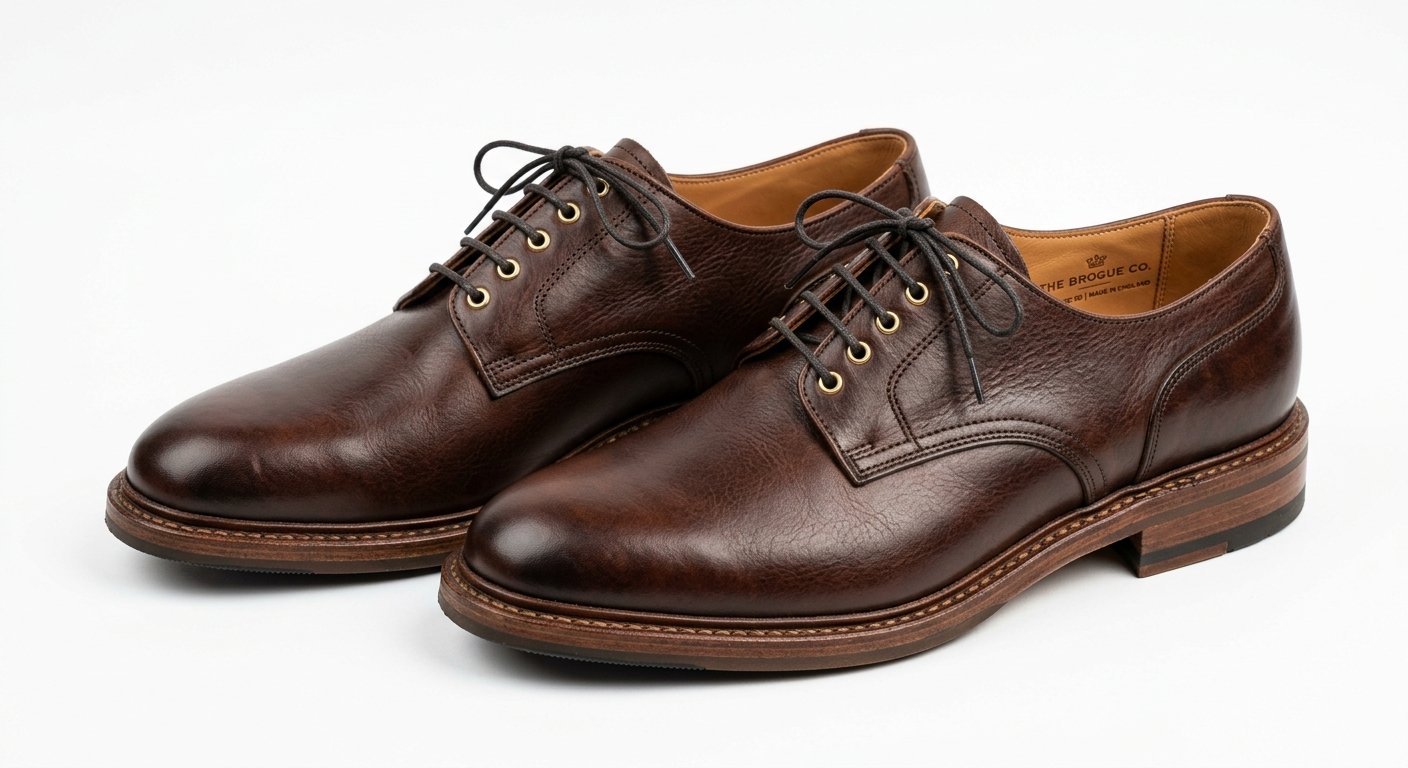
Optimizing for visual search is not about hacking a secret algorithm. It is about providing Google with high-quality, high-context signals that make your images the obvious choice for a match. Think of it as SEO for your visual identity.
Why Image Quality is Your Biggest Ranking Factor
High-quality visuals serve as the backbone of your conversion strategy. When an image is blurry or poorly lit, Google’s vision algorithms struggle to identify specific product details. You need crisp, clean images that stand out in a sea of visual data.
First, focus on your image composition. Remove distractions that might confuse the algorithm. Using an AI background remover allows you to isolate your product, making it the focal point of the visual data. A clean, transparent background maker output ensures that your product is the only thing the algorithm processes, which improves the likelihood of a successful match.

The Technical Side of Visual Discovery
Google Lens hates slow websites. If your images take five seconds to load, search engines will deprioritize them. Use an auto-compress tool to minimize file size without sacrificing visual fidelity. You also need to ensure your files are in the right format. Our format converter can help you transition to modern, efficient file types that browsers and search engines love.
- Use descriptive file names (e.g., 'leather-brown-tote-bag.jpg' instead of 'IMG_001.jpg').
- Implement descriptive alt text that explains the context of the image.
- Maintain consistent product dimensions across your catalog with an image resizer.
Optimizing for E-commerce and Products
Product search is where Google Lens shines brightest. If you operate an online store, your images act as your digital storefront. An ecommerce image enhancement suite can help you maintain high standards across thousands of SKUs. When your images look professional, they signal trustworthiness to Google, which is a major factor in rank placement.
If you are struggling with messy product photos, consider batch processing. High-volume batch background removal keeps your catalog looking uniform. This uniformity helps Google categorize your products more effectively, grouping similar items from your store together in search results.
Common Mistakes in Image SEO
Many site owners make the mistake of ignoring file context. Adding an image to a page without related text is a missed opportunity. Google uses the surrounding text on a page to understand the intent of the image. If you are uploading a document-based visual, use a smart doc assistant to ensure the text within or around the image is readable and optimized.
Another common error is failing to refine the edges of your subjects. Poorly cut-out images look unnatural to AI algorithms. Using an edge refiner or hair edge refinement tool can provide that professional finish that search engines recognize as high-quality content.
Frequently Asked Questions
Does image compression hurt visual search rankings?
Not if done correctly. Modern compression maintains high visual fidelity while reducing load times, which actually helps your SEO.
Why does Google Lens ignore some of my images?
This usually happens due to low resolution, cluttered backgrounds, or missing metadata. Ensure your images are clean and descriptive.
How important is portrait editing for visual search?
Very important for personal branding. Whether you are using portrait recoloring or general enhancement, clean, well-lit portraits are more likely to be crawled and indexed properly.
Final Steps for Success
Google Lens SEO is an ongoing process. Start by auditing your current image library. Identify which files are too large and which have distracting backgrounds. Use the suite of tools at MakeMyVisuals to clean up your assets and prepare them for the future of discovery. Ready to upgrade your visual presence? Visit MakeMyVisuals today to start optimizing your images for better search results.
Related Guides & Articles
- GTA 6 Launch Guide Reveals the Settings PS5 and Xbox Players Should Change First
- 10 Free Online Puzzle Games You Can Play Directly in Your Browser
- Best Free Brain Games to Play Online Without Downloading
- Photo Editing Quiz: Test Your Knowledge of Image Editing Basics
- Why Some Small Brands Are Getting More Attention Than Big Companies
- AI Agents Are Getting Smarter: What Can They Actually Do in 2026?
