Best Instagram Photo Editing Tips for 2026
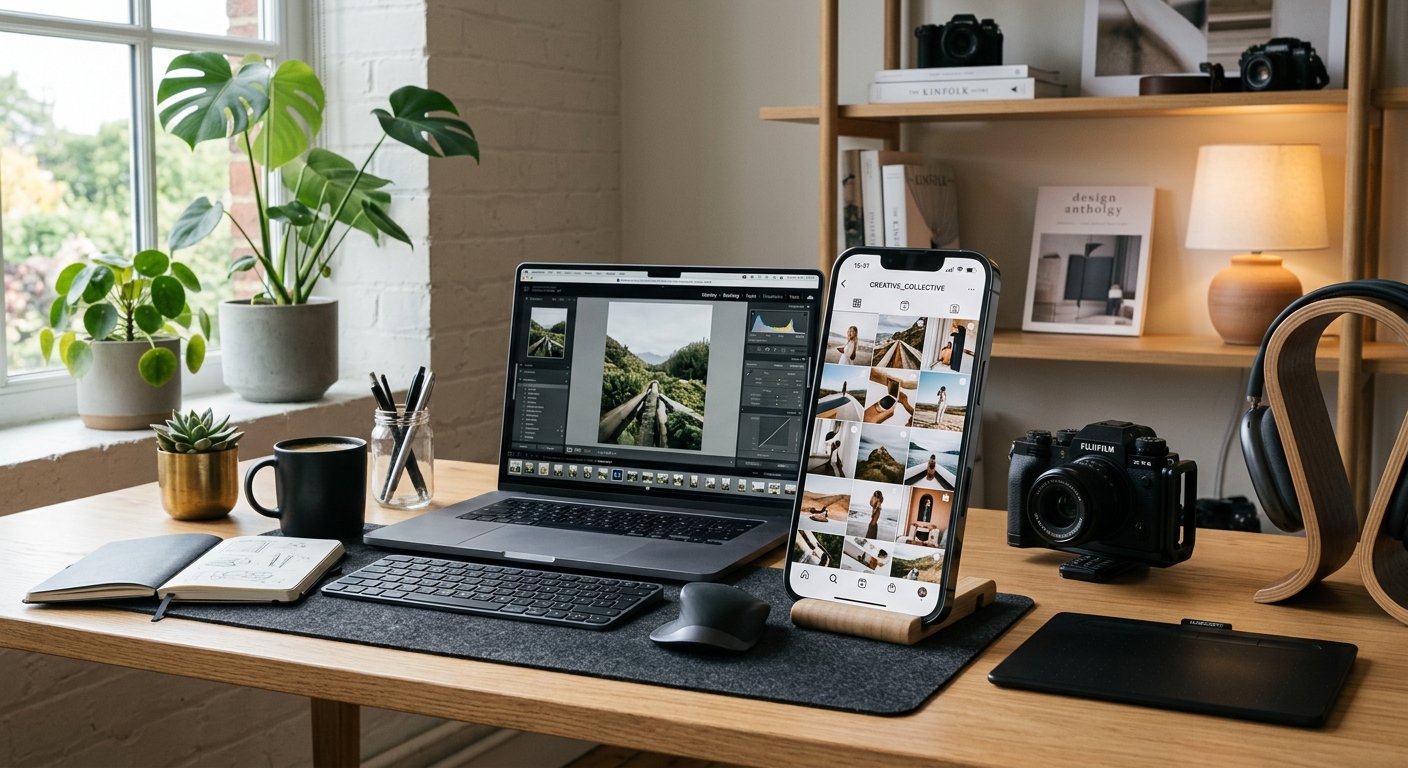
The Evolution of Instagram Aesthetics
Instagram is changing. By 2026, the era of over-filtered, hyper-processed images is fading. Users now crave authenticity mixed with professional clarity. If you want to stand out, your visual strategy must focus on clean compositions and high-quality detail. Success on the platform isn't just about the camera you use; it is about how you treat your digital assets after the shutter clicks.
Great visuals tell a story. But if your photo is cluttered or improperly sized, that story gets lost. Let’s look at how to refine your workflow for a more professional feed.

Mastering the Fundamentals of Image Optimization
Before you apply a single filter, your file needs to be technically sound. Instagram has specific requirements, and if your file format isn't optimized, the platform will compress it, leading to a pixelated mess. Start by using a reliable format converter to ensure your assets are in the ideal format for mobile displays.
Don't ignore your file size either. Large images slow down your upload process and can lead to quality degradation. Using an auto-compress tool helps you maintain high visual fidelity while shedding unnecessary file weight. Similarly, use an image resizer to ensure your photos fit the vertical aspect ratios that dominate the Explore page.
The Power of a Clean Background
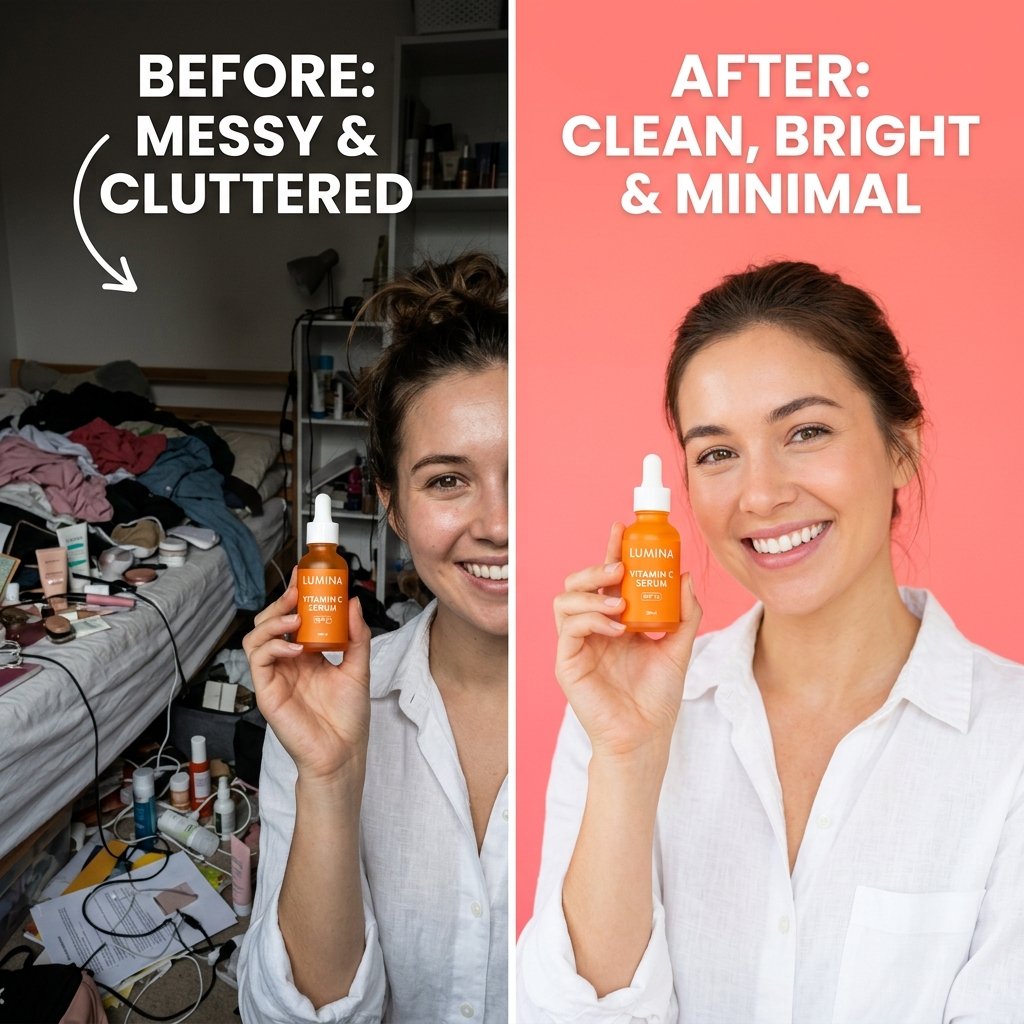
Distractions kill engagement. If you are a brand or a creator, the focus should remain entirely on your subject. Busy backgrounds force the eye to search for the focal point, causing users to scroll past your content. Using a professional background remover allows you to isolate your product or portrait, giving you total creative control.
Whether you need to create a clean white backdrop or a custom color, an AI-powered image background remover acts as an instant studio upgrade. You can remove photo background noise in seconds, turning an amateur snapshot into a polished graphic. This is essential for ecommerce sellers who need to showcase items without the mess of a home office or warehouse floor.
Polishing Portraits and Products
High-quality edits separate casual posters from industry leaders. For fashion bloggers or boutique owners, color consistency is the secret weapon. If an outfit color doesn't pop or feels slightly off, a quick recolor cloth adjustment can save a shoot that would otherwise be unusable.
Ecommerce brands should take advantage of a dedicated product studio to streamline the editing process. When you present your items with consistent lighting, crop, and background quality, you build trust with your audience. Remember, a clean, professional aesthetic signals that your brand is legitimate and detail-oriented.
Common Editing Mistakes to Avoid
- Over-sharpening: This creates harsh white halos around your subject.
- Ignoring the Histogram: Your shadows and highlights should be balanced, not crushed.
- Inconsistent Cropping: A mix of portrait and landscape makes your profile grid look disorganized.
- Using Low-Resolution Assets: Instagram will aggressively compress these, ruining your hard work.
Frequently Asked Questions
Why does my photo look blurry after uploading to Instagram?
Instagram compresses images to save bandwidth. To avoid this, pre-size your images to their recommended dimensions and use professional compression tools before uploading.
How can I make my product photos look professional?
Focus on removing distracting backgrounds. A clean subject is the most important element. Use an AI-based tool to remove background elements and replace them with a neutral or branded setting.
Should I use filters in 2026?
Minimalism is key. Use filters sparingly to adjust color temperature rather than completely changing the look of the photo. Authenticity wins more followers than heavy-handed editing.
Final Thoughts on Your Visual Strategy
The best Instagram photo editing tips are the ones that save you time while improving your output. Focus on technical quality first—sizing, formatting, and clean backgrounds—and let your content shine. By integrating these practices into your daily workflow, you will naturally develop a more cohesive and professional aesthetic.
Ready to upgrade your Instagram presence? Visit MakeMyVisuals today to access our full suite of AI editing tools. Whether you need a quick background swap or advanced product optimization, we have everything you need to build a stunning, high-converting feed.
Related Guides & Articles
- 10 Free Online Puzzle Games You Can Play Directly in Your Browser
- Best Free Brain Games to Play Online Without Downloading
- Photo Editing Quiz: Test Your Knowledge of Image Editing Basics
- Why Some Small Brands Are Getting More Attention Than Big Companies
- AI Agents Are Getting Smarter: What Can They Actually Do in 2026?
- How to Make an Image Sharper Without Creating Unnatural Edges
