Best AI Tools for Restoring Old Photos
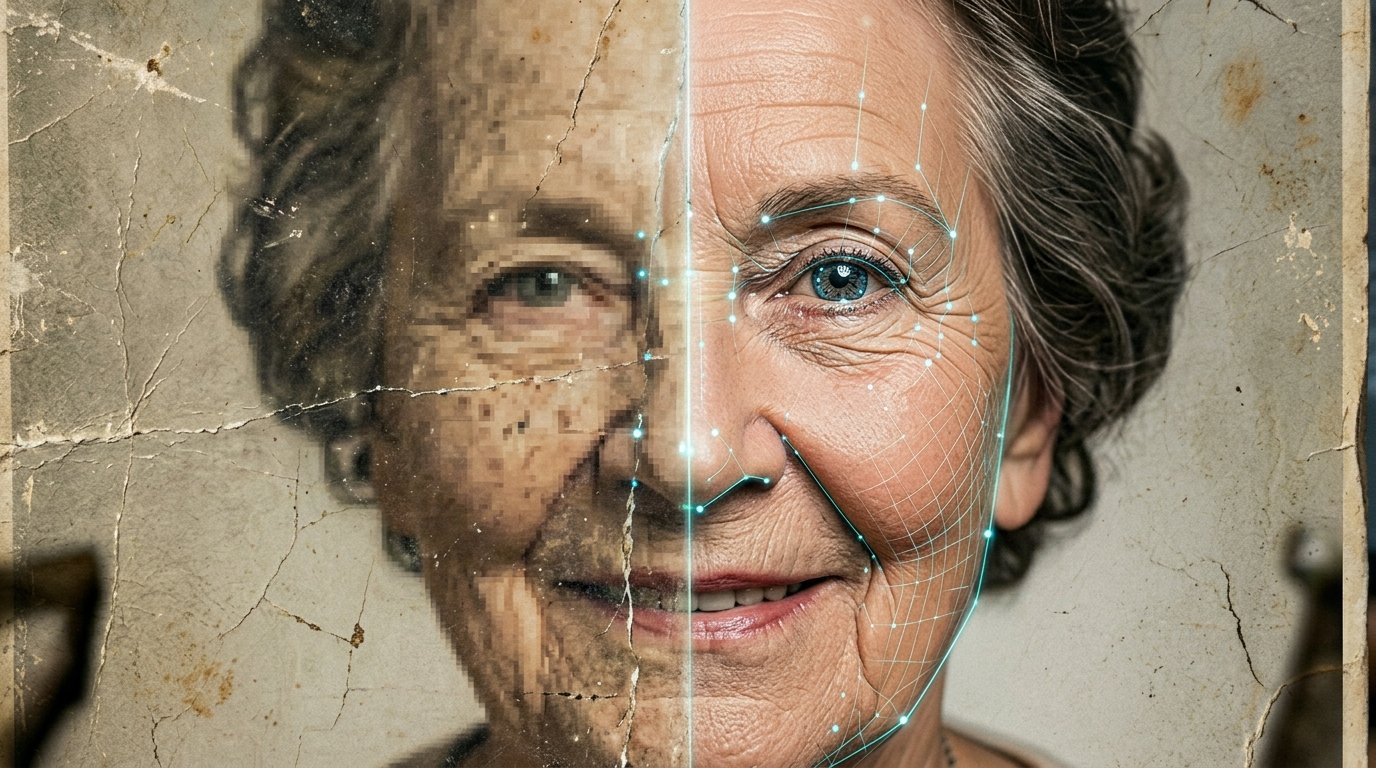
A faded family portrait. A damaged wedding photograph. A childhood picture with scratches and missing details.
For years, restoring old photos required professional editing skills, expensive software, and countless hours of manual work. Today, AI has changed the process completely.
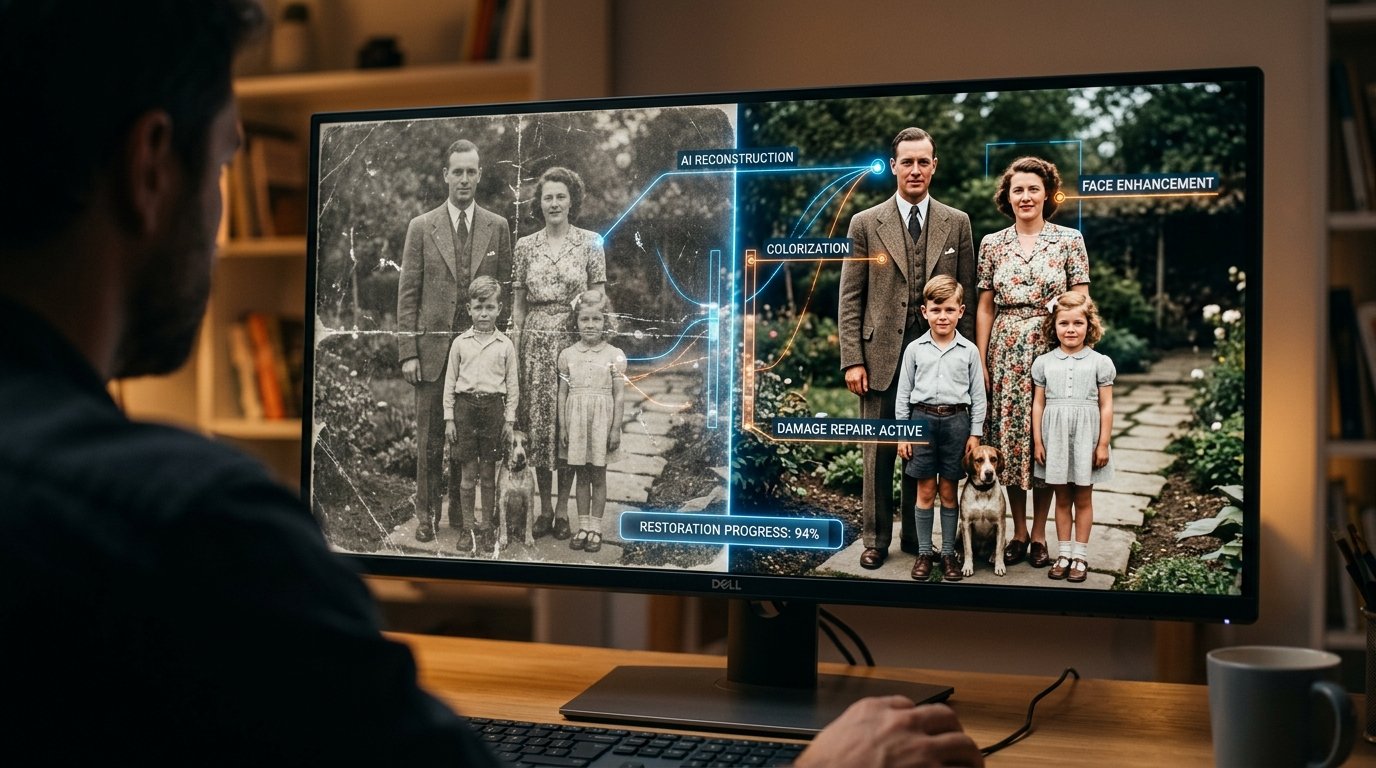
Modern photo restoration tools can automatically remove scratches, sharpen blurry faces, enhance colors, and recover details that seemed lost forever. What once took hours can now happen in a few clicks.
If you're searching for the best AI tools for restoring old photos, this guide covers the top options, key features to look for, and practical tips to achieve the best results.
Why AI Photo Restoration Has Become So Popular
Old photographs naturally degrade over time. Common issues include:
- Fading colors
- Dust and scratches
- Blurry details
- Low-resolution scans
- Torn or damaged sections
- Grain and noise
AI restoration tools analyze patterns within an image and intelligently reconstruct missing details. The result is often cleaner, sharper, and more realistic than traditional editing methods.
For families, historians, photographers, and content creators, this technology offers a fast way to preserve valuable memories.
What Makes a Great AI Photo Restoration Tool?
Before choosing a tool, look for these capabilities:
Facial Enhancement
Human faces are usually the most important part of old photos. Good AI restoration software should sharpen eyes, skin texture, and facial features naturally.
Scratch and Damage Removal
The best tools automatically detect cracks, stains, dust spots, and scratches without affecting surrounding details.
Color Restoration
Many vintage photographs suffer from fading. AI-powered color correction can revive natural tones while preserving authenticity.
Upscaling Support
Older scans are often low resolution. AI upscaling helps increase image quality for printing or digital archiving.
Ease of Use
A restoration tool should be simple enough for beginners while still producing professional-quality results.
Best AI Tools for Restoring Old Photos
1. Remini
Remini is one of the most popular AI photo enhancement platforms available today.
Key strengths include:
- Face restoration
- Blur removal
- Portrait enhancement
- AI sharpening
- Mobile-friendly workflow
It performs particularly well on old family portraits where facial details have become soft or unclear.
2. MyHeritage Photo Enhancer
Originally built for genealogy enthusiasts, MyHeritage has become a favorite for restoring historical family photos.
Benefits include:
- Automatic enhancement
- Historical photo repair
- Face reconstruction
- Simple upload process
It's especially useful when preserving family archives and ancestry records.
3. Adobe Photoshop AI Features
Photoshop combines traditional editing with advanced AI-powered restoration tools.
Users can:
- Remove scratches manually or automatically
- Repair damaged sections
- Enhance colors
- Upscale images
- Fine-tune restoration results
While it requires more experience, Photoshop offers unmatched control.
4. VanceAI Photo Restorer
VanceAI focuses on automation.
Popular features include:
- One-click restoration
- Noise reduction
- AI upscaling
- Damage repair
- Batch processing
This makes it a strong option for users handling large collections of old photos.
5. Fotor AI Photo Restorer
Fotor provides an accessible web-based solution for casual users.
Its strengths include:
- Fast restoration
- Color enhancement
- Face sharpening
- Beginner-friendly interface
No advanced editing skills are required.

How to Restore Old Photos Using AI
Follow these steps for the best results:
Step 1: Scan the Original Photo Carefully
Use the highest resolution available when digitizing photographs. Higher-quality scans provide better restoration outcomes.
Step 2: Upload to an AI Restoration Tool
Choose a trusted platform and upload the image.
Step 3: Apply Automatic Restoration
Allow the AI to:
- Remove scratches
- Sharpen details
- Reduce blur
- Improve colors
Step 4: Fine-Tune the Image
Review the output carefully. Sometimes subtle adjustments create more natural results than aggressive enhancement.
Step 5: Optimize and Save
After restoration, optimize the image for storage or sharing.
If you're preparing restored images for websites, portfolios, or ecommerce projects, tools such as the MakeMyVisuals background remover can help clean distracting backgrounds. You can easily remove background online, create transparent images, and generate professional visuals using the AI-powered tool:
https://makemyvisuals.com/background-tools/background-remover
You can also optimize large restored files using the MakeMyVisuals image compression tool:
https://makemyvisuals.com/compression-tools/auto-compress
And resize images for social media, printing, or web publishing using:
https://makemyvisuals.com/resize-tools/image-resizer
Benefits of Using AI for Old Photo Restoration
AI restoration offers several advantages:
- Faster than manual editing
- Beginner-friendly
- Affordable
- Consistent results
- Scalable for large photo collections
- Improved image quality
Many tools can restore photos within minutes while maintaining impressive accuracy.
Common Mistakes to Avoid
Over-Sharpening Faces
Excessive enhancement can create unnatural skin textures and unrealistic facial details.
Using Low-Quality Scans
Poor scans limit the AI's ability to recover information.
Ignoring Original Copies
Always keep the original image file before making edits.
Applying Too Many Filters
Restoration should preserve authenticity. Avoid excessive processing that changes the historical appearance of the photograph.
Best Practices for Better Results
- Scan photos at high resolution.
- Restore one issue at a time.
- Compare before-and-after versions.
- Keep backup copies.
- Use AI as an assistant, not a replacement for careful review.
- Export final images in appropriate formats for storage and sharing.
For restored product or archival images, MakeMyVisuals also offers advanced visual optimization through Product Studio:
https://makemyvisuals.com/ecommerce-tools/product-studio
FAQ
What is the best AI tool for restoring old photos?
Remini, MyHeritage, Adobe Photoshop, VanceAI, and Fotor are among the most popular options. The best choice depends on your restoration needs and editing experience.
Can AI repair damaged photographs?
Yes. Modern AI tools can remove scratches, repair tears, reduce blur, and enhance faded details automatically.
Is AI photo restoration accurate?
Most modern tools produce highly realistic results. However, users should always review restored images to ensure authenticity.
Can I restore black-and-white photos with AI?
Yes. Many AI restoration tools support both enhancement and colorization of black-and-white photographs.
Do I need editing experience?
No. Many AI photo restoration platforms are designed for beginners and offer one-click restoration workflows.
Conclusion
The best AI tools for restoring old photos have made preserving memories easier than ever. Whether you're repairing family portraits, historical archives, or treasured keepsakes, modern AI can recover remarkable detail while saving significant time.
As you restore and prepare images for sharing, MakeMyVisuals provides everything needed to optimize, resize, compress, edit backgrounds, and enhance visuals for professional results.
Bring Restored Photos to Life with MakeMyVisuals
After restoring your old photographs, take the next step with MakeMyVisuals. From AI-powered background remover tools and image optimization to resizing, compression, document enhancement, and ecommerce-ready visuals, MakeMyVisuals helps transform every image into a polished final product.
Explore the full suite of visual editing tools today and give your restored memories the presentation they deserve.
Related Guides & Articles
- 10 Free Online Puzzle Games You Can Play Directly in Your Browser
- Best Free Brain Games to Play Online Without Downloading
- Photo Editing Quiz: Test Your Knowledge of Image Editing Basics
- Why Some Small Brands Are Getting More Attention Than Big Companies
- AI Agents Are Getting Smarter: What Can They Actually Do in 2026?
- How to Make an Image Sharper Without Creating Unnatural Edges
