Best AI Portrait Editing Tips for Job Applications
Your Headshot is Your First Handshake
Recruiters take seven seconds to judge your soul. Before scanning your resume, they stare at your face. A grainy or messy photo kills your chances before you even say hello.
Ditch the studio photographer. You don't need to drop a paycheck on a suit and lights. Digital tools turn that selfie into a career-defining portrait for peanuts.
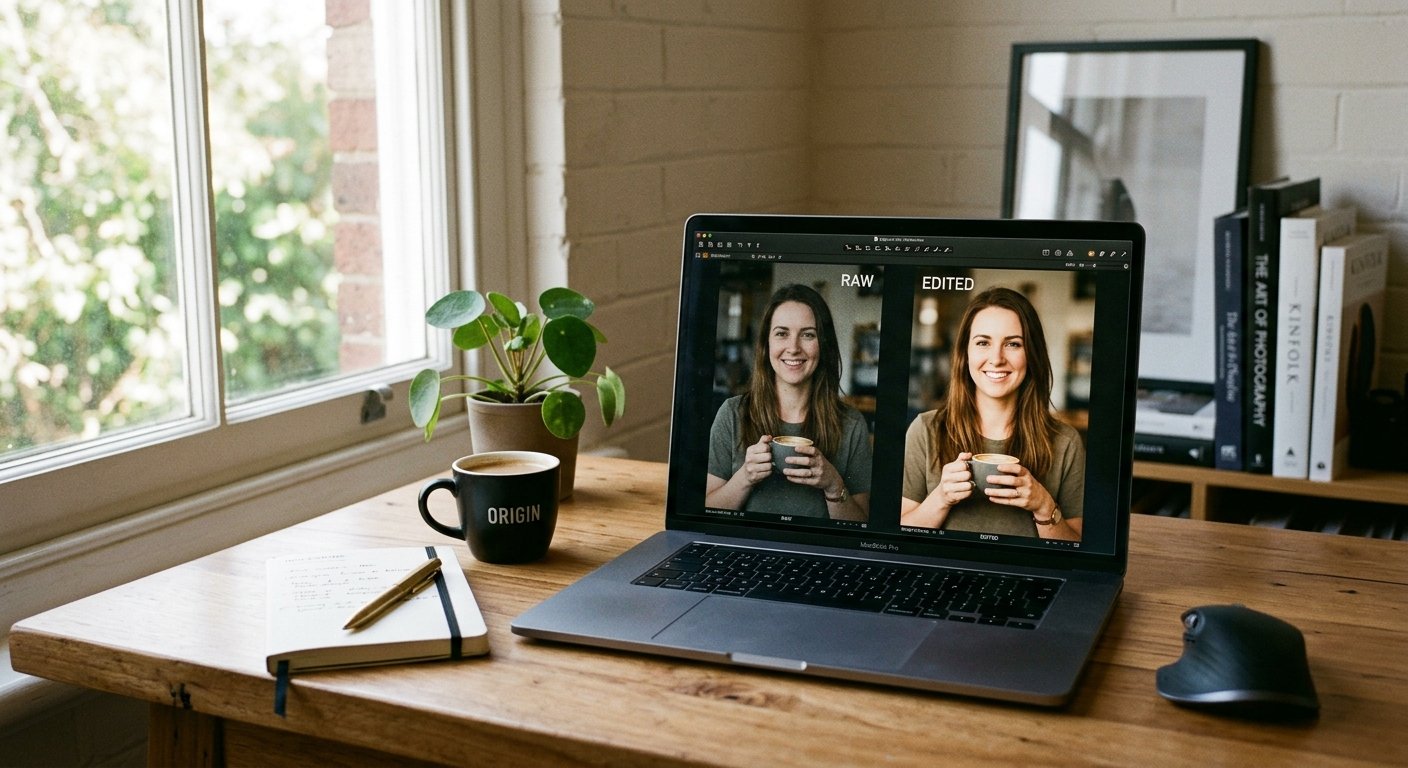
Fixing the backdrop is your first move. Cluttered rooms scream chaos. Use an AI background remover to swap that laundry pile for a crisp, professional backdrop. Instant polish.
Composition and Consistency
Don't let your file size choke a job portal. Use an image resizer to hit those specific upload specs. Run your shot through an auto-compress tool to keep it fast and clean.
Lighting matters. If the colors feel flat, tweak the saturation or use a recolor cloth feature to sharpen your wardrobe. It’s about looking alive, not like a mannequin.
Don't Go Overboard
Stop the over-editing. You aren't a plastic doll, so leave your skin texture alone. Recruiters need to recognize the person walking into their office.
Filters that mask your actual skin tone? Throw them away. Never crop people out of old photos, and if your headshot is from five years ago, delete it. Use a format converter to ensure your file doesn't crash their ancient systems.
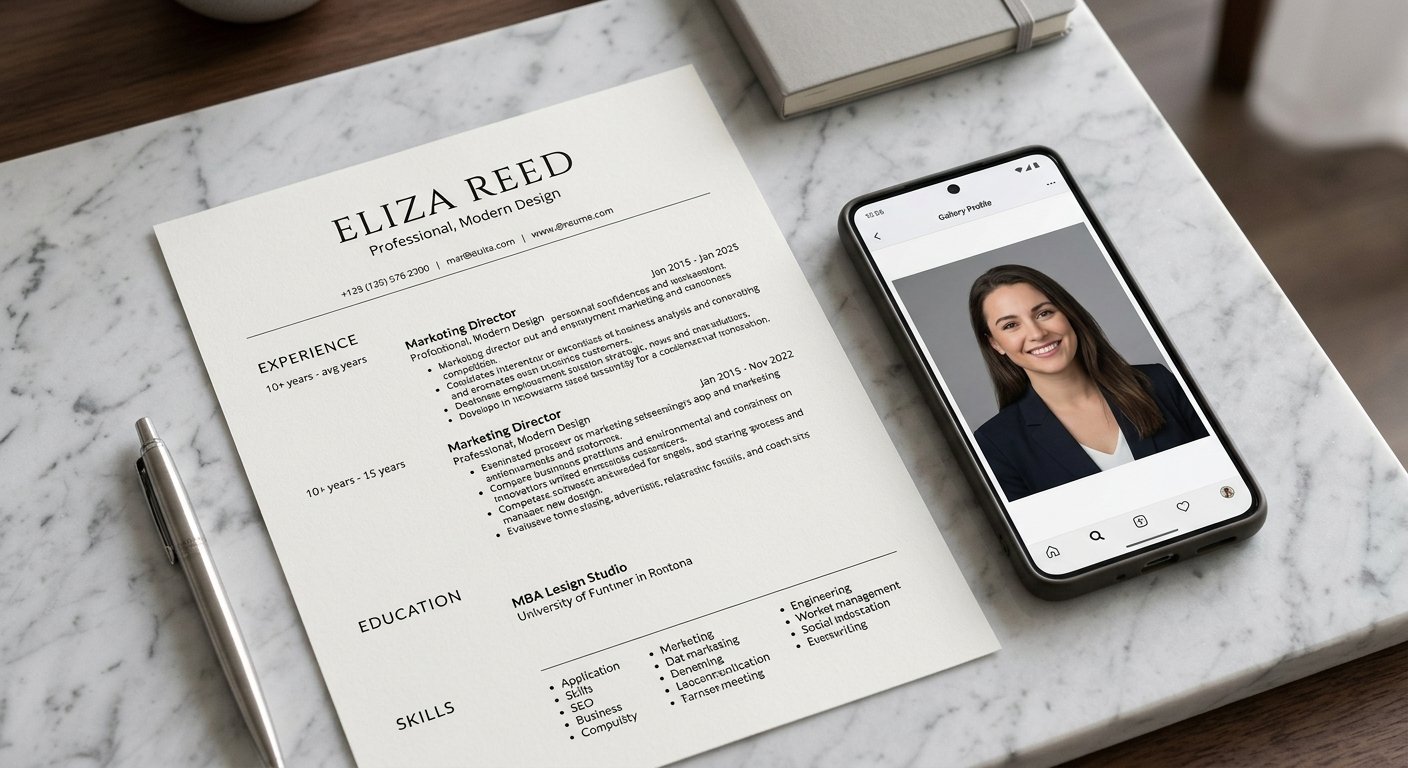
Respect the document, too. A sharp headshot attached to a messy, jagged resume looks insane. Use a smart doc assistant to align your layout with your visual brand.
Crushing the Details
Confidence sells. Bring a calm, focused expression to the frame. When using an online background eraser, look at the hair. Use hair edge refinement to avoid those amateurish, jagged cutouts.
Matching your industry is the goal. Creative gigs want personality; corporate suits want neutral, predictable backgrounds. Use your tools to fit the vibe.
The Quick Fire
Yes, a selfie works if the resolution is high and you've scrubbed the background. If a portal rejects your file, use that format converter to swap to a JPEG or PNG.
Ditch the pure white background. A neutral blue or grey feels more human. It’s clean, not sterile.
Control the Narrative
You’ve put in the work. Don't let a bad photo flush it down the drain. Build a cohesive brand that actually tells the truth.
Head over to MakeMyVisuals to fix your headshots. Optimize your docs. Get the job.
Related Guides & Articles
- GTA 6 Launch Guide Reveals the Settings PS5 and Xbox Players Should Change First
- 10 Free Online Puzzle Games You Can Play Directly in Your Browser
- Best Free Brain Games to Play Online Without Downloading
- Photo Editing Quiz: Test Your Knowledge of Image Editing Basics
- Why Some Small Brands Are Getting More Attention Than Big Companies
- AI Agents Are Getting Smarter: What Can They Actually Do in 2026?
