AI Photo Restoration: Complete Beginner Guide

Bringing Your Old Memories Back to Life
We all have that one shoebox filled with faded, torn, or blurry family photos. These physical relics are precious, but they degrade over time. Dust, scratches, and yellowing can hide the faces of people we love. AI photo restoration has changed everything. It uses complex algorithms to fill in missing details and sharpen faces.
You no longer need an expensive professional service or years of Photoshop training. Modern tools do the heavy lifting for you. It feels like magic, but it is just clever math.

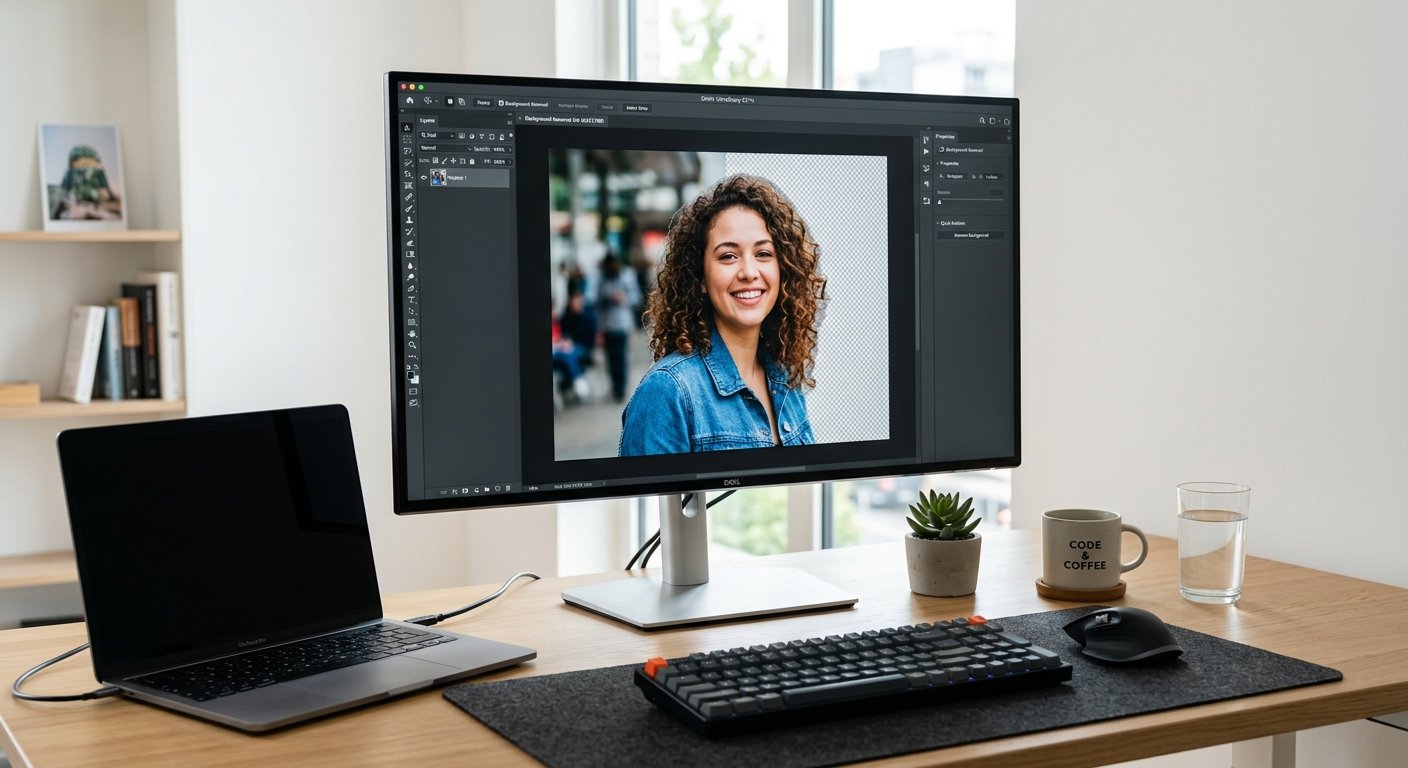
Restoring a photo is about clarity and emotion. When you remove a distracting background, the subject gains new life. Sometimes, you might want to use a background remover to place a portrait against a clean, modern backdrop. This simple step can make an old image look brand new.
How AI Restoration Works
Think of AI restoration as a digital artist with a perfect memory. The software analyzes millions of images to understand how human skin, fabric, and hair should look. When it encounters a blurry face, it predicts the missing pixels.
It is not just about sharpening pixels. Smart software also adjusts color balance and contrast. If you have a black and white photo that needs a touch of life, many platforms can now guess colors with high accuracy. Before you dive into complex editing, always make sure your files are optimized. If the file is too heavy, use an auto compress tool to ensure you can share your work easily.
The Restoration Process: A Simple Workflow
Follow these steps to get the best results from your digital scans.
- Digitize the Original: Scan your physical photo at a high resolution. Avoid taking photos of photos with your phone if possible.
- Crop and Resize: Sometimes you only need the subject. Use an image resizer to frame your subject perfectly.
- Repair Scratches: Use AI tools to detect and fill in scratches or dust marks.
- Color Correction: Adjust the saturation and white balance to match natural tones.
- Final Polish: Check for any edge artifacts. If the background looks patchy, a professional-grade image background remover can help clean up the composition.
Common Mistakes to Avoid
Beginners often go overboard. Increasing the sharpness slider to the maximum creates a jagged, unnatural "crunchy" look. Aim for a soft, realistic texture. Another mistake is colorizing images with neon or overly saturated hues. Keep it subtle to maintain the historical feel of the original shot.
Also, don't discard your original scan. Always work on a copy. If you have clothing in the shot that looks faded, you can try to recolor cloth elements to make the outfit pop without making it look like a cartoon.
Optimizing Your Results
Once your photo is restored, you might need to convert it for different uses. A format converter is essential for switching between PNG, JPG, or WebP depending on where you plan to display the image. If you are preparing these photos for a professional portfolio or an ecommerce store, remember that consistent visuals are vital. Use a product studio if you are restoring vintage product photography.
Frequently Asked Questions
Does AI restoration work on badly torn photos?
Yes, modern AI is excellent at reconstructing missing edges and patches, though heavily damaged faces may require more manual touch-up work.
Can I restore photos for free?
Many platforms offer free trials or basic tools. MakeMyVisuals provides a range of accessible utilities to get you started on your first project.
What file format is best for restored photos?
PNG is usually best for high-quality archival purposes, while JPG is better for quick social media sharing.
Start Restoring Today
Your history deserves to be seen clearly. With the right set of tools, you can save your family photos from the ravages of time. Explore the suite of AI-powered features at MakeMyVisuals to see how simple it is to transform your digital library. Ready to see the difference for yourself? Visit MakeMyVisuals and begin your restoration journey now.
Related Guides & Articles
- 10 Free Online Puzzle Games You Can Play Directly in Your Browser
- Best Free Brain Games to Play Online Without Downloading
- Photo Editing Quiz: Test Your Knowledge of Image Editing Basics
- Why Some Small Brands Are Getting More Attention Than Big Companies
- AI Agents Are Getting Smarter: What Can They Actually Do in 2026?
- How to Make an Image Sharper Without Creating Unnatural Edges
